Tips & Guides
Page 43 of Tips & Guides posts from the SnapRSVP team.
Loading posts…

© 2026 SnapRSVP
Page 43 of Tips & Guides posts from the SnapRSVP team.
Loading posts…
Page 43 of Tips & Guides posts from the SnapRSVP team.
Showing 505–516 posts out of 690

Build a wine tasting party RSVP website that tracks headcount, pour preferences, dietary notes, and capacity—so flights and glassware match the room.
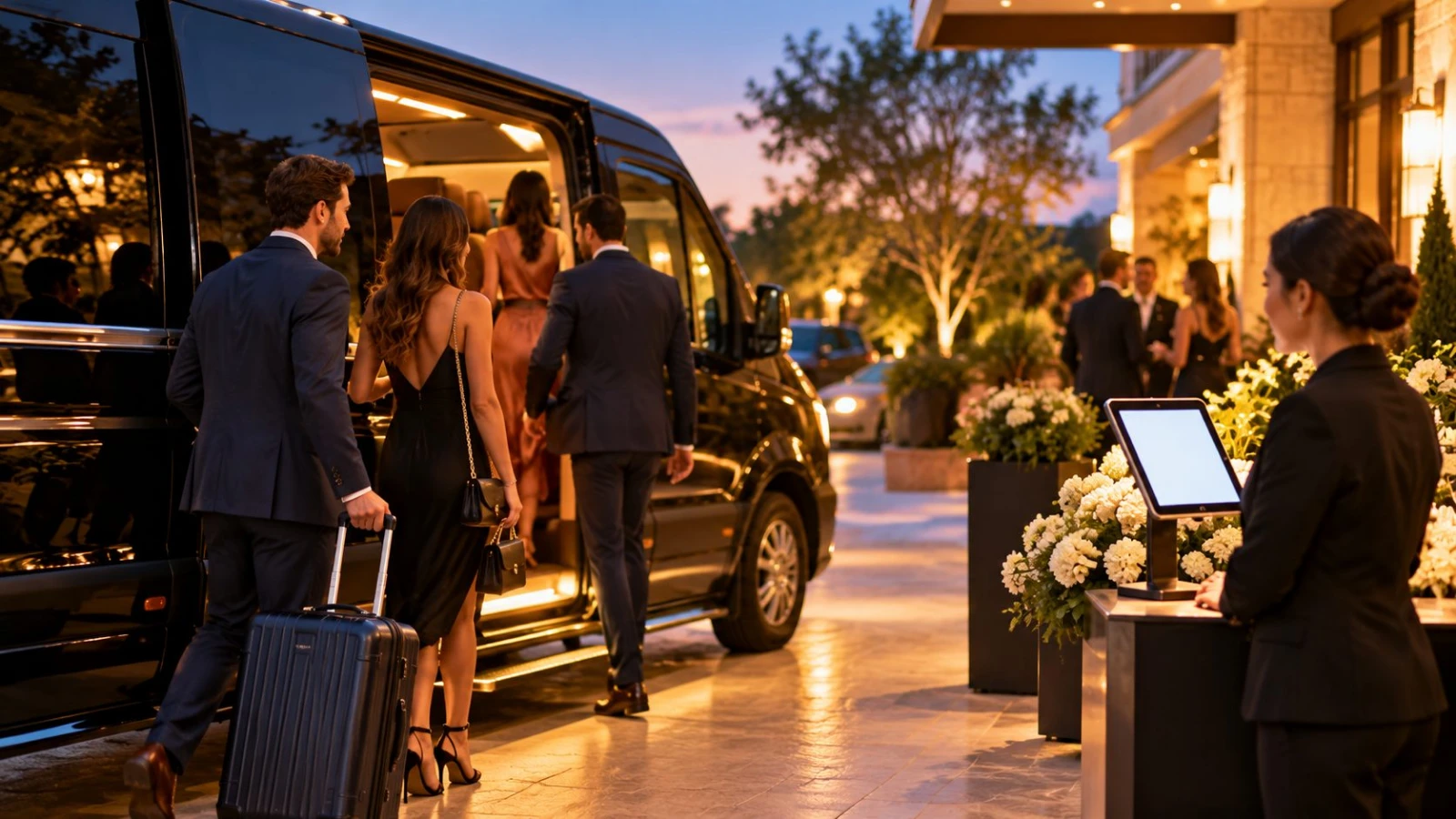
Collect shuttle, rideshare, parking, and hotel-transport preferences on your RSVP without overwhelming guests—field examples and timing included.

Run a customer appreciation event RSVP that collects headcount, dietary needs, and guest names—without a heavy registration portal that feels cold.

Stop double counts before they hit catering: prevent duplicate RSVP submissions with one canonical link, clear change rules, and a simple host review workflow.

Use an art gallery opening RSVP website to manage private-view capacity, collect guest names, plan drinks, and keep exhibition openings smooth.

Pick a birthday party RSVP deadline that fits catering, venue, and favors—plus reminder timing so guests reply without awkward chase texts.

Build an alumni event RSVP website that collects class year, dietary needs, and headcount—ideal for reunions, chapter mixers, and campus nights.

Set up a wedding after-party RSVP website to track who stays late, manage venue capacity, share logistics, and keep the reception guest list separate.

Compare full conference registration platforms vs a lighter RSVP website—tickets, sessions, payments, and when a simple headcount form is enough.
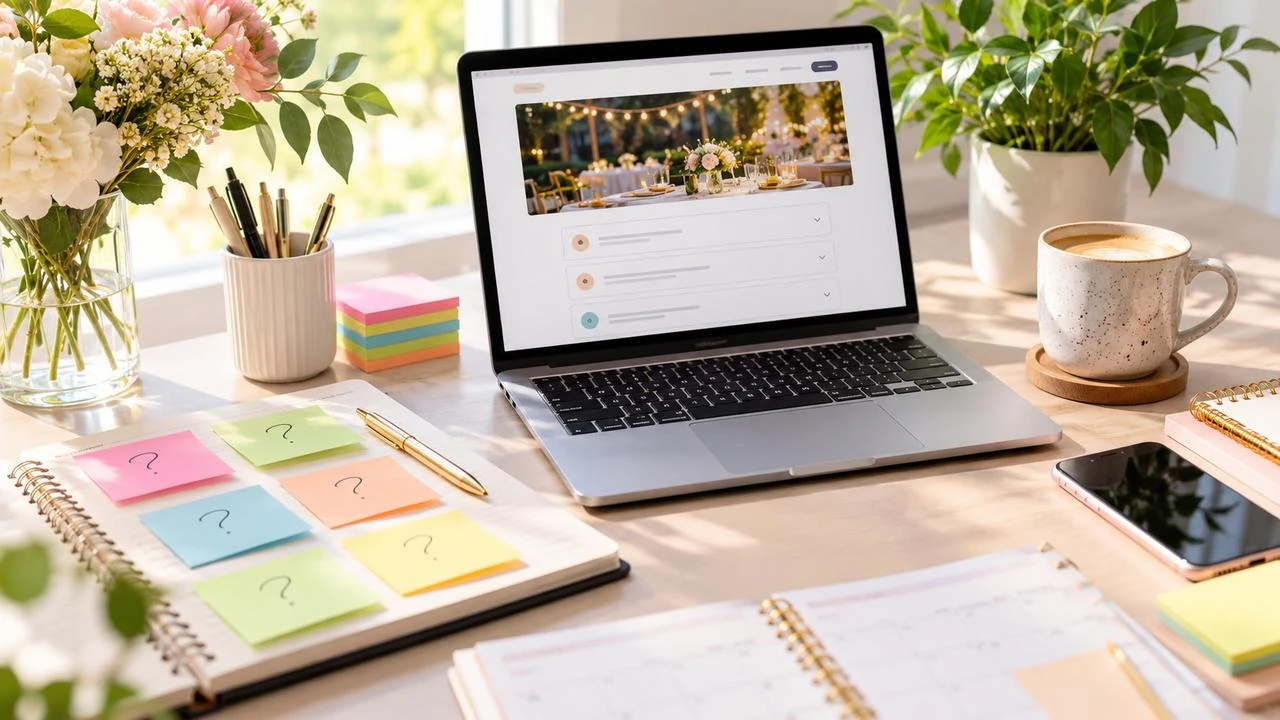
Add an FAQ section to your RSVP page to answer parking, dress code, plus-ones, and timing—cutting repeat DMs and helping guests reply faster.

Use a product launch party RSVP website to track customers, partners, and press, set capacity, collect dietary notes, and export a day-of check-in list.

Collect accessibility needs on your RSVP with optional, privacy-first questions that help with seating, entry, and AV—without asking for diagnoses.