
How to Collect Transportation Preferences on an RSVP Form
Collect shuttle, rideshare, parking, and hotel-transport preferences on your RSVP without overwhelming guests—field examples and timing included.
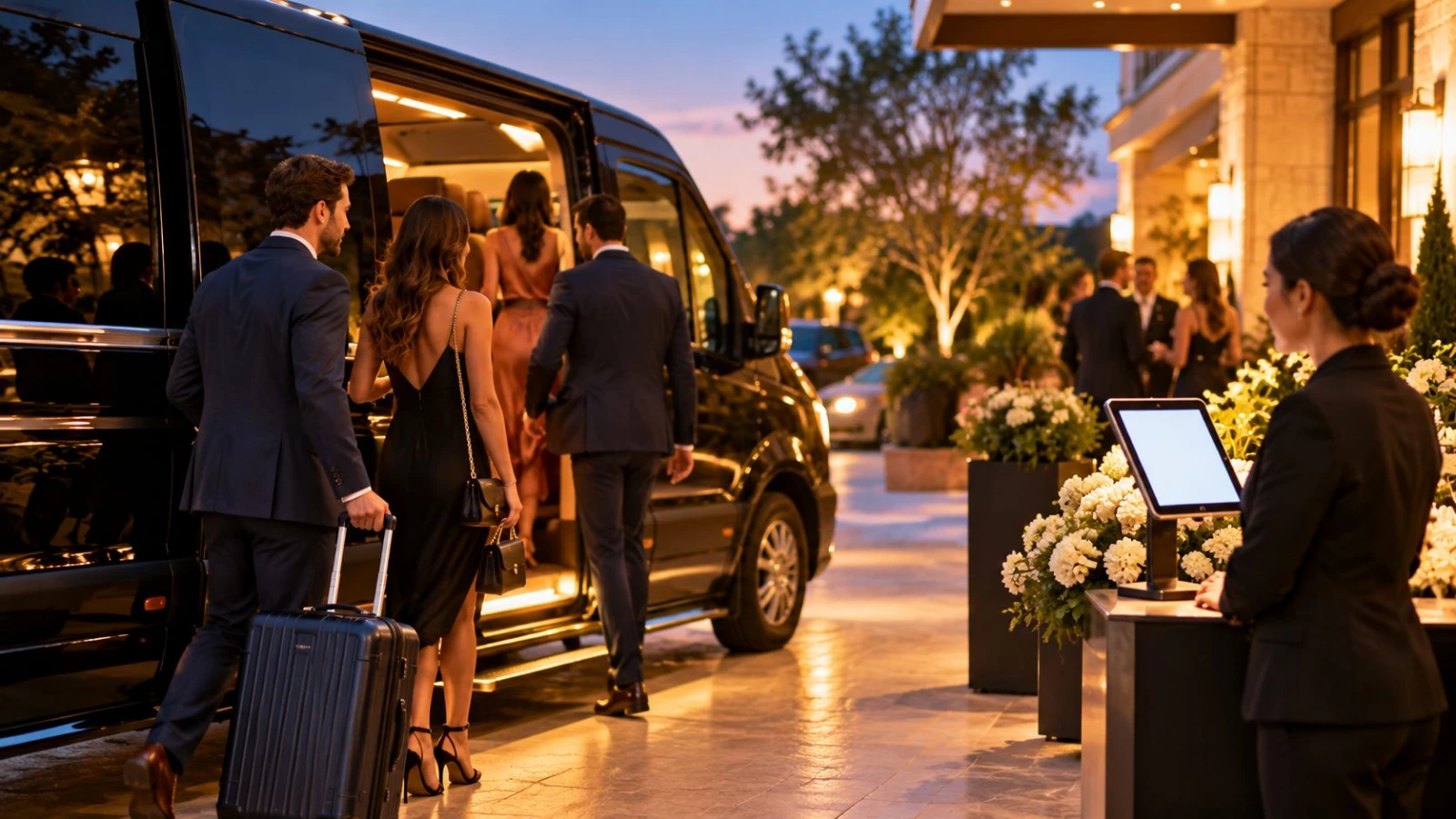
Transportation questions turn an RSVP from a headcount tool into a logistics plan. Knowing how to collect transportation preferences on RSVP forms helps you size shuttles, warn the venue about parking, and stop guessing who needs a ride back to the hotel block.
Add a short custom question set when you create an RSVP with custom questions—then only ask what you will actually act on.
Decide which preferences you will use
Collect only options you can fulfill:
Shuttle to/from ceremony or reception
Hotel-block bus after the party
Self-parking vs valet interest
Rideshare / own car / walking
Accessibility transport needs (wheelchair-accessible vehicle, etc.)
Flight or arrival window for destination events (optional)
If you are not chartering a shuttle, do not ask “Need a shuttle?”—share parking and rideshare tips instead.
Field patterns that guests understand
Single-select (best default): “How will you get to the venue?” → Shuttle / Own car / Rideshare / Other.
Multi-select when legs differ: “Select all that apply: Ceremony shuttle, Reception return shuttle, No shuttle needed.”
Optional note: “Anything we should know for pickup (mobility, car seat, hotel name)?”
Keep labels plain. Avoid internal jargon like “manifest A/B.”
Pair transport with hotel-block context
Guests answer better when they know the hotels you contracted. Link or mention the block on the same page as the transport question. A dedicated guide to a wedding RSVP with hotel block info covers how to surface addresses without cluttering the Yes/No.
For shuttle-specific ops—pickup times, capacity, and who rides—see wedding shuttle bus RSVP.
Timing: when to ask
On the main RSVP if transport is core (remote venue, late-night buses, destination week).
In a follow-up form if most guests are local and only a subset need help—send after Yes replies to avoid fatiguing decliners.
Close transport questions early enough to book vans (often 2–3 weeks out, earlier for peak season).
Destination weekends benefit from the fuller planning rhythm in destination wedding RSVP online.
Privacy and accessibility
Mobility needs are personal. Make those fields optional, explain they are for planning only, and limit who sees the export. Never require medical detail—ask for the accommodation (“accessible shuttle seat”) rather than a diagnosis.
How hosts use the answers
Count shuttle Yeses + buffer for day-of adds
Share hotel pickup lists with the driver
Alert valet if self-park demand is low and cars will stack
Message rideshare-heavy guests with the best pin drop
Export names with their transport choice—not just totals—so staff can check people onto the right bus.
Copy you can paste
“We will run a complimentary shuttle between the hotel block and venue. Please tell us if you plan to ride so we can reserve a seat. Prefer driving? Parking details are on the RSVP page.”
Collecting transportation preferences on an RSVP works when every option maps to a real plan, fields stay short, and you close answers before you book vehicles. Guests feel cared for; you stop guessing at midnight.
Common mistakes
Asking five transport questions when you only need one
Forgetting return-trip capacity (everyone leaves at once)
Ignoring plus-ones in shuttle counts
Publishing pickup times only in email, not on the RSVP page
Update the RSVP page if times change; do not rely on guests rereading an old thread.
Sample field set for a wedding weekend
Ceremony shuttle needed? Yes / No
Reception return shuttle? Yes / No
Hotel for pickup (dropdown of block hotels + Other)
Accessible vehicle needed? Yes / No / Prefer not to say
Optional note for car seats or late arrival
Five fields is plenty for most weekends. If you also need flight arrival times for airport transfers, put that on a separate post-Yes form so decliners are not asked about terminal numbers.
Communicating pickup logistics
After RSVPs close, email shuttle riders a one-page schedule: curb location, departure times, and a day-of contact number. Update the RSVP page FAQ with the same details so late readers still find them. Drivers need a printed manifest with names—not a screenshot of a group chat.
Parking-only events
Not every gathering needs a shuttle question. If the venue is downtown with paid garages, ask “Driving and need a parking pass?” or simply publish garage links and collect nothing. Extra fields that do not change an order waste goodwill. Match question weight to operational decisions you will make within a week of the deadline.
For multi-venue days (ceremony, photos, reception), clarify which leg each shuttle question refers to. Ambiguous “Need transport?” checkboxes produce useless data when guests assume different meanings.