
Wine Tasting Party RSVP Website: Guests, Flights, and Headcount
Build a wine tasting party RSVP website that tracks headcount, pour preferences, dietary notes, and capacity—so flights and glassware match the room.
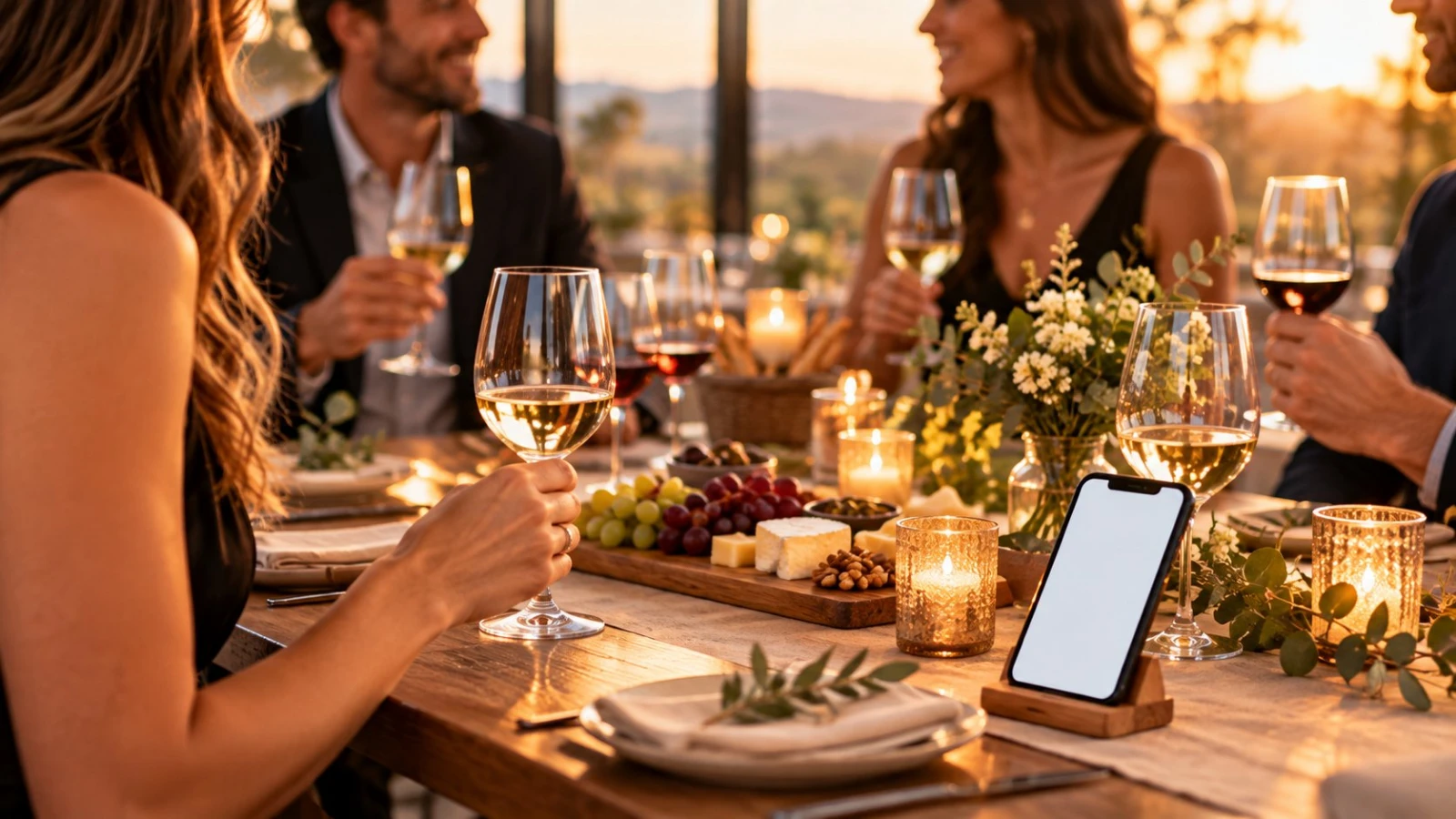
A wine tasting party RSVP website keeps pours, glassware, and seating honest. Tastings fail when twelve people show up for eight seats—or when nobody mentioned they skip sulfites until the first flight hits the table.
Publish a focused page with SnapRSVP’s create a tasting party RSVP flow, set capacity, and collect the few preferences that change what you buy.
Why tastings need RSVP (not a vague group chat)
Bottle math depends on confirmed seats
Flight order and spit cups scale with headcount
Non-drinkers and designated drivers need a graceful option
Cheese/charcuterie boards track dietary notes
Home venues have hard fire-code and chair limits
A chat “who’s in?” thread loses history. An RSVP export does not.
Fields that matter for wine tastings
Name + email
Yes/No (and a clear plus-one rule)
Drinking preference: tasting flights / non-alcoholic pairing / designated driver
Dietary notes for food pairings (vegetarian, nut allergy, etc.)
Optional: favorite region or “surprise me” for theme nights
Skip twenty wine-knowledge quiz questions. Guests came to taste, not take an exam.
Capacity and seating
Set a hard cap on the RSVP page when the table only fits ten. For standing cocktail-style tastings, still limit RSVPs so you do not run out of stemware. If you waitlist overflow, say when you will notify them.
Format ideas overlap with a cocktail party RSVP website when the night is more mingle-and-sip than sit-down flight.
Food pairing and allergies
Even a light board needs foresight. Ask politely for allergies and religious dietary limits. Pair that habit with broader hosting tips from how to plan a dinner party and inspiration from creative dinner party ideas if your tasting includes a plated course.
Invite copy that sets expectations
State start time, end time, address or “details after RSVP,” BYOB vs provided bottles, and whether spit cups are available. Mention dress code only if it matters. Clarify age policy if the venue or host requires it.
Sample: “Join us for a five-flight tasting (about two hours). Seats limited—please RSVP by Friday and note if you prefer non-alcoholic pairings.”
Reminders and day-of list
Reminder 5–7 days out with parking/transit notes
Final headcount 48 hours before shopping for cheese and ice
Export: names, drink preference, dietary flags
Print a simple flight card; keep the guest list on your phone for the door
Host checklist after RSVPs close
Buy bottles using confirmed seats + 10% buffer
Count glasses (and backups)
Prep non-alcoholic options equal in care to the wine
Label allergens on the board
Share address pin and building entry tips
A wine tasting party RSVP website is small hospitality infrastructure: capacity, preferences, and a clean list. Guests feel considered; you stop panic-buying a ninth bottle at 5 p.m.
Theme night variations
Blind tastings, regional tours, and “bring a bottle” swaps all still need a Yes/No and a food note. For BYOB themes, add one field: “Bottle you are bringing (so we avoid duplicates).” That single question prevents four Cabernets and no bubbles.
Corporate or club tastings should keep branding light and privacy high—collect company only if you need badges, not as a default.
Glassware, ice, and non-alcoholic parity
Use your Yes count to plan: typically one tasting glass per guest (plus rinses), water glasses for everyone, and enough ice for white and sparkling service. Non-alcoholic pairings should feel intentional—sparkling tea, craft shrubs, or alcohol-free wine—not an afterthought soda can. Your RSVP drink-preference field is what makes that shopping list accurate.
If the tasting is outdoors, add a weather line on the page (“covered patio; event is rain-or-shine”) so guests do not create a second SMS chain about umbrellas.
Club and subscription tastings
Recurring clubs can reuse the same RSVP template monthly with a new date and capacity. Archive each month’s export before resetting. Members appreciate a saved dietary note—confirm it is still current with a pre-checked “Any changes to your dietary notes?” optional field rather than forcing a full rewrite every time.
Budgeting from the RSVP export
Once Yeses settle, multiply confirmed seats by your per-guest bottle and food budget, then add a small buffer for breakage and late host pours. If costs are shared, send contribution details in the confirmation—not as a surprise in a group chat the day before. Keep payment off the RSVP form unless you are running a public ticketed tasting.
Photograph the final seating only after allergies are plated correctly. Your RSVP dietary column is the checklist; tape a printed copy in the kitchen where helpers can see it.