
How to Add an FAQ Section to Your RSVP Page (Cut Host DMs)
Add an FAQ section to your RSVP page to answer parking, dress code, plus-ones, and timing—cutting repeat DMs and helping guests reply faster.
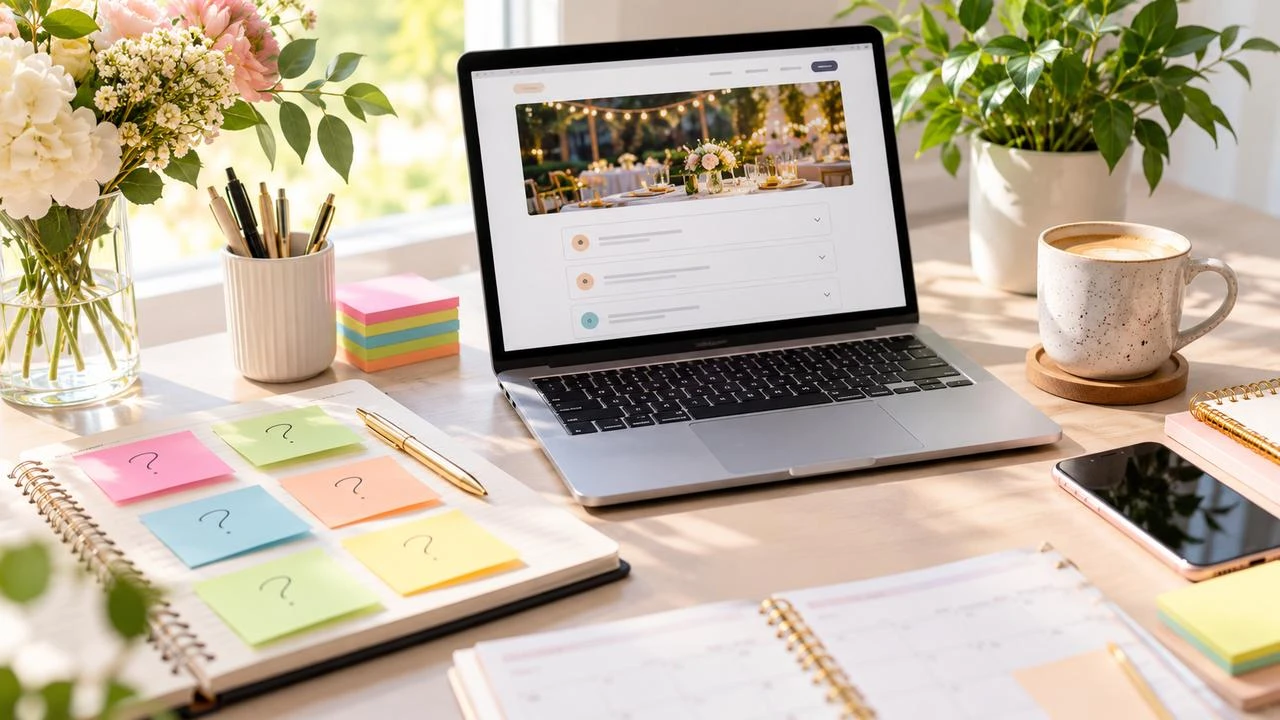
Inbox flooded with “what time does it start?” and “is there parking?” Learning how to add an FAQ section to an RSVP page cuts repeat questions, speeds guest replies, and keeps your group chat for congratulations—not logistics.
You can publish FAQs on the same page as your form when you create an RSVP event page. For layout ideas, skim SnapRSVP examples.
Why FAQs belong next to the RSVP form
Guests decide whether to attend and whether they have enough information in the same visit. If answers live in a separate PDF, buried email, or five Instagram stories, many people message you instead of clicking Yes. An on-page FAQ:
Reduces DM and text volume
Improves reply rates by removing uncertainty
Keeps one source of truth when details change
Helps plus-ones who never saw the original invite thread
What to include in an RSVP FAQ
Start with questions you already answer twice a week. Common high-value entries:
Start time, end time, and when doors open
Full address, parking, rideshare drop-off, and transit tips
Dress code and weather backup plan for outdoor events
Kids policy and plus-one rules
Meal, bar, and allergy process
Gift/registry preferences (optional)
How to change an RSVP after submitting
Accessibility and contact for special requests
COVID or health preferences if still relevant for your crowd
Weekend itinerary links for multi-day celebrations
If you are still choosing form fields themselves, align FAQ answers with those fields so guests are not surprised by meal, plus-one, or kids questions at submit time.
How to write FAQ answers guests actually read
Lead with the answer: first sentence states the fact
Keep each answer under ~60 words unless directions need steps
Use plain language: “Street parking on Oak Ave” beats jargon
Update in one place: change the FAQ when the venue shifts—do not rely on old texts
Link out sparingly: maps, registry, hotel blocks
Placement and structure on the page
Put the FAQ where hesitant guests look before submitting:
After the event story and before the form, or
Directly under the form with an anchor link near the top (“Questions? Jump to FAQ”)
Use clear H2/H3-style headings in the editor for each question so the page is scannable on mobile. Avoid dumping twenty items; ten strong answers beat a novel.
Building the rest of the page from scratch? The step-by-step in how to create an online RSVP for any party covers structure beyond FAQs.
Sample FAQ entries you can adapt
What time should I arrive?
Doors open at 5:30 p.m.; the program begins at 6:00 p.m. Late arrivals are welcome—enter quietly through the lobby.
Can I bring a plus-one?
Only if your invitation includes a guest. Enter their name on the RSVP form so we can seat everyone.
Is there parking?
Free garage on 12th Street; elevators to Level 2. Rideshare pin: “Harbor Atrium South.”
How do I update my RSVP?
Reopen the same link from your invite email and submit again, or message the host contact listed above.
Sharing the page so FAQs get seen
When you text or email the invite, mention that parking and dress code are on the page. Guests who open the link once are less likely to ping you later. Tips for clean link sharing are in how to share an RSVP link via text.
Maintenance tips after you publish
Add a new FAQ entry whenever three people ask the same question
Remove outdated COVID or shuttle notes after they expire
Mirror critical FAQs in reminder emails (one or two lines, not a reprint)
Translate or simplify language if many guests are non-native speakers
Adding an FAQ section to your RSVP page is one of the highest-leverage host upgrades you can make in under thirty minutes. Answer the questions once, keep the form nearby, and let guests self-serve—so your next notification is a Yes, not another “where do I park?”
Mining questions from real messages
Open your last event’s texts, email threads, and Instagram DMs. Highlight every logistics question and cluster duplicates. Those clusters become your first FAQ draft. If nobody asked about gifts but five people asked about rideshares, prioritize parking and drop-off over registry copy.
After the FAQ goes live, keep a running note titled “asked twice.” When a new question hits twice, add it within 24 hours. Living FAQs stay accurate; static ones rot and guests return to messaging you.
Formatting tips for TipTap and mobile
Use short headings for each question and a single paragraph answer. Bullets help for multi-step directions (exit freeway, turn left, garage entrance). Bold only the critical facts—time, address keywords, or “adults only”—so skimmers catch them. Preview on a phone: if guests must expand ten collapsed sections to find parking, simplify.
Finally, align reminder messages with the FAQ. A 48-hour reminder can say “Parking and dress code are on the RSVP page” instead of pasting a novel into SMS. Guests learn to trust the page as the source of truth, and your DMs stay quieter.