
How to Share an RSVP Link via Text Without Losing Replies
Learn how to share an RSVP link via text with clear context, a real deadline, privacy-conscious follow-up, and one simple response path for guests.
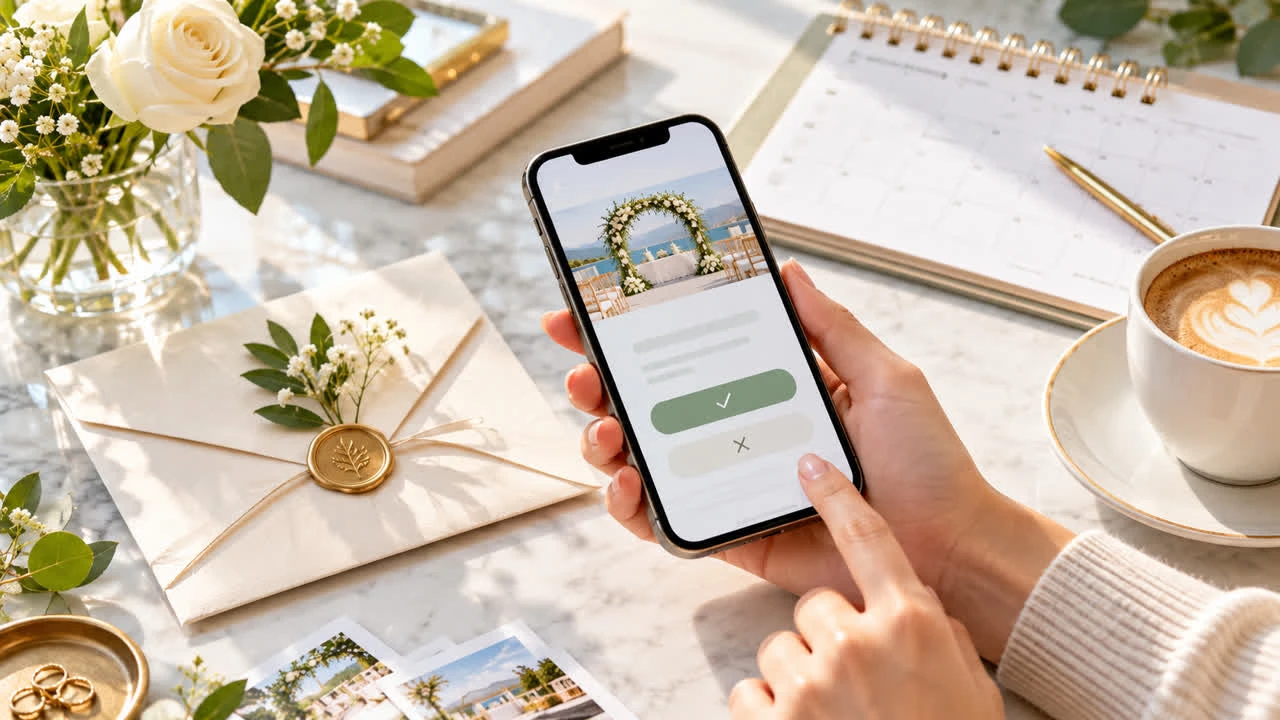
Texting an RSVP link is often the fastest way to reach guests, but a bare URL can look like spam and a long paragraph can hide the action you need. The best text message gives enough context to establish trust, states the response deadline, and points to one mobile-friendly RSVP page. A consistent message also makes follow-up much easier for the host.
Start by creating an RSVP page to share by text. Test the link on a phone, confirm the date and location are correct, and submit a sample response before sending it to the guest list.
Put the important information before the link
Guests should know who is texting, what the event is, and why they are receiving the message before tapping. Include the host or organization name, event name, date, location or general area, and the response deadline. Then give one clear instruction: “Please reply on this page by Friday.”
A useful structure is:
Greeting and host identity
Event name and date
One-sentence invitation or context
Response deadline
RSVP link
Reply-to contact for questions
For example: “Hi Maya — it’s Sam. We’re hosting a graduation dinner on June 14 in Austin and would love to have you. Please confirm by May 20: [link]. Text me here if you have questions.” Adapt the tone to your relationship, but keep the response path obvious.
Use one link and one response method
Do not send an RSVP link, a second form, and a request to text “yes” in the same message. Multiple response methods create duplicate entries and make it difficult to know which answer is current. If a guest cannot use the page, give them a support option and enter their answer in the same master list.
Use a short, recognizable domain when possible. If the link is long, do not disguise it behind a random URL shortener that guests may distrust. The destination should show the event name and match the information in the text. Never ask guests to share passwords, payment-card details, or sensitive information by reply message.
Text different groups thoughtfully
Personalize the greeting and details for different invitee groups. Family members may need a note about children or transportation; coworkers may need the dress code and a workplace contact. Guests receiving only one part of a multi-event celebration should see the correct segment and response choice.
Use a group message only when recipients are comfortable seeing one another’s phone numbers. For a private guest list, send individual messages or a privacy-conscious broadcast method. Keep surprise-party details out of a thread that may include the guest of honor.
Time the first text and reminders
Send the initial message when guests have enough notice to plan but the details are final. For a local casual party, a few weeks may be enough; travel, weddings, and holiday events need more lead time. Set the deadline before you must order food, submit a venue count, or buy tickets.
One reminder before the deadline is usually helpful. Send it only to people who have not responded when possible, and repeat the link with the event name. After the deadline, contact remaining nonresponders privately. Avoid repeated “last chance” texts that make a friendly invitation feel like a campaign. For examples of another link-sharing channel, learn more about sharing RSVP links on social media.
Make the landing page match the text
When a guest taps the link, the first screen should confirm the event and show the response action. Put date, time, location, RSVP deadline, and key policies near the top. If the form asks about meal choices, plus-ones, or transportation, explain why. A guest is more likely to finish a short, focused form than scroll through unrelated event history.
Check the page for accessibility and readability on a small screen. Use clear labels, avoid unexplained abbreviations, and make it possible to return to the event details before submitting. You can see SnapRSVP event page examples for ways to balance details and a simple response flow.
Track answers and protect guest trust
Review the response list after the initial send and again before the deadline. Look for duplicate submissions, household members who answered separately, and missing meal or transportation choices. If a guest texts you an answer instead, record it in the same place and confirm what you entered.
Do not expose the full guest list, phone numbers, or private notes in a public link. If the event page allows updates, share only information guests need. A clear privacy practice makes guests more comfortable responding by phone and helps prevent accidental forwarding of sensitive details.
Prepare a fallback for guests who need help
Some guests will have limited data, an older phone, or trouble opening a form. Give them a phone number or email for assistance and ask one trusted person to help enter the response. That fallback should end in the same RSVP record as every online answer, so accessibility does not create a second guest list.
Text RSVP checklist
Identify yourself and name the event before the link.
Include the date, location, deadline, and one response instruction.
Test the page on a phone and submit a sample response.
Use one official link and a private help contact.
Send one targeted reminder to nonresponders.
Record phone or text answers in the same response list.
Sharing an RSVP link via text works best when the message feels like a personal invitation, not an unexplained URL. Give guests context, make the next step obvious, and respect their privacy. For more planning ideas, browse the SnapRSVP blog.