
How to Share Your RSVP Link on Instagram (Bio, Stories, and DMs)
Share your RSVP link on Instagram the right way: bio link setup, Stories stickers, DM etiquette, and QR tips so guests can reply in one tap without lost URLs.
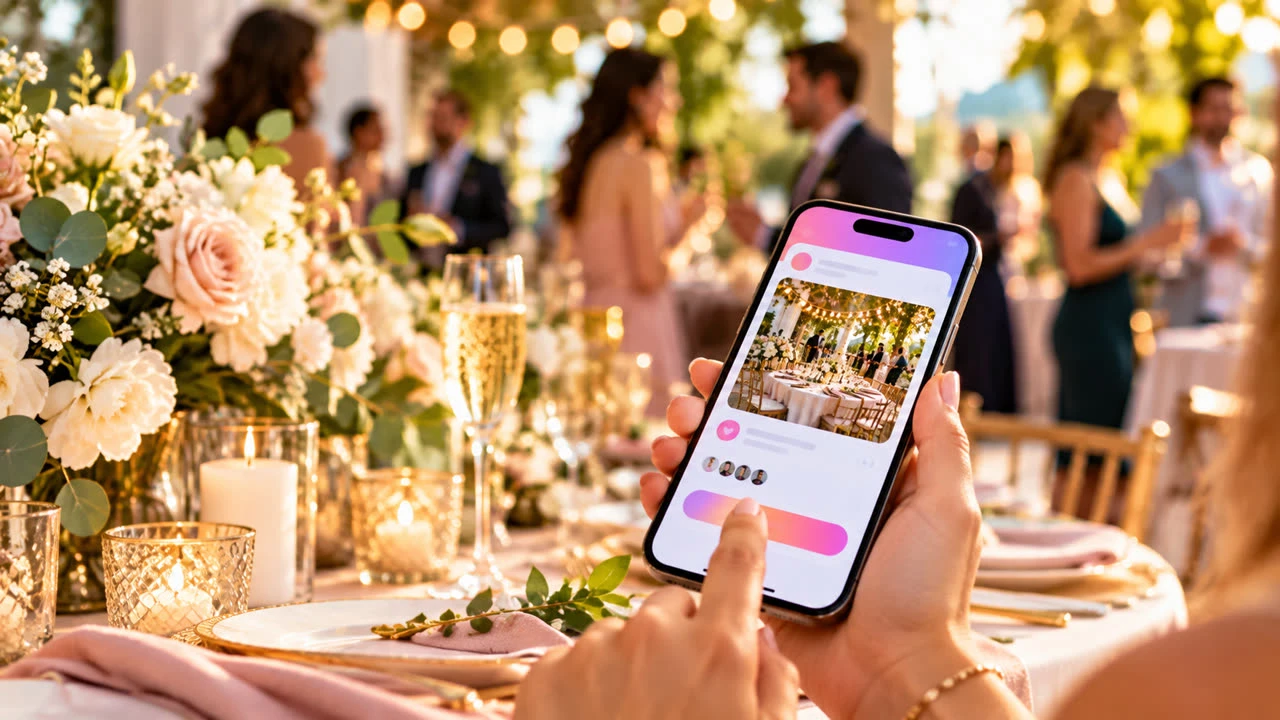
Learning how to share your RSVP link on Instagram matters because most guests will tap a Story, bio, or DM long before they open email. One clean URL in the right place beats a caption full of “link somewhere below” confusion—and it keeps every reply flowing into the same guest list.
Create the page first in SnapRSVP’s create flow, then use the channels below. For a full build checklist, pair this with how to create an online RSVP for any party.
Before you post: one canonical RSVP URL
Publish the event page and copy the final share link
Test it on your phone (incognito if you can) until Yes/No submits cleanly
Decide whether the event is public-ish (party vibe) or private (no public Stories)
Write a short caption template: who/what/when + “RSVP by [date]” + where the link lives
Never invent a second “backup” short link for Instagram only. Two URLs create two sources of truth.
Option 1: Instagram bio link
Best for: parties where many acquaintances need the link over several weeks (birthdays, open houses, casual weddings with a public save-the-date vibe).
Edit profile → website/link field → paste your SnapRSVP URL.
Update the bio line: “RSVP for [Event] → link above” with the date.
Pin or highlight a Story that says “Link in bio to RSVP.”
After the event, swap the bio link back so old traffic does not hit a closed form.
If you already use the bio for a business site, use a simple link-in-bio tool with a clearly named button (“RSVP – Maya’s 30th”) pointing to the same SnapRSVP URL—not a different form.
Option 2: Stories (stickers and timing)
Best for: time-sensitive bursts and friends who check Stories daily.
Use the Link sticker (when available on your account) with your exact RSVP URL
Add date, time, and “Reply by Friday” as text on the slide—do not hide logistics only in the link
Post once when invites open, again mid-window, and once 48 hours before the deadline
Avoid counting on a single 24-hour Story as your only invite channel
Close friends lists help for private events: share the Story only with people who are actually invited.
Option 3: DMs (personal and clear)
Best for: smaller guest lists, VIP reminders, and anyone who missed Stories.
Send the full URL as its own message line so it is tappable
Include the reply-by date in the same message
Do not rely on “I put it in the group chat last month”—resend to Pending guests
For group DMs, pin or re-drop the link when new people are added
DM etiquette: one polite nudge is thoughtful; daily spam is how people mute you before they RSVP.
Feed posts vs. Stories vs. DMs
Feed: evergreen reminder; put “link in bio” or a QR in the image; captions alone are not clickable for most users
Stories: urgency and stickers; great for deadline countdowns
DMs: accountability and personal invites
Most hosts should use bio + Stories for awareness and DMs for non-responders—not three conflicting addresses.
QR codes for offline-to-Instagram guests
Some guests will screenshot your Story and forget to tap. Others see a printed card first. Generate a crisp code with SnapRSVP’s QR code generator and place it on Signs, table cards, or a Feed graphic. For design tips, read QR codes on event invitations.
Privacy and spoilers
Surprise parties: skip public Stories; use Close Friends or DMs only
Weddings: prefer private shares unless you intentionally want a public celebration page
Never post a raw guest list screenshot to Stories
Turn off public comments on Feed posts if debate or plus-one politics will derail planning
Caption formulas that get taps
“You’re invited to [Event] on [Date]. RSVP by [Deadline] — link in bio.”
“Story link sticker = RSVP. Need a plus-one? Ask us first, then submit names on the form.”
“Still Pending? Tap the link and hit Yes/No in 30 seconds—catering cutoff is [Date].”
Common Instagram RSVP mistakes
Only putting the link in a non-clickable caption
Changing the bio link mid-RSVP window without telling anyone
Using a link shortener that breaks or looks like spam
Public posts for private events
No deadline visible anywhere on the Story slide
Quick checklist
One tested SnapRSVP URL
Bio and/or Link sticker point to that same URL
Deadline appears in Story text and DM copy
Close Friends used when privacy matters
QR ready for print or Feed graphics
Reminder Story scheduled before the cutoff
Sharing an RSVP link on Instagram is not a hack—it is good distribution. Put the same URL in bio, Stories, and DMs, keep deadlines visible, and let guests reply in one tap while you watch the headcount climb in one dashboard.