
How to Collect Accessibility Needs on an RSVP (Respectfully)
Collect accessibility needs on your RSVP with optional, privacy-first questions that help with seating, entry, and AV—without asking for diagnoses.
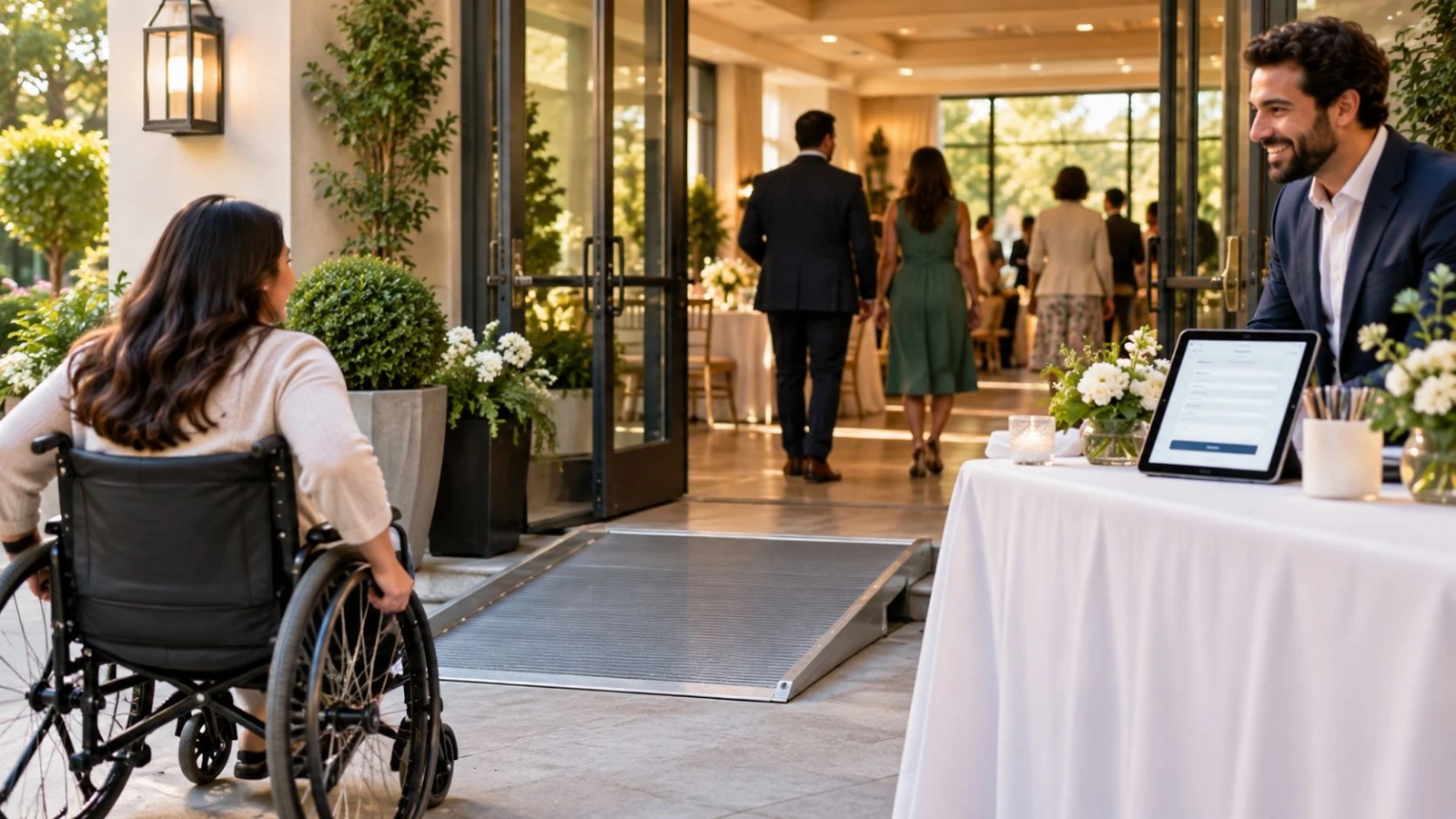
Want an inclusive event without forcing guests to overshare? Learning how to collect accessibility needs on RSVP forms helps you plan seating, entry paths, captions, and quiet spaces—while keeping answers voluntary, private, and actionable.
This guide covers respectful question wording, field design, and how hosts should use responses. When you are ready to add a short accessibility note field, build your RSVP page and keep required fields minimal.
Why accessibility questions belong on the RSVP
Guests with mobility, sensory, dietary, or communication needs often skip events when they cannot tell whether the venue will work. A single optional question—asked early—beats last-minute scramble texts. It also reduces awkward doorways conversations on arrival.
Accessibility planning pairs naturally with food planning. Many hosts already ask about meals; see how to ask for dietary restrictions politely and keep a similarly warm tone here.
Principles: optional, specific, private
Optional by default: never require medical details to submit Yes/No
Ask for needs, not diagnoses: “step-free entry” beats “list your conditions”
Explain why: one sentence about seating, parking, or A/V planning
Limit who sees answers: hosts and relevant vendors only
Offer a contact path: email/phone for guests who prefer a private chat
Recommended RSVP question wording
Use a short prompt plus an open text box—or a few checkboxes plus “other.”
Open prompt example:
“Do you need any accessibility accommodations to attend comfortably? (Optional) Examples: step-free access, reserved seating closer to the front, captioning, quiet space, service animal seating. We share answers only with the planning team.”
Checkbox set example:
Step-free / elevator access
Reserved accessible seating
ASL interpreter or captions (for programs with speaking)
Quiet / low-stimulation space
Assistance getting from parking/shuttle to entrance
Other (please describe)
Avoid forcing guests to pick a disability category. Focus on what the venue team must prepare.
What not to ask
Diagnosis names or medication lists
Photos of disability documentation
Questions that imply guests are a burden
Public display of accessibility answers on attendee lists
Required fields that block RSVP if left blank
Photo and privacy questions are a separate topic—if you film the event, collect consent thoughtfully with guidance like how to collect photo consent on an RSVP.
How to act on the answers
Triage early: review accessibility notes weekly, not the night before
Confirm privately: reply to guests who need coordination (entrance route, seating)
Brief vendors: share only relevant logistics with venue, AV, or ushers
Update the page: if the venue has a known ramp entrance, say so publicly so fewer people must ask
Protect the export: treat accessibility columns like sensitive data in spreadsheets
Wedding vs corporate vs party nuances
Weddings often combine accessibility with meal choices—keep dietary notes and accessibility as separate optional fields so caterers and venue staff each get what they need. Corporate mixers may need captioning or step-free routes more than plated meals. Kids’ parties might focus on sensory quiet rooms and stroller parking.
If you are still deciding which fields belong on the form at all, start from what to ask on a wedding RSVP form and add accessibility as one intentional optional block—not five medical screens.
Sample host checklist
Optional accessibility field live on the RSVP page
Public venue notes: parking, elevator, restroom access if known
Private contact for complex requests
Vendor briefing process defined
Data handling: limited access, delete after the event when appropriate
Collecting accessibility needs on an RSVP is not about perfect language—it is about giving guests a dignified way to say what helps them attend. Keep the question optional, focus on accommodations, protect privacy, and follow through. Inclusive events feel effortless when the form did the quiet work weeks earlier.
Venue scouting before you ask
Walk the space—or request photos—from parking to restrooms, stage, and seating. Note elevator locations, doorway widths, and whether outdoor terrain is gravel or paved. Publishing what you already know (“Main entrance is step-free via the lobby elevator”) reduces the number of guests who must disclose a need just to learn basic facts.
If the venue cannot accommodate a common request, say so early and offer alternatives when possible (live stream seat, quieter overflow room, or priority seating near exits). Honesty beats optimistic silence.
Staff and volunteer briefing
Share a one-page day-of brief: which guests need reserved seats, who meets a guest at a specific entrance, and where the quiet space is. Train greeters not to announce accommodations loudly at check-in. A calm, private handoff is part of respectful collection—the form is only step one.
After the event, archive or delete accessibility notes once they are no longer needed for follow-ups or incident records, according to your privacy practices. Guests trusted you with personal logistics; treat that trust as part of hosting well.