
How to Collect Photo Consent on an RSVP Without Making Guests Uncomfortable
Learn how to ask guests for event photo consent on an RSVP, separate personal sharing from professional use, and respect guests who prefer not to be photographed.
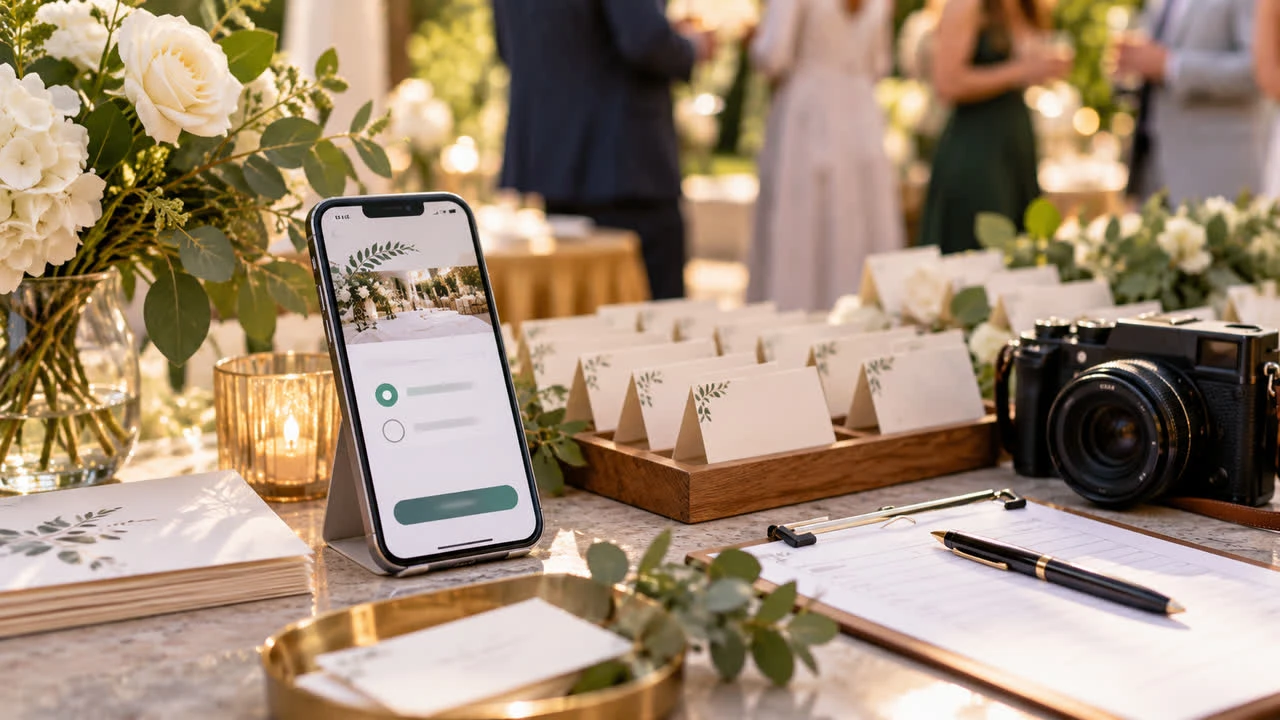
Photos help preserve the feeling of a wedding, party, fundraiser, or family gathering. They can also make guests feel exposed when expectations are unclear. The best time to set those expectations is before the event, when people are deciding whether to attend and can make an informed choice. Adding a thoughtful photo-consent question to your RSVP gives guests a simple way to tell you what they are comfortable with and gives your photographer or social team a clear starting point.
Decide what “photo consent” means for your event
Consent is not one universal yes-or-no switch. First decide how images will be made and used. Will a professional photographer capture candid moments? Will the host share a private gallery with attendees? Will images appear on a public social account, a company website, a printed album, or promotional materials? These uses carry different levels of visibility. Describe the actual plan instead of asking for a vague “media release.”
For many private celebrations, a practical distinction is enough: guests can consent to being photographed at the event, consent to private sharing with attendees, or decline public posting. A corporate or nonprofit event may need a more formal release reviewed by the organization. If children will attend, use the consent process your venue and organization require and get permission from a parent or legal guardian. An RSVP checkbox is not a substitute for legal advice or a policy required by your employer.
Write the question in plain, neutral language
Make the choice understandable without legal jargon. For example: “Our photographer will take candid event photos. May we include photos of you in the private gallery shared with attendees?” Offer a separate question for public sharing: “May the host share photos that include you on the event’s public social pages?” Then provide “No, thank you” as an equally visible answer. Do not frame declining as difficult, rude, or harmful to the event.
Explain who will take photos and the likely settings.
Name the audience for each sharing option.
Separate private attendee sharing from public or promotional use.
Make “I prefer not to be photographed” easy to select.
Tell guests how to contact the host about a specific image later.
Avoid pre-checking consent boxes. A guest should actively choose an option, and the form should record the response alongside the guest name. If one RSVP covers several people, ask for each adult individually when possible. One person should not be able to grant permission for a friend, date, or unrelated family member.
Use the RSVP to communicate a respectful event policy
The form can set expectations without turning the invitation into a warning. Add a short note such as, “We want everyone to feel comfortable. Please ask before posting close-up photos of other guests, and let us know if you need help avoiding the camera.” At the event, repeat the policy with a sign at check-in and brief the photographer. A guest who selects no should not have to identify themselves publicly.
Plan practical ways to honor the answers. Give the photographer a private list or discreet identifier, avoid photographing guests who opted out, and do not tag people without permission. If a group photo includes someone who declined, take a second version or remove the image from the shared gallery. The value of asking comes from following through, not from collecting a checkbox for your records.
Keep consent separate from attendance and meal questions
Photo consent should be one small part of the RSVP, not a condition of attending. Put it near other optional questions and explain that choosing no will not change a guest’s invitation. Keep sensitive details limited to the people who need them. The same design principle applies to food questions: the wedding RSVP meal and allergy questions guide shows how to ask for planning information clearly without overwhelming guests.
What to do when a guest changes their mind
Consent can change. Give guests a contact path to update their preference before or after the event. If someone asks you to remove an image, respond promptly, take it down from channels you control, and ask vendors or collaborators to do the same where practical. Do not argue that the photo is flattering or that the guest already checked yes. A respectful correction protects trust more than winning a debate about the original response.
A simple RSVP workflow
Decide the types of photography and audiences before writing the form.
Use separate, plain-language choices for private and public sharing.
Collect a response for each person who may be photographed.
Brief the photographer, host team, and social media helpers.
Offer a discreet opt-out process at the event.
Store the responses securely and honor later requests.
Build an RSVP that reflects your guest care
A focused online RSVP makes room for consent without burying it. The SnapRSVP event page creator can help you place event details and custom questions in one shareable page; you can also review SnapRSVP event page examples for a clean guest experience. The goal is not to eliminate every camera from a celebration. It is to make expectations visible, choices genuine, and respect part of the event plan from the first response.
When guests know what will happen and how images will be used, they can participate with confidence. That clarity is good etiquette, good hosting, and a practical way to avoid preventable privacy complaints after the party.
Good consent practices also make it easier for guests to enjoy the event without worrying about where an image may appear later.