Tips & Guides
Page 40 of Tips & Guides posts from the SnapRSVP team.
Loading posts…

© 2026 SnapRSVP
Page 40 of Tips & Guides posts from the SnapRSVP team.
Loading posts…
Page 40 of Tips & Guides posts from the SnapRSVP team.
Showing 469–480 posts out of 690
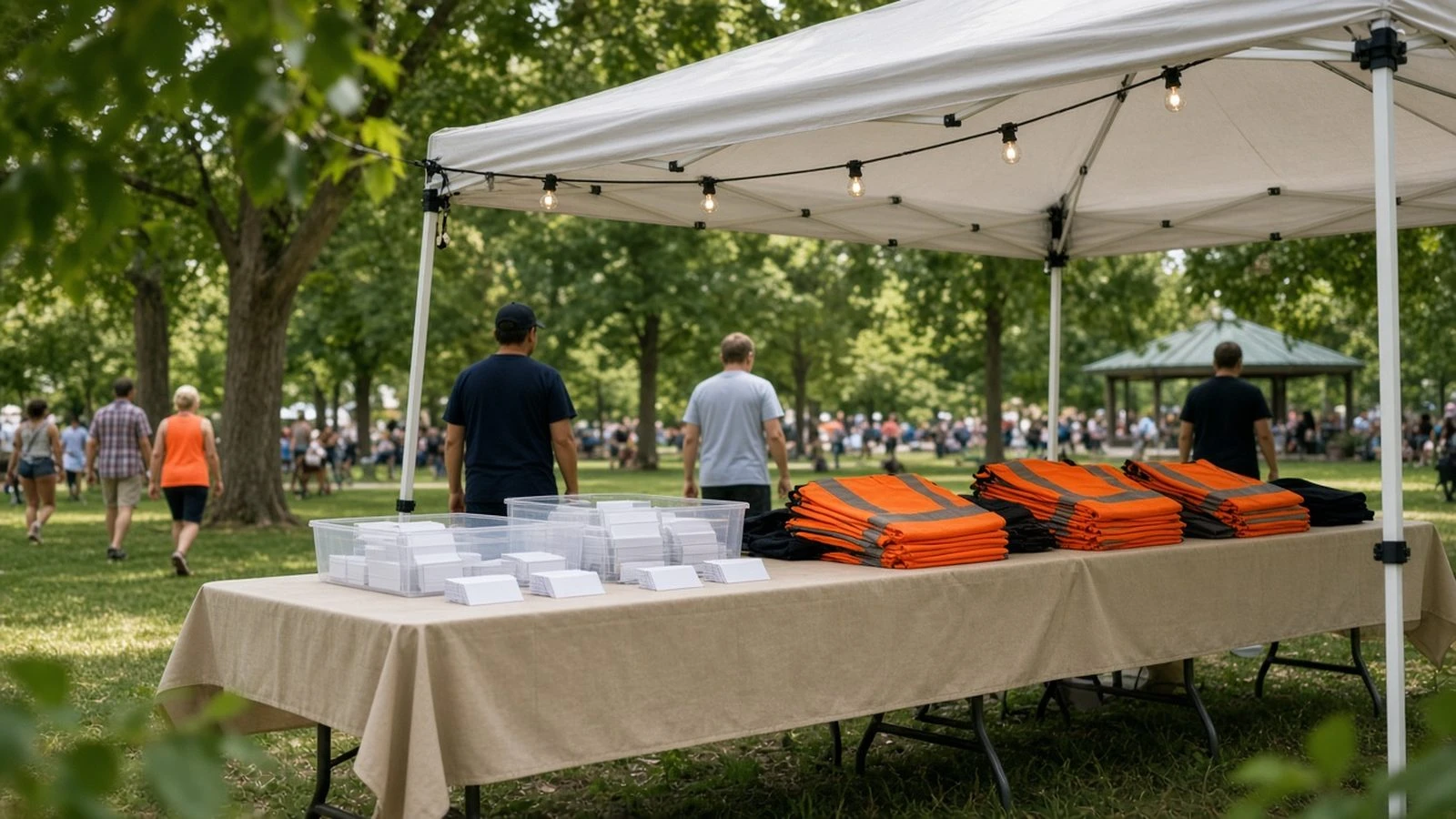
Use a community festival volunteer RSVP to assign shifts, collect skills, and check volunteers in—without a messy spreadsheet thread.
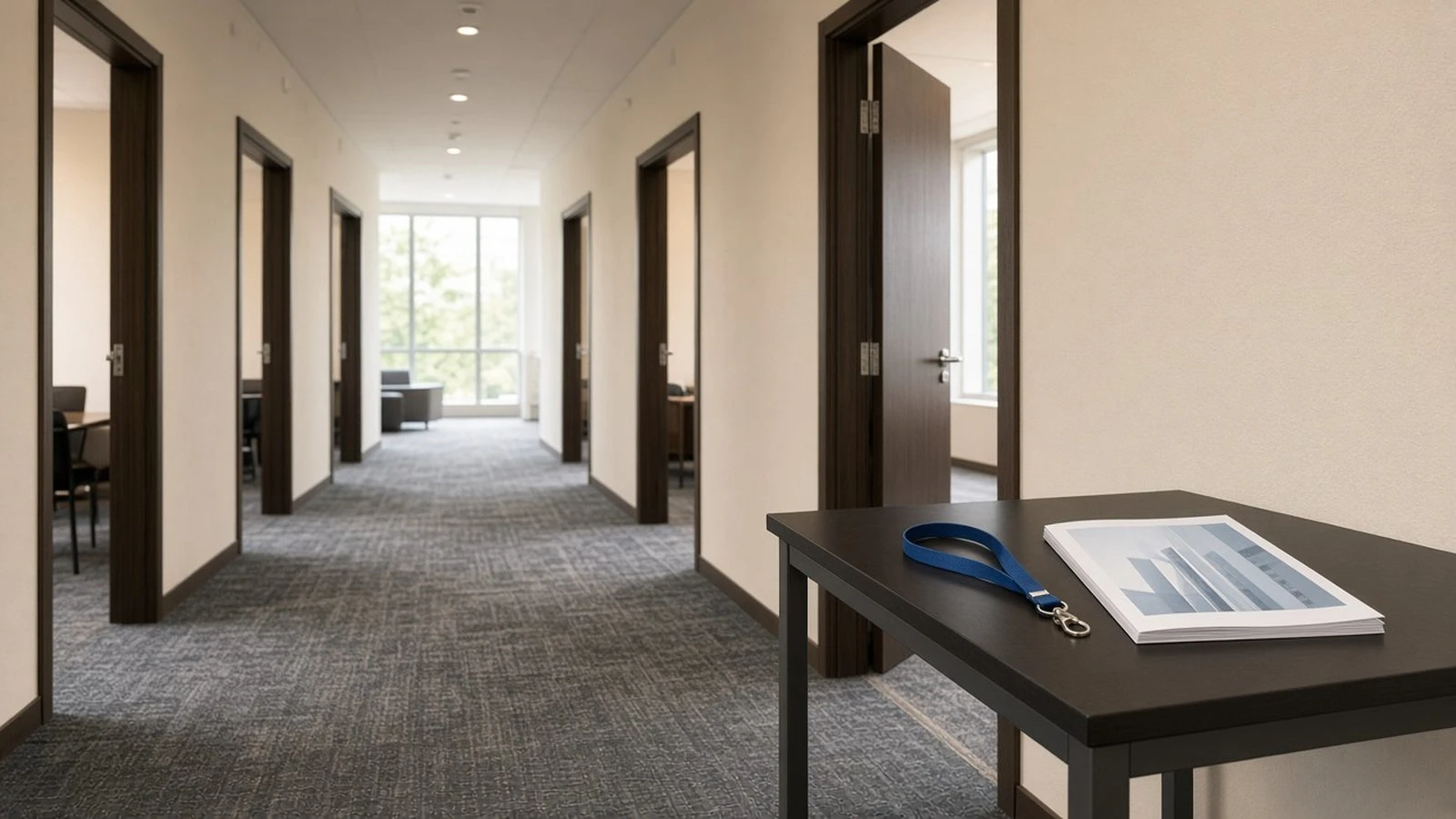
Guest guide to RSVPing for multi-day conference sessions: pick breakouts, manage conflicts, and update choices before rooms fill.

Run a film premiere RSVP website that separates talent, press, and guests, collects plus-ones, and exports a red-carpet check-in list.

Build a fashion show RSVP website that manages capacity, VIP/front-row seats, press credentials, and day-of check-in without spreadsheet stress.

Collect arrival time windows on your RSVP to stagger check-in, reduce lobby crush, and staff the door for the busiest hour.

Use a sports watch party RSVP website to lock headcount, snack assignments, and arrival windows before kickoff overcrowds the couch.

Collect guest phone numbers on your RSVP with clear purpose, optional fields, and privacy-friendly wording for SMS updates and day-of logistics.
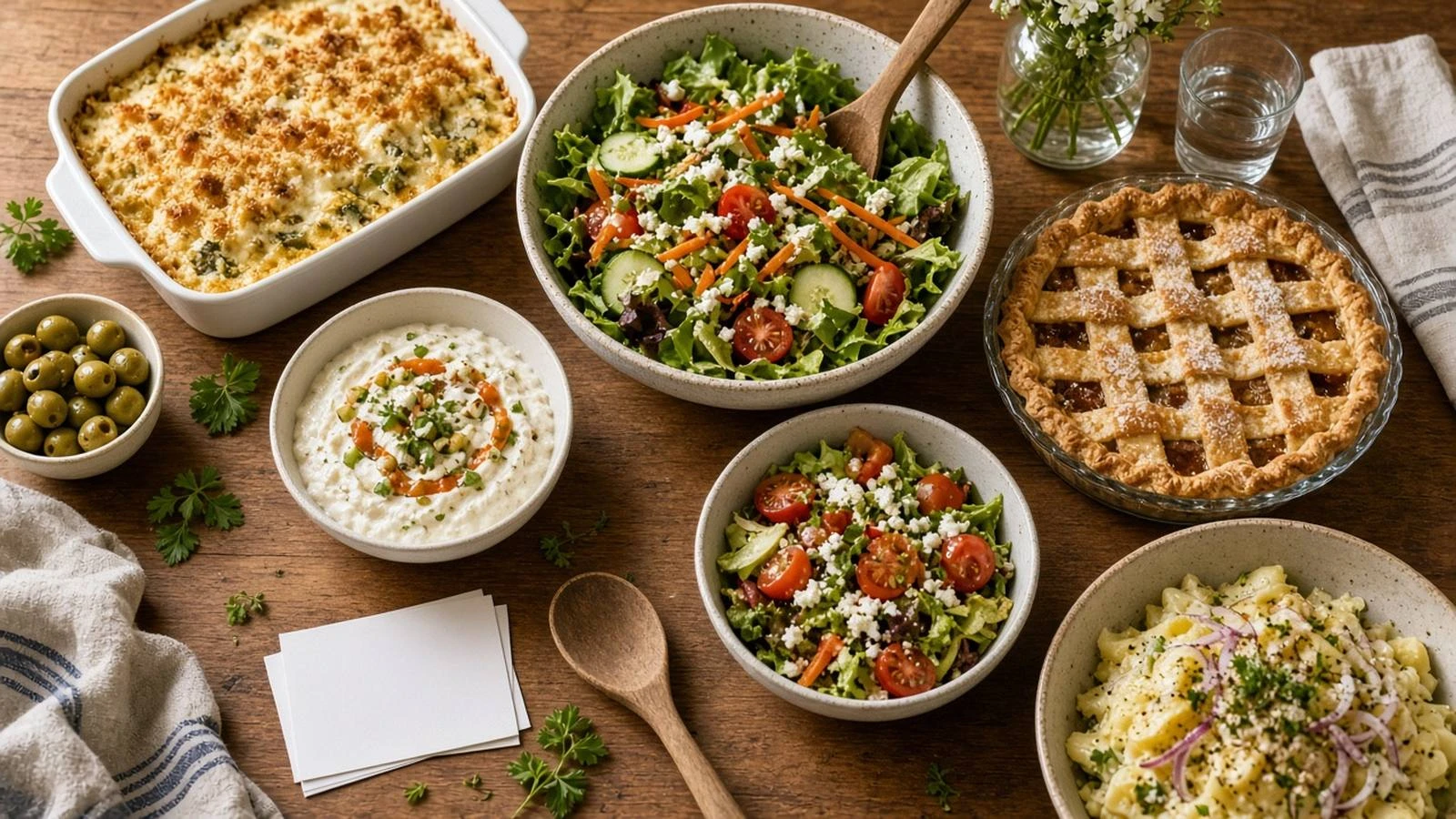
Combine potluck RSVP and dish signup so guests claim categories, avoid five desserts, and give you a real headcount.

Set up an RSVP waitlist for sold-out events so you can fill cancellations fairly without accepting unlimited Yes answers past capacity.

Handle late RSVPs with clear policies, waitlists, and polite replies so last-minute Yes answers do not break catering or seating.

Use a real estate open house RSVP to pre-register buyers, collect agent contacts, and plan staffing—without a messy door clipboard.

Add Google, Apple, and Outlook calendar links to RSVP confirmations so guests save the date the moment they reply Yes.