
Fashion Show RSVP Website: Seating, Front Row, and Press Lists
Build a fashion show RSVP website that manages capacity, VIP/front-row seats, press credentials, and day-of check-in without spreadsheet stress.
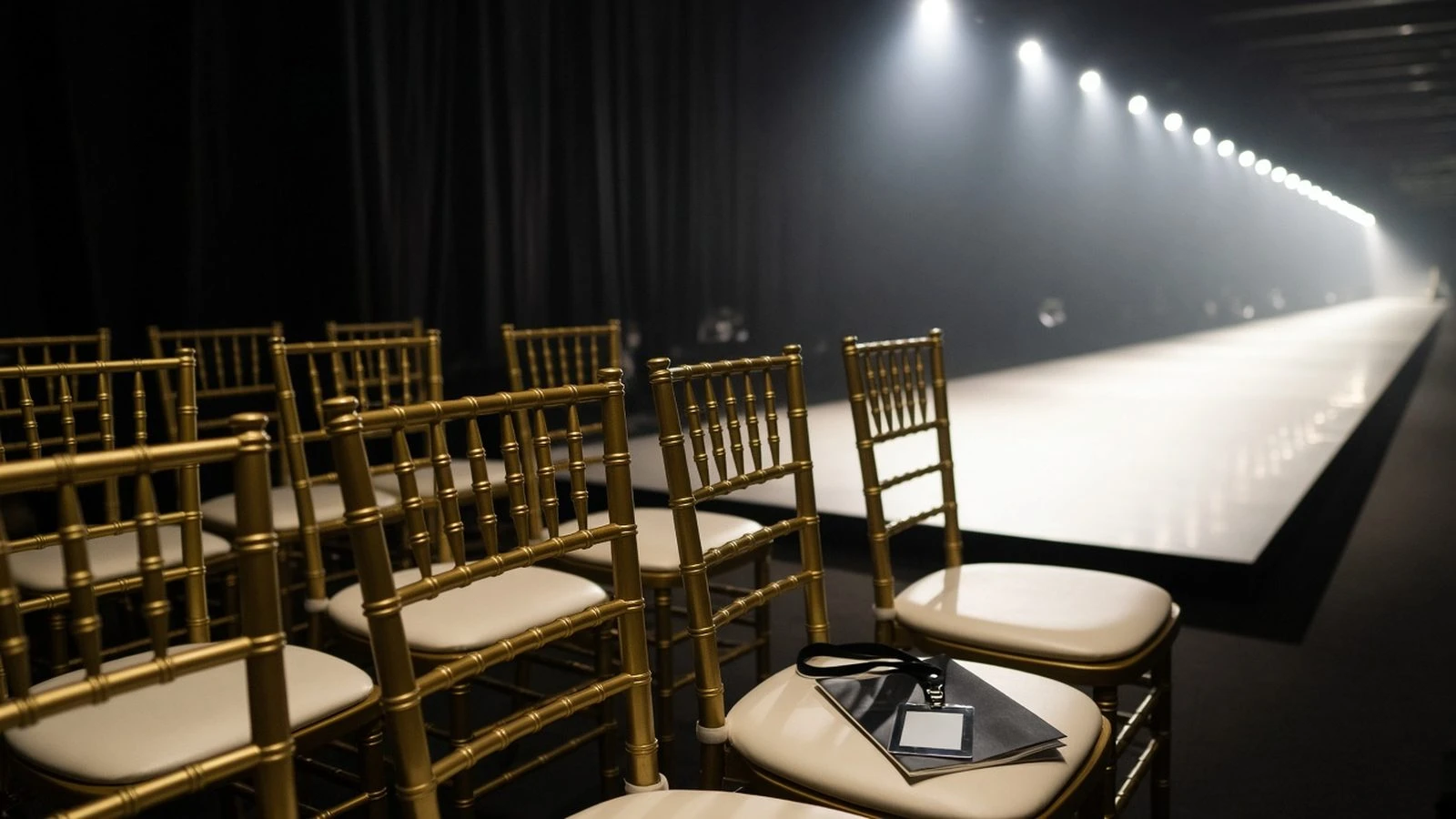
Runway seats are scarce and political. A fashion show RSVP website separates general admission, VIP, and press while locking capacity before showtime—so the front row matches the seating chart, not the loudest DM thread.
create a fashion show RSVP and share private links per list. Badge-style registration lessons also appear in a networking mixer RSVP website.
Segment your invite lists
VIP / front row
Buyers and clients
Press and influencers
General guests
Different links or tags keep exports clean. Do not let guests self-select VIP on a public form.
Fields beyond Yes/No
Collect affiliation, media outlet, plus-one policy, and accessibility needs. Inclusive entry notes pair well with how to collect accessibility needs on an RSVP. Arrival windows help carpet and door staff pace entries.
Capacity and waitlists
Close each segment at its seat limit and overflow to a waitlist—see how to manage an RSVP waitlist. Promote waitlisted guests only when a confirmed seat cancels, with a short accept window.
Day-of export checklist
Name + affiliation
Segment / row assignment
Plus-one name
Credential or press pass flag
A fashion show RSVP website protects the front row and the press list. Segment invites, capture affiliations, and export a door list that matches the seating chart.