
Networking Mixer RSVP Website: Headcount, Badges, and Signups
Build a networking mixer RSVP website that collects attendance, company/title for badges, dietary notes, and capacity—without spreadsheet chaos.
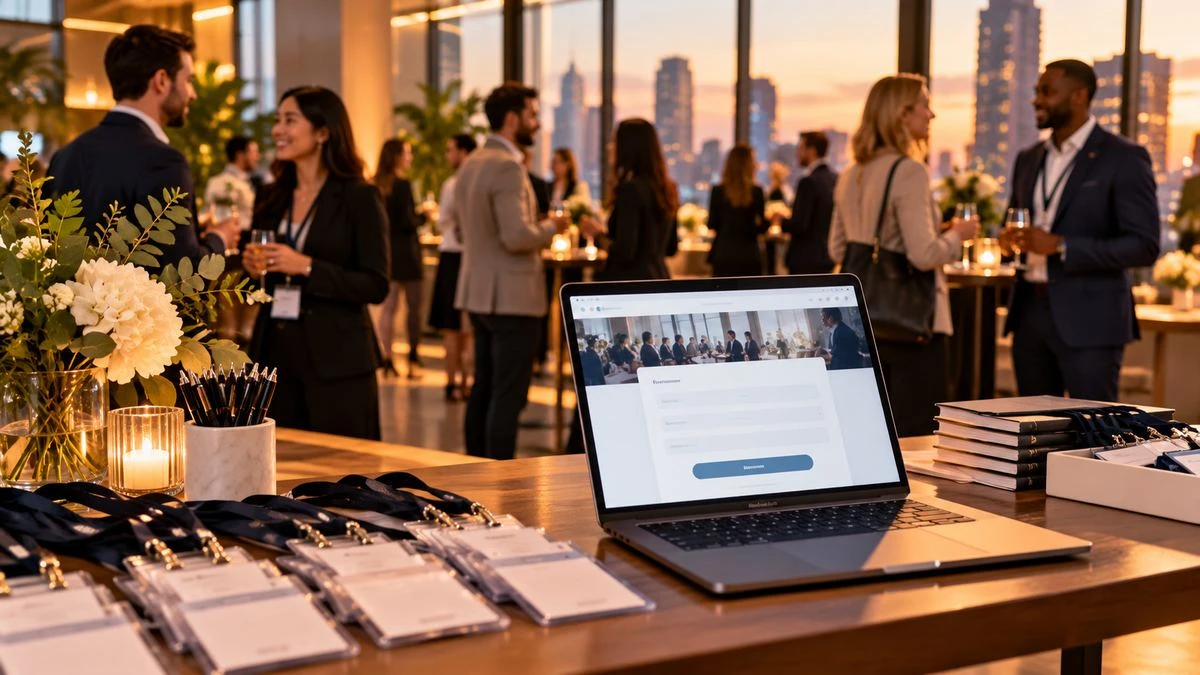
Planning a professional mixer and tired of spreadsheet signups? A networking mixer RSVP website gives attendees one link to confirm, share role details, and help you size catering, badges, and breakout space—without turning LinkedIn DMs into your registration desk.
Whether you host founders, alumni, or industry peers, start from SnapRSVP’s create flow or browse event page examples for layout inspiration.
Why mixers need more than a calendar invite
Calendar holds tell people the time; they do not reliably capture:
Who is actually coming versus tentatively free
Company, title, or industry tags for name badges
Dietary needs for passed apps or seated bites
Consent for photos or attendee list sharing
Capacity limits when the room fills
An RSVP page turns “sounds great” into countable replies you can export before the venue asks for a final number.
What to put on a networking mixer RSVP page
Keep the page professional and short. Guests should understand the value of showing up in under a minute.
Event title and host: company, community, or organizer name
Date, start/end times, timezone: especially for hybrid or multi-city guests
Venue + arrival notes: floor, check-in desk, parking, transit
Who should attend: roles, seniority, or industry focus
Agenda teaser: networking blocks, lightning talks, or demos
RSVP form: name, email, company/title, attendance, dietary note
For broader corporate playbooks, pair this with a corporate event RSVP website setup and keep registration fields as light as a mixer deserves.
Smart questions that do not feel like a job application
Ask only what changes badges, seating, or follow-up:
Company and job title (for badges and intros)
LinkedIn URL (optional—never required if it lowers replies)
Topics of interest (checkboxes, not essays)
Dietary restrictions for food orders
Permission to share first name + company on an attendee list
Skip salary, detailed demographics, or long surveys. Guests came to network, not fill a CRM audition.
Capacity, waitlists, and no-shows
Mixers fill fast when the room is small. Set a capacity that matches fire code and conversation quality, then enable a waitlist once you hit the limit. Remind pending guests a few days before the event; many “Yes” replies still flake without a nudge. If you need hard caps, read how to set RSVP capacity limits.
How to share the mixer RSVP link
Email to your list with a clear subject (“RSVP: Product Design Mixer — Oct 18”)
LinkedIn event post or community Slack/Discord pin
QR code at partner offices or coworking fronts
Calendar invite that includes the same RSVP URL in the description
Use one canonical link everywhere so analytics and headcounts stay clean.
Day-of checklist from your RSVP export
Export Yes guests with company/title for badge printing
Flag dietary notes for the caterer
Print a check-in list sorted alphabetically
Prepare a short welcome script and icebreaker prompts
Capture no-shows for future invite prioritization
Team-oriented hosts running similar formats can also adapt icebreakers and check-in habits from internal offsites and team days.
Common mixer RSVP mistakes
Hiding the address until after RSVP (create friction and distrust)
Requiring too many profile fields before Yes/No
No dress code or vibe note (“business casual” vs “after-work casual”)
Forgetting a contact email for day-of issues
Letting unlimited plus-ones overflow a tiny venue
A networking mixer RSVP website is less about fancy design and more about reliable headcount plus just enough attendee context. Publish a clear page, ask a few professional questions, share one link, and walk into the room knowing who is coming—and how many name badges to print.
Badge and icebreaker workflows
Export company and title fields the afternoon before the mixer. Print badges in a large readable font and sort them alphabetically at check-in. If you collected optional interest topics, prep two or three conversation prompts on tent cards (“Ask me about hiring,” “Shipping logistics,” “AI tooling”) so first-time attendees are not stuck in silence by the snack table.
For hybrid mixers, add a field for “in-person vs virtual” and send the video link only to virtual Yes replies. Mixing both audiences on one undifferentiated list creates confusing reminder emails and wrong headcounts for catering.
Follow-up after the event
Within 24 hours, email attendees a thank-you note, a shared resource link, and an opt-in for the next mixer. Use the RSVP list rather than scraping business cards. Guests who marked No can stay on a future-invite segment if they opted in—never add pressured follow-ups for people who declined.
Measure success beyond attendance: track how many Yes guests checked in, how many no-shows you had, and which invite channels produced the best show rate. Those numbers improve the next mixer’s capacity and reminder timing.