
Potluck Party RSVP with Dish Signup: Balance the Menu Online
Combine potluck RSVP and dish signup so guests claim categories, avoid five desserts, and give you a real headcount.
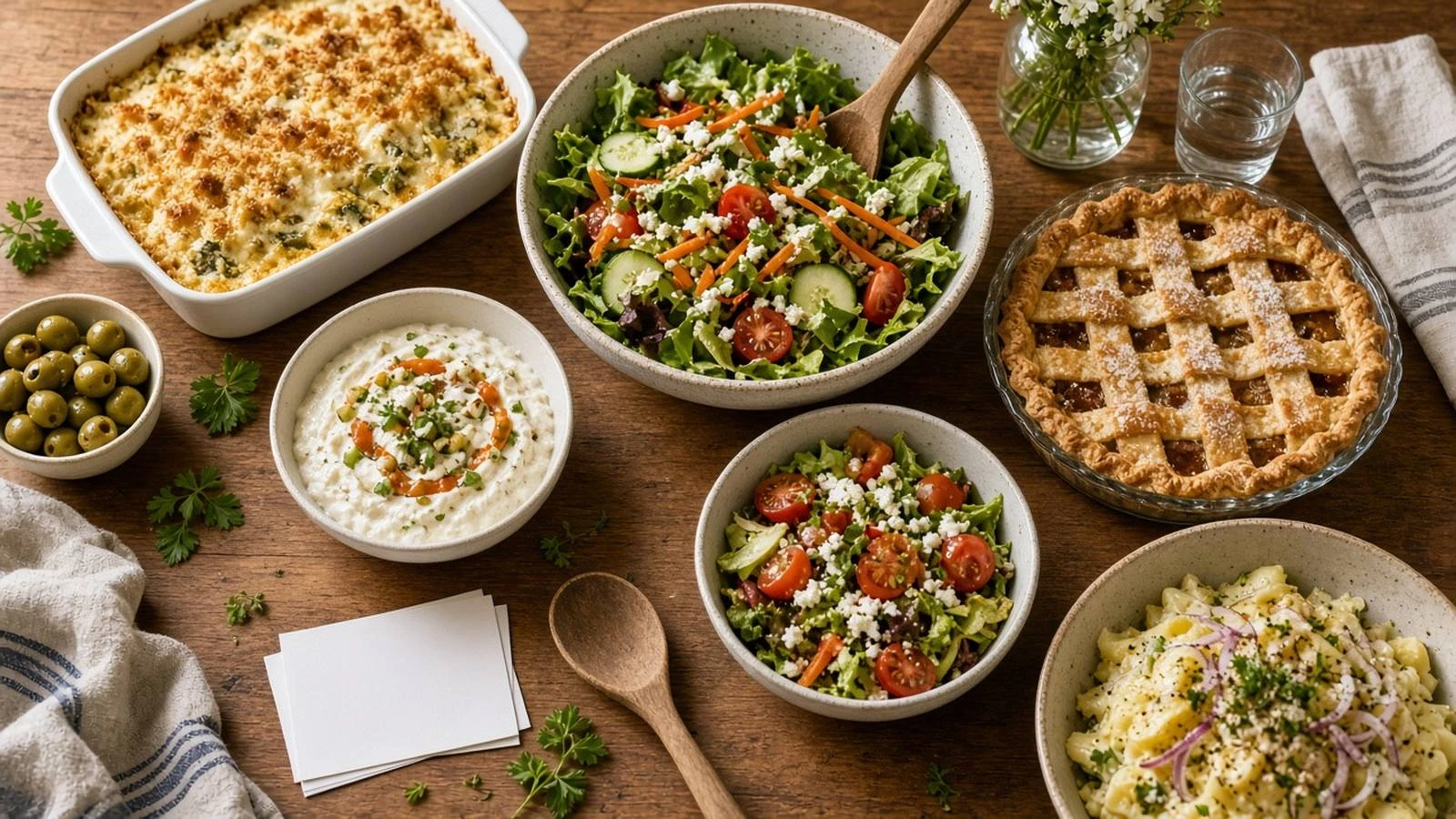
Group chats produce three pastas and no salad. A potluck party RSVP with dish signup ties attendance to a claimed category so the table stays balanced and you know how many plates to set.
Compare approaches in potluck signup vs RSVP website, then create a potluck RSVP that asks Yes/No and what they’re bringing. Guest tips for choosing a dish: potluck RSVP what to bring.
Fields that prevent menu chaos
Attendance
Dish category (main, side, salad, dessert, drinks)
Dish name
Servings estimate
Allergen notes (nuts, gluten, shellfish)
Cap each category if your kitchen is small. Show guests a live summary of what is already claimed when your tool allows it.
Dietary safety without oversharing
Ask for allergens that affect the whole table. Keep medical details out of public views. Inclusive collection ideas: how to collect accessibility needs on an RSVP.
Host checklist
Publish categories before invites go out
Send one reminder to guests who RSVP’d Yes without a dish
Export the dish list the morning of
Provide serving utensils and labels at the table
Combine headcount and dish claims on one potluck RSVP. Guests see what’s covered, and you stop negotiating the menu in five chats.