
How to Collect Arrival Time Windows on an RSVP
Collect arrival time windows on your RSVP to stagger check-in, reduce lobby crush, and staff the door for the busiest hour.
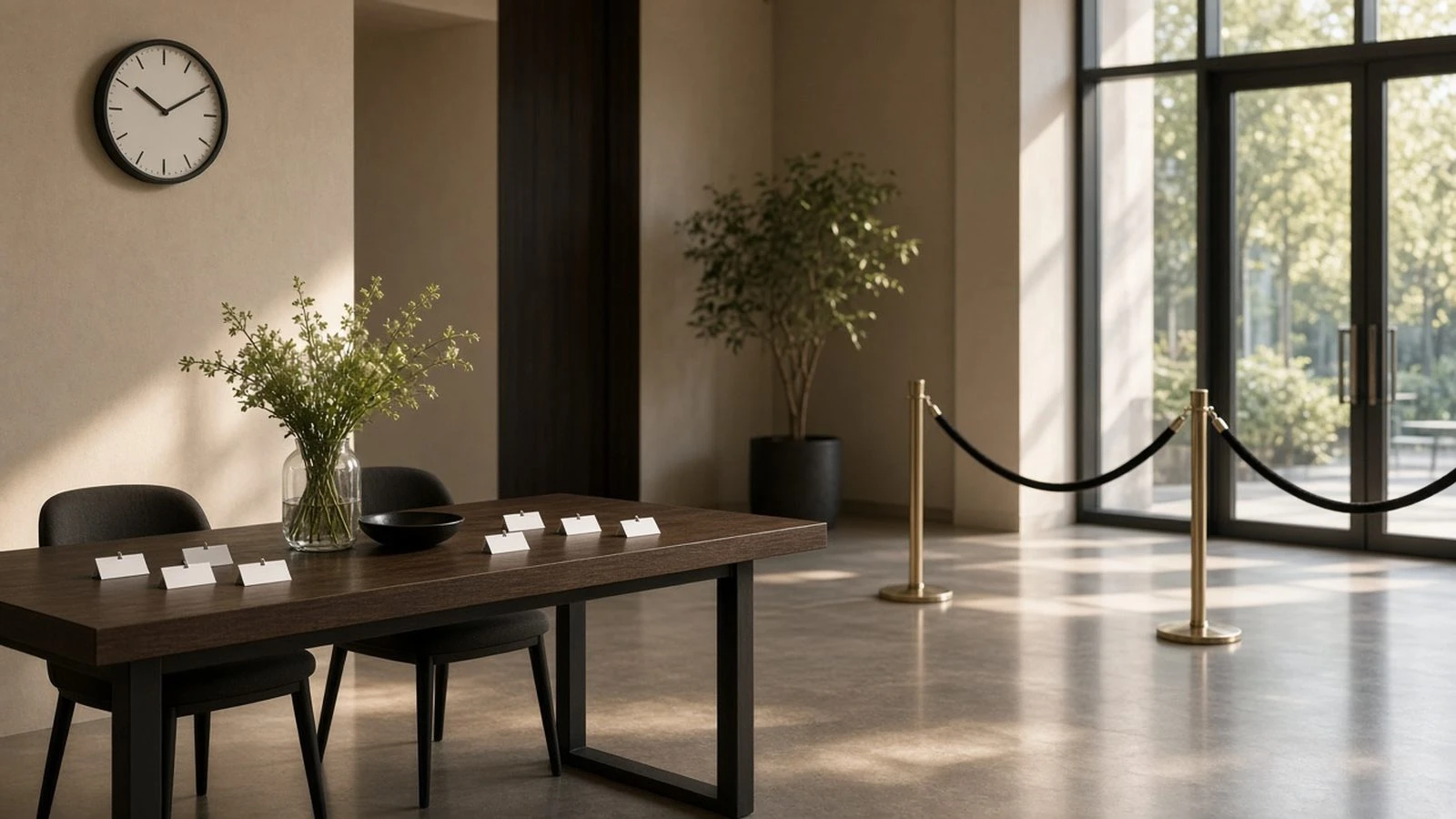
Everyone arriving at 6:00 creates a bottleneck. Learning how to collect arrival time windows on an RSVP spreads check-in and helps coat check, security, and greeters staff the right hour.
Add a simple select field when you create an RSVP page—then staff to the heatmap. Pair with transit questions from how to collect transportation preferences on RSVP when shuttles or parking lots matter.
Good window design
Offer 20–30 minute slots
Cap each slot if the lobby is small
Label clearly (5:30–5:50, 5:50–6:10)
Note doors-open and program-start times
Guest instructions
Explain why you’re asking: faster check-in, less waiting. Clear copy guidance: how to write clear RSVP instructions. Corporate hosts can combine this with a corporate event RSVP website.
What to do with the data
Build a staffing chart by window
Stagger coat check and badge printing
Message only the windows affected by a delay
Arrival windows turn a door crush into a plan. Offer short slots, cap if needed, and schedule staff where the RSVP heatmap peaks.