Tips & Guides
Page 41 of Tips & Guides posts from the SnapRSVP team.
Loading posts…

© 2026 SnapRSVP
Page 41 of Tips & Guides posts from the SnapRSVP team.
Loading posts…
Page 41 of Tips & Guides posts from the SnapRSVP team.
Showing 481–492 posts out of 690

Track plus-ones as separate guest rows on your RSVP so meals, seats, and name tags stay accurate without open +1 chaos.

Use a prom after-party RSVP website to lock headcount, collect ride and curfew notes, and stop chasing replies across five group chats.

Set up automatic RSVP reminders that nudge non-responders before the deadline—without spamming guests who already replied Yes or No.

Build a charity gala RSVP website that tracks ticket tiers, table hosts, dietary notes, and capacity—without spreadsheet chaos before the big night.

Collect dietary restrictions on your RSVP with clear severity levels so catering can plan allergies, preferences, and plated meals without awkward follow-ups

Compare a dedicated wedding RSVP website vs Joy: guest friction, meal tracking, plus-ones, cost, and when a full wedding marketplace is more than you need.

Guest guide to corporate event RSVPs: how to confirm attendance, answer dietary and badge fields, submit once, and update the host if plans change.

Use a surprise party RSVP website to keep the guest of honor off the invite, collect headcount and dietary notes, and manage capacity without leaky group chats.

Launch a hotel hospitality suite RSVP website for client nights and conference suites—capacity caps, badge checks, and a calm guest list your hosts can run.

Handle RSVPs for blended family events with clear households, sensitive plus-ones, and one shared list—so seating and emotions stay manageable.

Build a book club meetup RSVP website for monthly discussions—headcount, hosting rotation, and snack notes—without a heavy event platform.
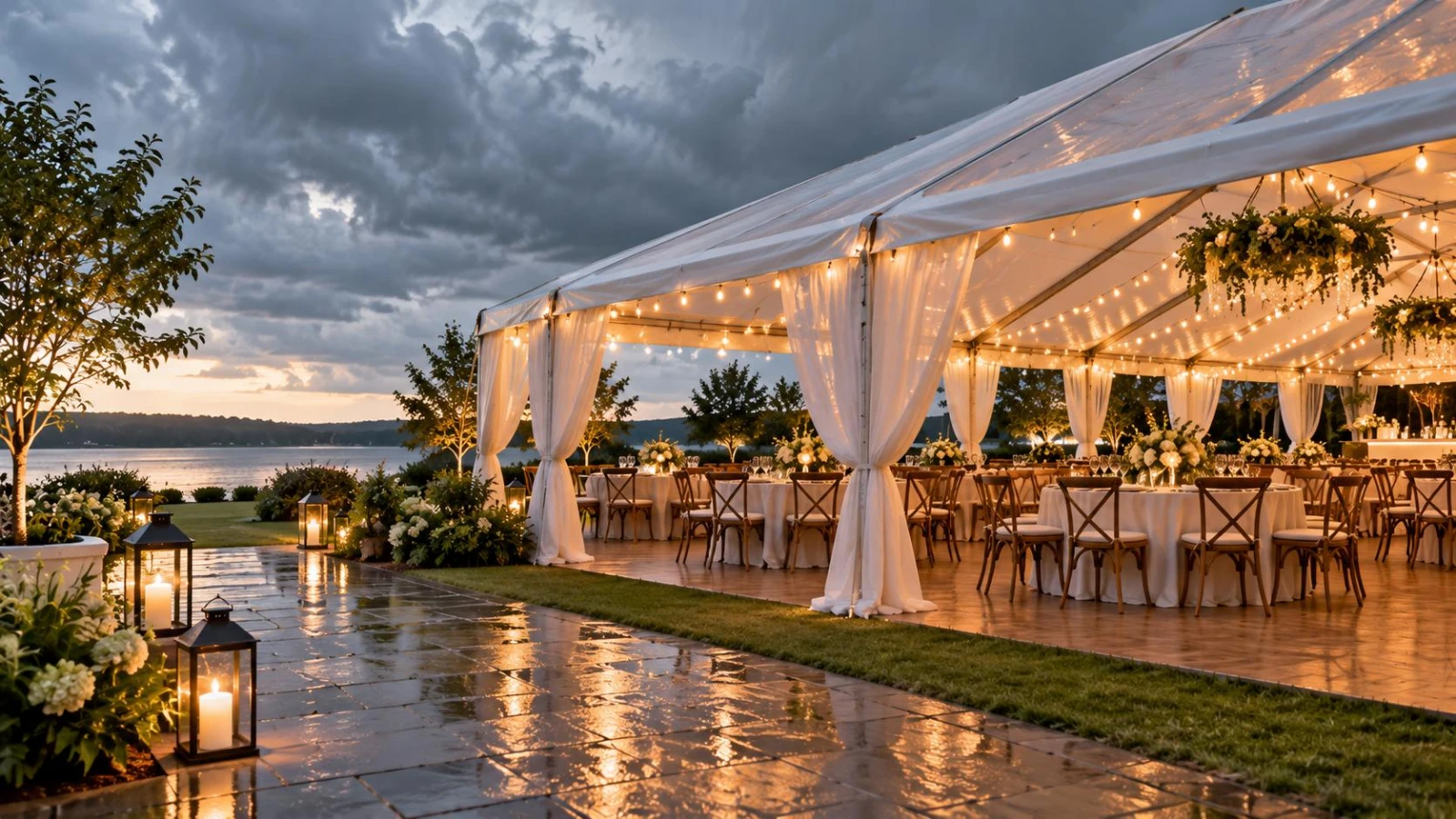
Add a clear weather contingency to your RSVP page—rain plan, timing updates, and what guests should watch—so outdoor events stay calm when skies change.