
How to Add a Weather Contingency to Your RSVP Page
Add a clear weather contingency to your RSVP page—rain plan, timing updates, and what guests should watch—so outdoor events stay calm when skies change.
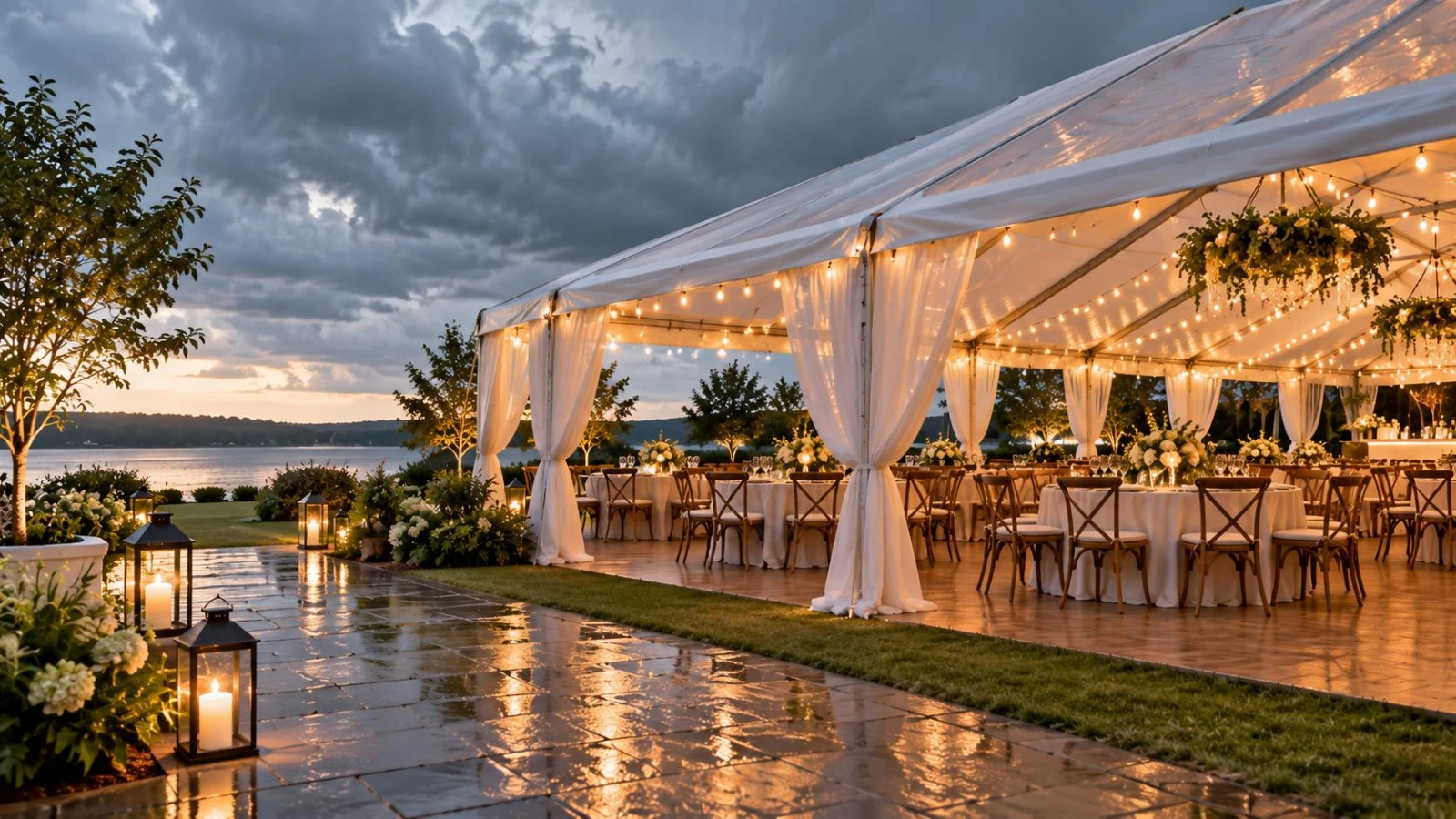
Learning how to add a weather contingency to your RSVP page saves you from a hundred panicked texts when the forecast flips. Guests need one place that states Plan A, Plan B, and how you’ll announce a change.
Put that copy on the same page you share for replies—SnapRSVP’s create an online RSVP page—so the rain plan travels with the invite link.
What “weather contingency” should say
Plan A location — garden, rooftop, beach, courtyard
Plan B location — tent, ballroom, covered patio (exact name)
Decision timing — “We will confirm by 8 AM day-of”
How you’ll notify — text, email, page banner, all of the above
What guests should bring — closed-toe shoes, light layer, umbrella optional
Avoid vague “indoor backup if needed.” Name the backup room. Guests plan rides and outfits from that detail.
Where to place it on the RSVP
Add a short “Weather & backup plan” section above the submit button, and repeat a one-liner in your FAQ. If you already manage outdoor headcount carefully, pair this with outdoor wedding guest count habits—capacity can change when you move indoors.
For multi-day weekends, list weather notes next to each outdoor block on your wedding weekend itinerary website so Friday picnic and Sunday brunch don’t share one ambiguous plan.
Sample wording guests understand
“Ceremony is planned on the South Lawn. If weather requires, we’ll move to the Willow Ballroom (same building, second floor). We’ll text and email the final call by 8:00 AM on Saturday. No action needed from you—your RSVP still stands.”
That last line matters: guests should not re-RSVP when you flip locations. Replies stay Yes/No; only logistics change.
Optional fields that help
You rarely need a “I prefer indoor” vote—that creates politics. Better optional fields:
Mobile for day-of weather alerts
Accessibility needs if Plan B has stairs or longer walks
Parking preference if Plan B changes drop-off (see how to collect parking info on RSVP)
Decision tree for hosts
Set a go/no-go time with the venue (usually morning-of)
One decision-maker + venue lead; no group chat voting
Update the RSVP page banner first, then send SMS/email
Brief vendors (photo, florist, DJ) in the same minute
Publish the decision early enough for grandparents and rideshares. Late flips punish the guests least able to scramble.
Etiquette and tone
Stay calm and factual. Skip apology essays. Guests expect outdoor risk; they need clarity, not guilt. Classic wedding RSVP etiquette still applies: communicate once, clearly, and keep the same link everywhere.
Non-wedding outdoor events
Grad parties, nonprofit picnics, and corporate lawn receptions use the same pattern: named Plan B, decision time, notification channel. For ticketed festivals, say whether rain cancels or relocates—and whether refunds apply—before people RSVP.
Adding a weather contingency to your RSVP is less about forecasting and more about publishing a single source of truth. Write Plan B now, while the sky is still blue.
Vendor alignment before guests ever see Plan B
Confirm with the venue that Plan B is actually available—some “indoor backups” are already booked for another event. Get the room name in writing. Ask whether ceremony timing shifts, whether chairs move automatically, and whether overtime fees apply if rain delays the flip.
Photographers need both locations for lighting plans. DJs need power maps. Florals may wilt differently outdoors. Share the contingency paragraph from your RSVP with every vendor so they quote and pack for both realities.
Guest wardrobe and accessibility notes
If Plan B adds stairs, longer walks, or different restroom access, say so once on the page. Guests using mobility aids should not discover a ballroom detour at the valet. Offer a day-of contact for accessibility questions separate from general RSVP replies.
Footwear guidance helps: “Lawn ceremony may move indoors—comfortable shoes still recommended for the covered patio path.” Specific beats cute.
Updating the page when you flip
Edit the weather section to “CONFIRMED: Willow Ballroom”
Send SMS + email with the same sentence
Pin the update in any family group chat with the RSVP URL only (no conflicting addresses)
Do not open a second form
How to add a weather contingency to your RSVP is mostly publishing discipline: write Plan B early, decide once, broadcast everywhere from the same page. Calm hosts make calm guests—even under gray skies.
Heat, wind, and non-rain contingencies
Weather is not only rain. Extreme heat may require shade, water stations, or an earlier ceremony. High wind can kill candle décor and lightweight arches—say whether you’ll relocate for safety. Wildfire smoke or poor air quality deserves the same named Plan B treatment as thunderstorms.
Write the broadest honest sentence: “We may move indoors for rain, extreme heat, or unsafe winds.” Then keep the decision clock and notification channels identical.