
How to Collect Parking Information on an RSVP Form
Learn how to collect parking and arrival information on an RSVP form without asking intrusive questions or creating a confusing guest experience.
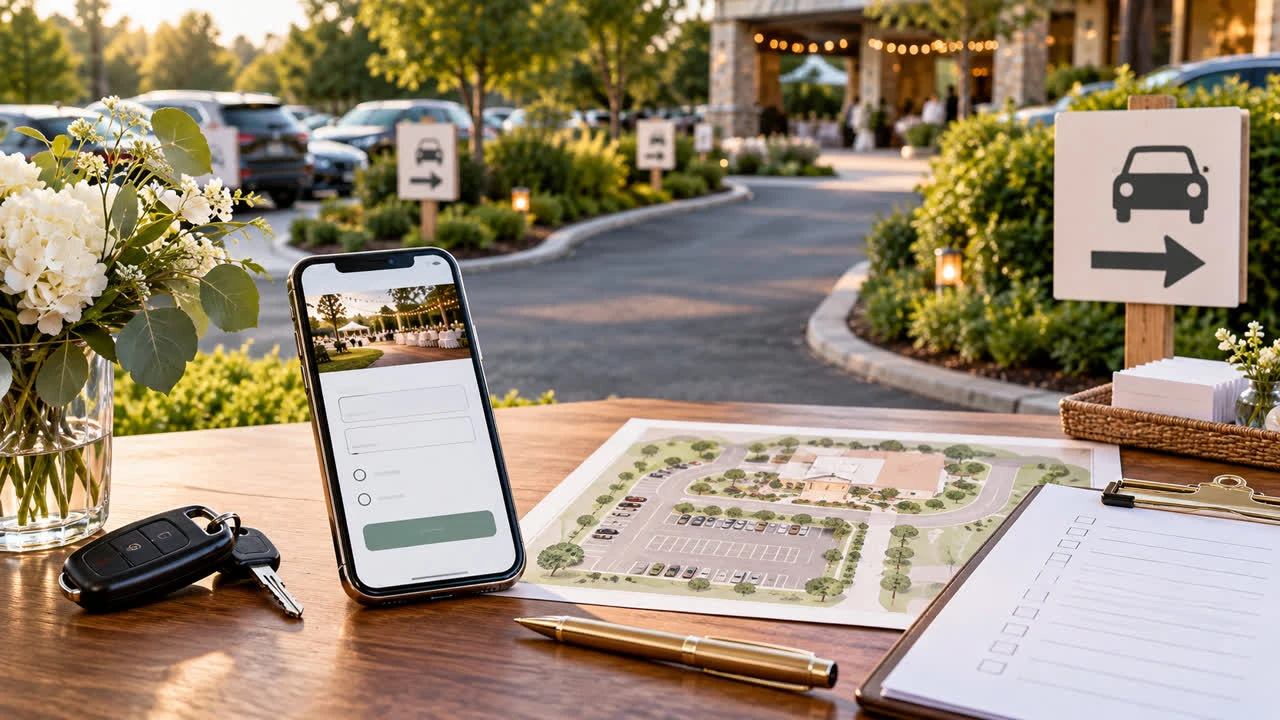
Parking is easy to overlook when you build an RSVP form. Hosts focus on attendance, meal choices, and plus-ones, then discover that guests still need to know where to leave a car, whether the driveway is full, or how to request accessible parking. A few well-designed arrival questions can prevent confusion without turning the RSVP into a transportation survey.
The key is to collect only information that changes your plan. You usually do not need a license plate number or a detailed vehicle description. You may need to know how many guests expect to drive, whether anyone needs an accessible space, and whether a shuttle or rideshare plan is being used.
Start by mapping the parking decision
Walk through the venue’s arrival experience before writing questions. Count available spaces, identify overflow areas, check the route from parking to the entrance, and ask whether a permit or parking fee applies. Note restrictions such as a narrow driveway, low-clearance garage, street-cleaning schedule, or neighborhood permit zone.
Then decide what you will do with each answer. If the venue has unlimited public parking, a simple instruction may be enough. If spaces are limited, a driver count helps you estimate overflow demand. If the event is at a private home, a clear note about carpooling may matter more than a precise number.
See SnapRSVP event page examples for ways to keep event details and response questions together. Guests should see the parking basics before they reach the form.
Give the parking answer before asking for it
Do not make guests guess why you are asking. Add a short logistics block: where to park, whether parking is free, how far the walk is, and what to do if the lot is full. If the details are not final, say when you will send an update. A question cannot rescue unclear instructions.
Use plain language for accessibility. Say whether the route includes stairs, gravel, a steep slope, or a long walk. Explain how an accessible drop-off works and give guests a private way to request assistance. Avoid describing a space as accessible unless the route and entrance are accessible too.
Build the page with SnapRSVP’s online RSVP creator, then test the page as a guest. The parking note should be easy to find on a phone, and the submit confirmation should not erase the information guests may need later.
Use a small number of useful questions
For most events, start with “How do you expect to arrive?” and offer choices such as driving, being dropped off, rideshare, public transit, walking, or not sure yet. Add “How many vehicles will your party use?” only when the answer affects capacity or shuttle planning. Ask for an arrival window when the venue requires staggered entry.
If parking is scarce, ask whether the guest would be willing to carpool or use a shuttle. Make this a preference, not a demand. A guest may have mobility equipment, a child seat, or a work schedule that makes carpooling impractical.
For events with reserved spaces, ask for a vehicle count rather than a make and model. If security genuinely requires plate numbers, explain who will see them, how they will be used, and when they will be deleted. Most private parties do not need that level of detail.
Handle accessibility requests respectfully
Include an optional question such as, “Will anyone in your party need an accessible drop-off or parking arrangement?” Provide a private contact method for details. Do not require guests to disclose a diagnosis, and do not make the request public in a group list.
Assign one person to review these answers before the event. Confirm the reserved route, mark spaces discreetly, and brief anyone directing traffic. If the venue cannot meet a request, contact the guest early with alternatives rather than waiting until arrival.
Ask about arrival details only when they matter
A parking question can be useful for weddings, outdoor parties, school events, fundraisers, and venues with a controlled lot. It is unnecessary for a small dinner where every guest already knows the address and street parking is plentiful. Extra fields add friction, and a guest who is trying to respond quickly may abandon a form that feels unrelated to the invitation.
Use conditional questions if your RSVP tool supports them. Show the vehicle-count question to people who select driving, and show shuttle-stop choices only to guests who want the shuttle. This keeps the first response short while preserving the planning data you need.
Set a review and update process
Review parking responses at the same time as the attendance list. Total expected vehicles, identify guests who need drop-off help, and compare the number with the venue’s capacity. If the total is higher than expected, send a targeted note with a carpool suggestion or overflow location instead of alarming everyone.
Send final arrival instructions several days before the event. Include the address, entrance name, parking map or landmark, public-transit option, rideshare drop-off point, and a contact number for day-of problems. If the map is complicated, add a simple written route; not every guest can safely study an image while driving.
Protect guest trust
Parking information can reveal when people expect to arrive and, in some settings, vehicle details. Collect the minimum, restrict access to the planning team, and do not publish individual answers. If a third-party venue needs a list, share only what it requires and follow its retention rules.
For more ways to keep RSVP planning organized, browse the SnapRSVP blog. The best parking question is short, optional when possible, and tied to a clear action. When guests understand why you are asking, they are more likely to answer accurately—and more likely to arrive feeling prepared.