Tips & Guides
Page 39 of Tips & Guides posts from the SnapRSVP team.
Loading posts…

© 2026 SnapRSVP
Page 39 of Tips & Guides posts from the SnapRSVP team.
Loading posts…
Page 39 of Tips & Guides posts from the SnapRSVP team.
Showing 457–468 posts out of 690

A regrets-only RSVP counts silence as a yes, which works for flexible gatherings and fails as soon as food, seats, or a venue fee depend on a real headcount.

Collect seating preferences on your RSVP—near friends, accessibility, quieter tables—without turning the form into a seating negotiation.

Use an escape room group RSVP website to lock squad size, preferred timeslots, and waiver-ready names before you book the room.

Set up RSVP auto-reply confirmation emails that reassure guests, repeat key logistics, and include calendar links and edit instructions.

Build a silent auction RSVP website that registers bidders, assigns paddle interest, and locks dinner headcount for your fundraising night.

Export RSVP data to Excel or CSV with clean columns for caterers, photographers, and check-in—without messy copy-paste from emails.

Run a yacht party RSVP website that locks a legal passenger list, collects emergency contacts, and respects hard boat capacity.

Add custom questions to your online RSVP that gather what you need—meals, shirts, sessions—without overwhelming guests into abandoning the form.
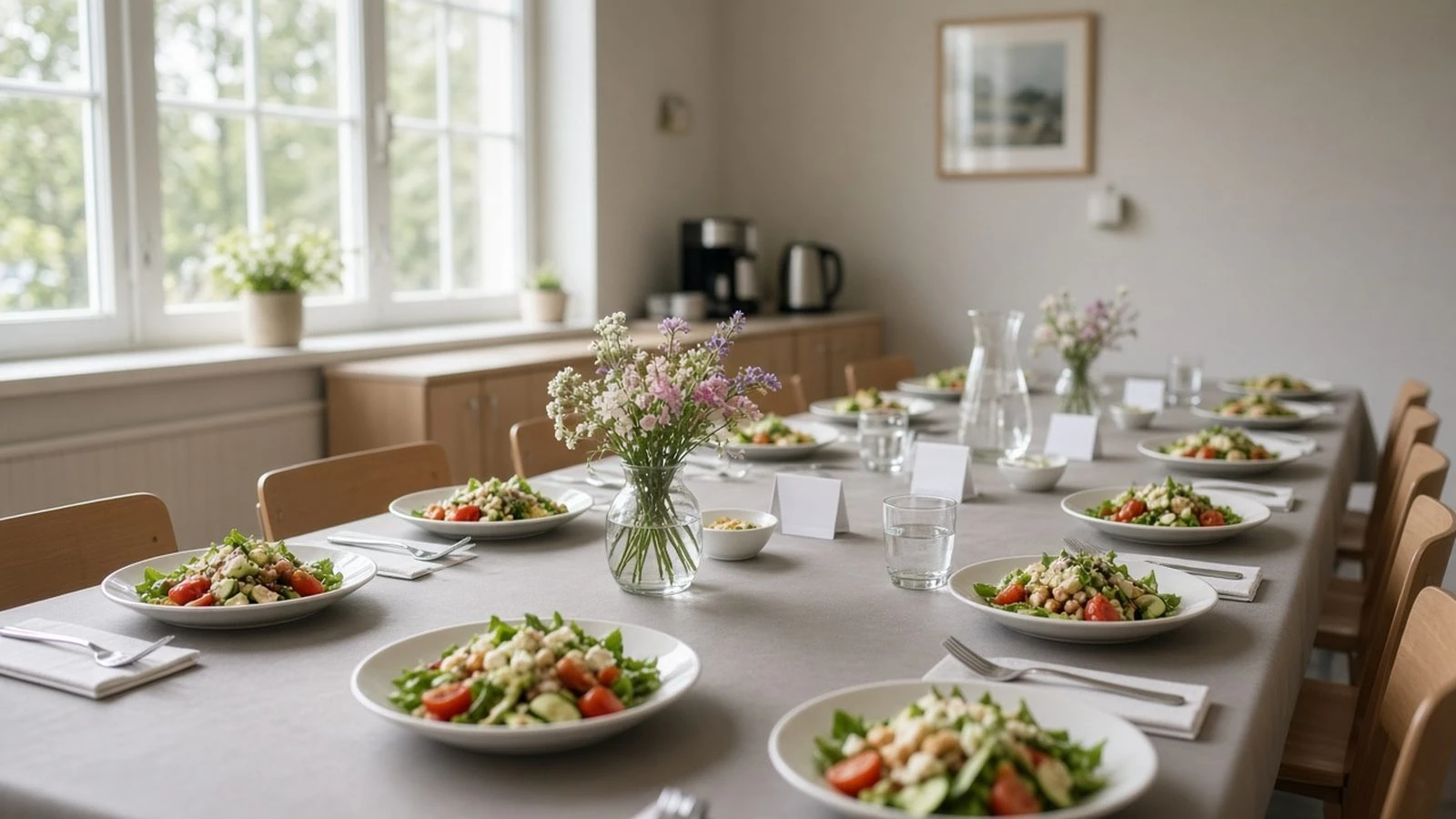
Organize a teachers appreciation luncheon RSVP that locks teacher headcount, dietary needs, and parent volunteer shifts without group-chat chaos.

Segment VIP vs general RSVP lists with separate links or tags so perks, seating, and capacity stay accurate for each audience.

Build a rooftop party RSVP website that respects hard capacity, collects weather preferences, and keeps guest lists accurate for building security.

Put a QR code on your printed invite so guests scan to RSVP on their phone—with print tips, link testing, and backup URL wording.