
How to Collect Seating Preferences on an RSVP
Collect seating preferences on your RSVP—near friends, accessibility, quieter tables—without turning the form into a seating negotiation.
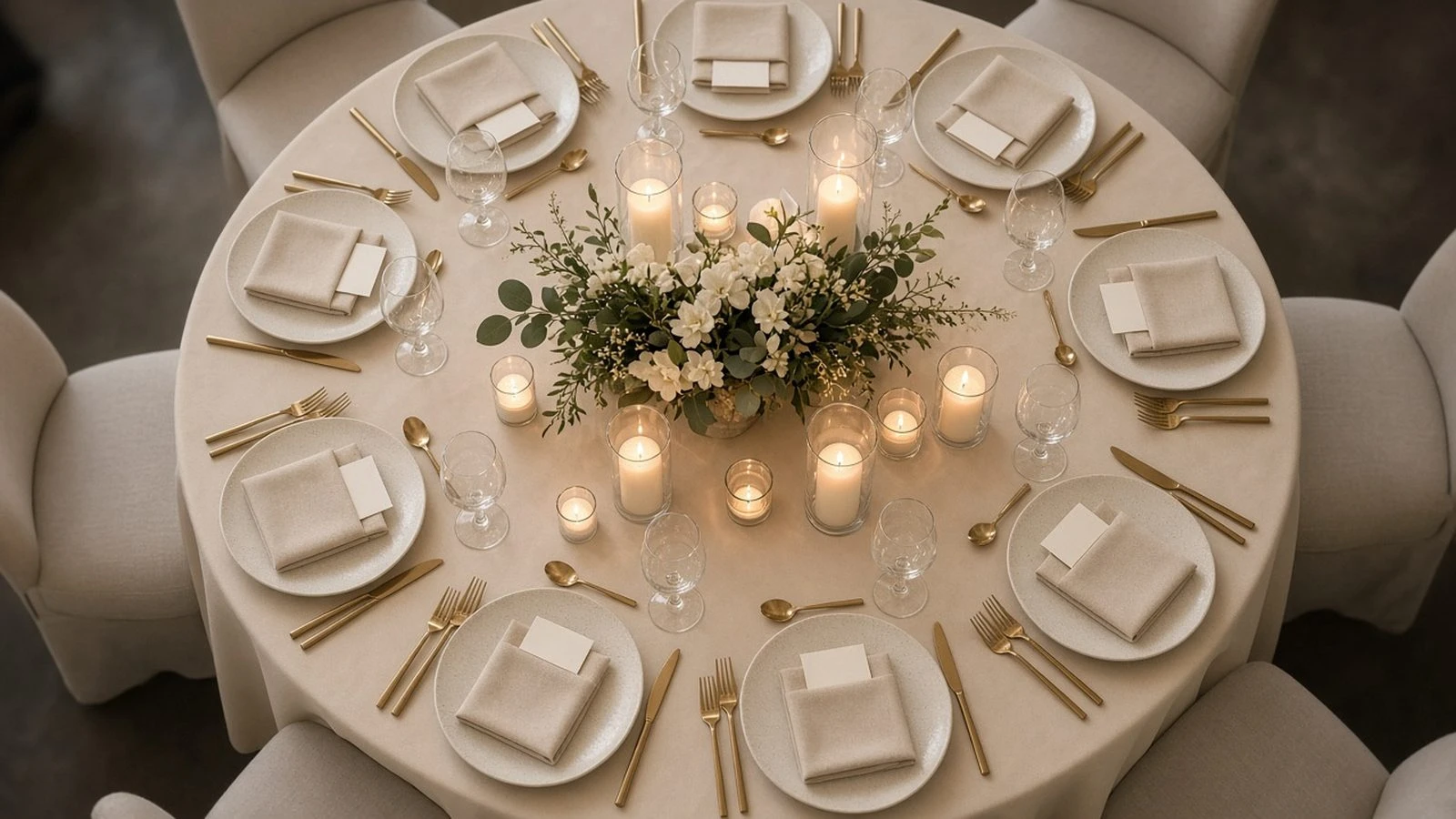
Seating charts fail when preferences arrive as angry texts the night before. Here’s how to collect seating preferences on an RSVP in a way you can actually use—without turning the form into a negotiation.
Add a short optional note field when you create an RSVP page. Keep accessibility needs in a dedicated field—see how to collect accessibility needs on an RSVP. Household seating stays together more easily with how to manage household RSVPs.
What to ask (and not ask)
Optional: people they’d like nearby
Optional: quieter table preference
Required when relevant: accessibility seating
Do not ask guests to draft the whole chart
Host boundaries
Preferences are requests, not promises. Say so on the form. Broader norms: wedding RSVP etiquette.
How to use the answers
Flag accessibility rows first
Keep households and plus-ones together
Treat “sit with X” as a soft hint, not a guarantee
Collect seating preferences as optional, structured notes—not open negotiations. Prioritize accessibility, keep households together, and treat the rest as helpful hints.