
How to Use a QR Code on a Printed Invite for RSVP
Put a QR code on your printed invite so guests scan to RSVP on their phone—with print tips, link testing, and backup URL wording.
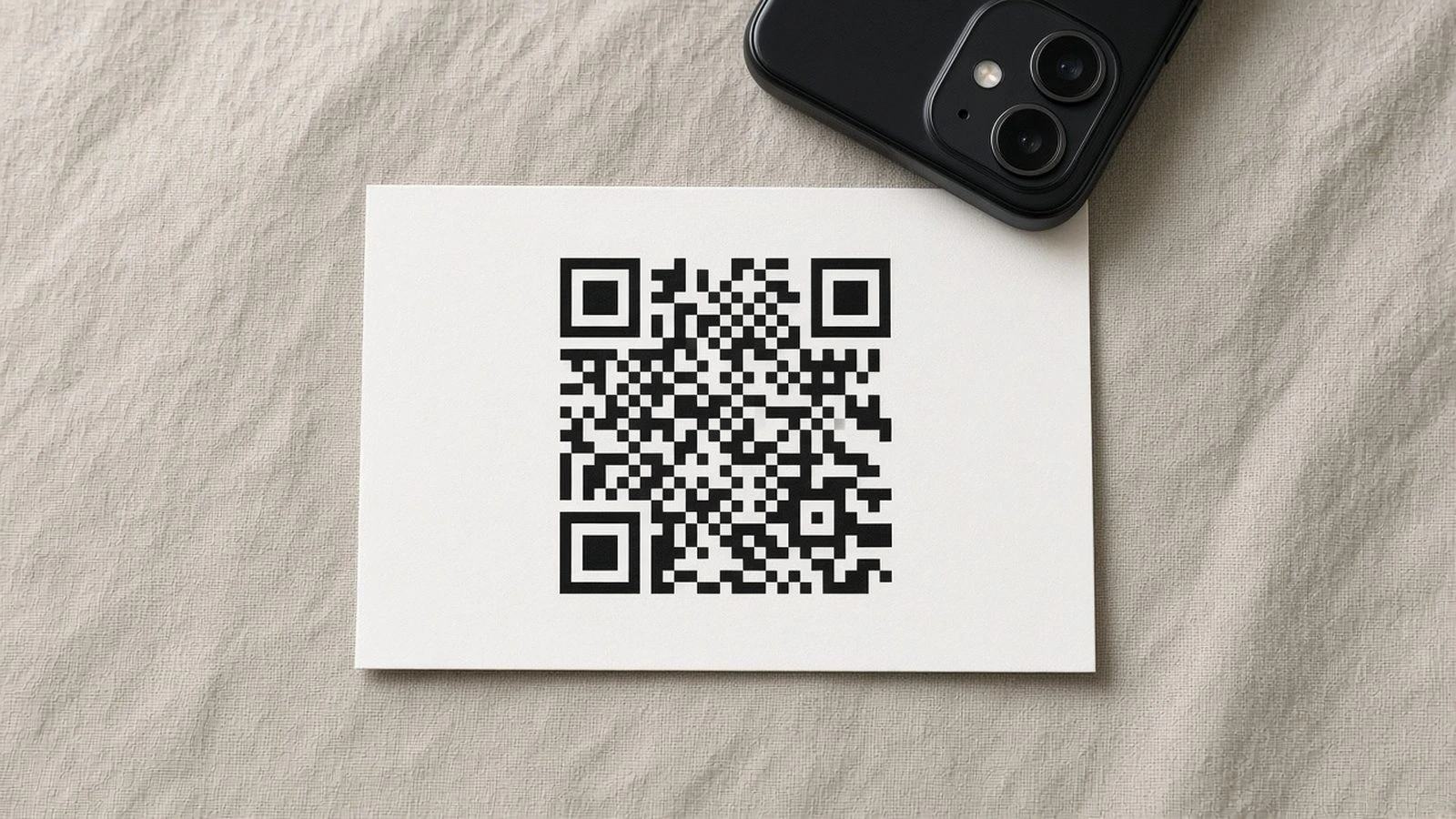
Paper invites still matter—and phones are how people reply. Here’s how to use a QR code on a printed invite for RSVP without print fails or dead links after the envelopes go out.
Build the live page first: create an RSVP page, test the URL, then generate the code. Wedding-specific patterns: QR code wedding invitation RSVP. Broader invite design: QR code event invitations and wedding RSVP QR code.
Print and design rules
High contrast QR on a flat area
At least ~1 inch / 2.5 cm wide
Quiet zone (margin) around the code
Test a printed proof on iPhone and Android
Always print a backup URL
Shorten a readable URL under the code for guests who will not scan. Keep the same destination as the QR.
Do not change the link after printing
If you must migrate, use a redirect from the printed URL. Broken QR codes after mailing cannot be fixed with a group text.
QR RSVPs succeed when the page is live before print, the code is large and high-contrast, and a typed backup URL sits underneath.