When to send a wedding save-the-date
Send it 6 to 8 months before the wedding
That is the usual window for a local wedding. Weddings that need flights or hotels, or that fall on a holiday weekend, are better announced 8 to 12 months ahead.

© 2026 SnapRSVP
Give your guests time to plan travel and time off. Make a wedding save-the-date in minutes, then share it by link or QR code.
Pick one and add your details. Every design works for every event, and you can change it any time.
Save the Date
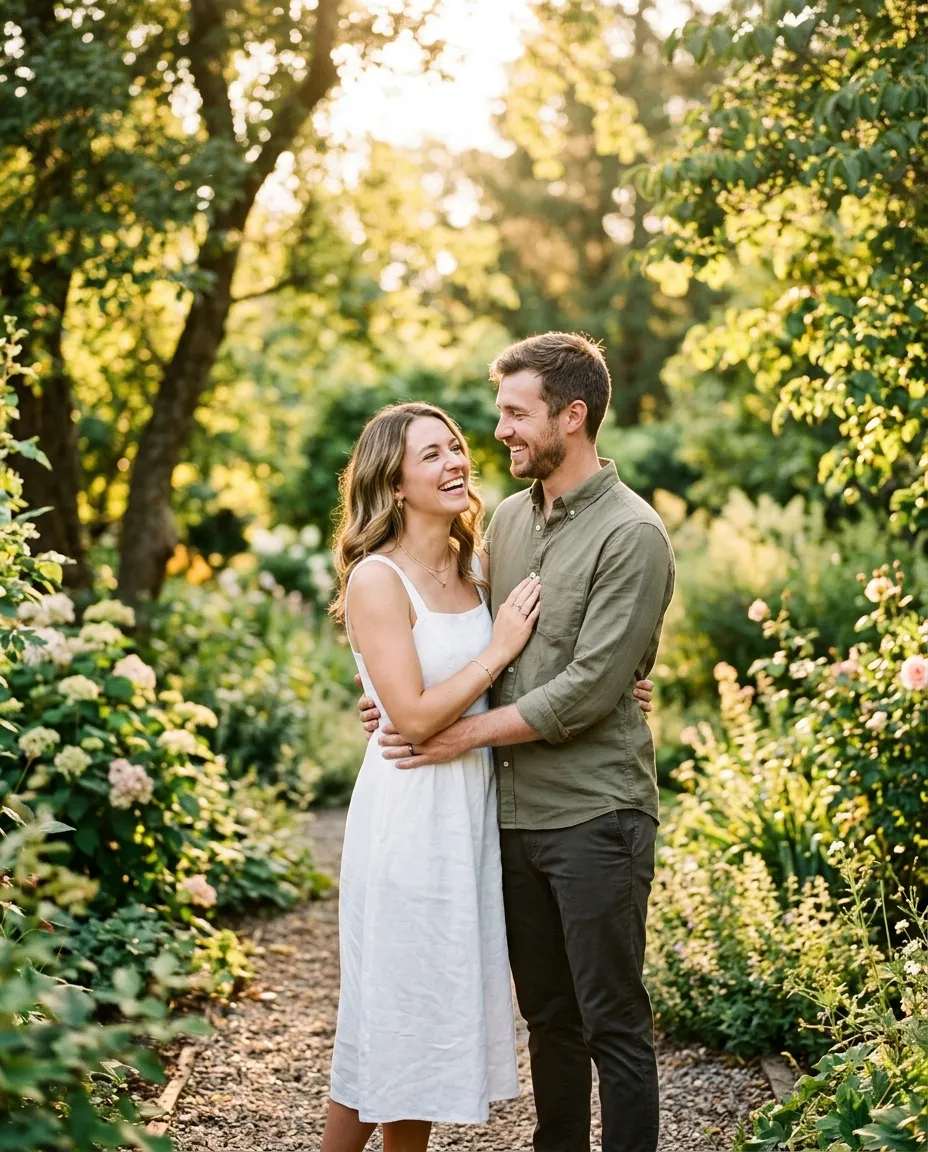
Sarah & John
Saturday, June 12, 2027
4:00 PM EDT
Austin, Texas
Formal invitation to follow
Save the Date
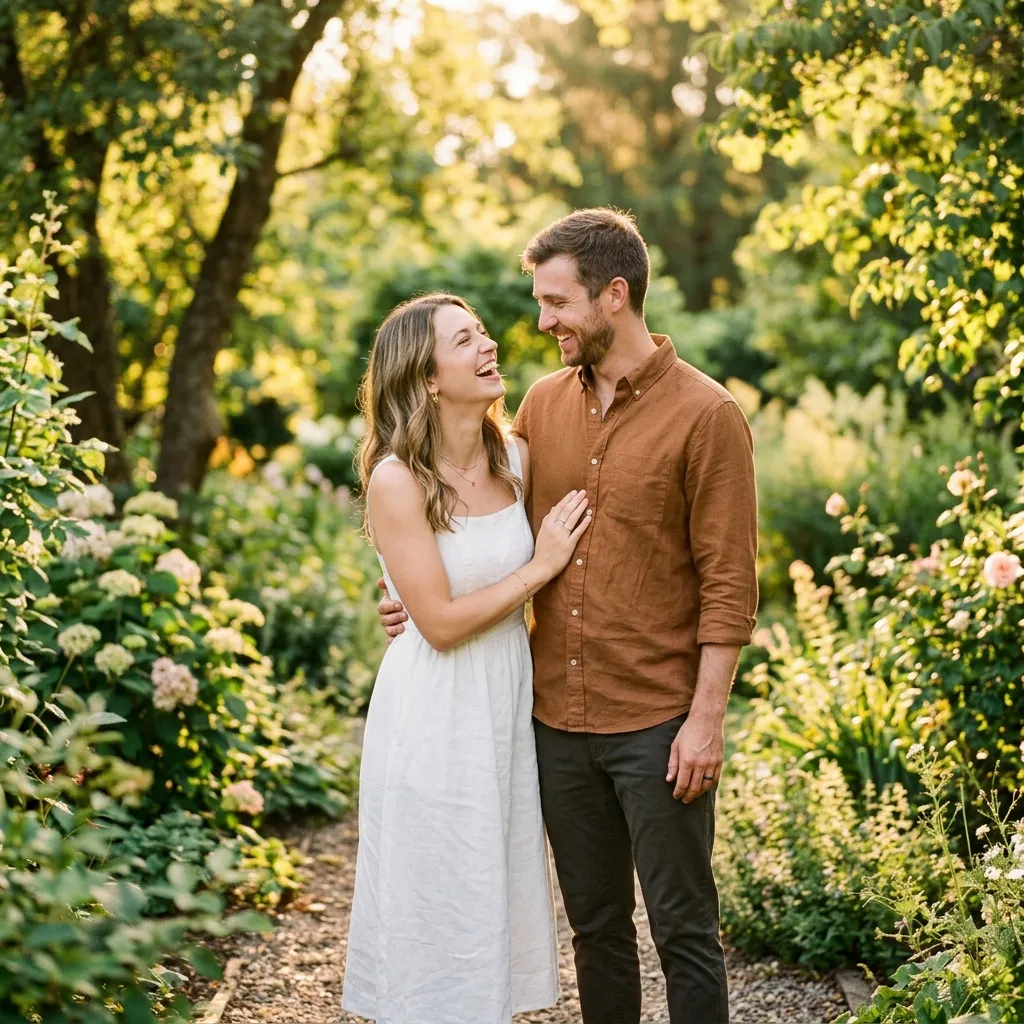
Sarah & John
Saturday, June 12, 2027
4:00 PM EDT
Austin, Texas
Formal invitation to follow
Save the Date
Sarah & John
Saturday, June 12, 2027
4:00 PM EDT
Austin, Texas
Formal invitation to follow
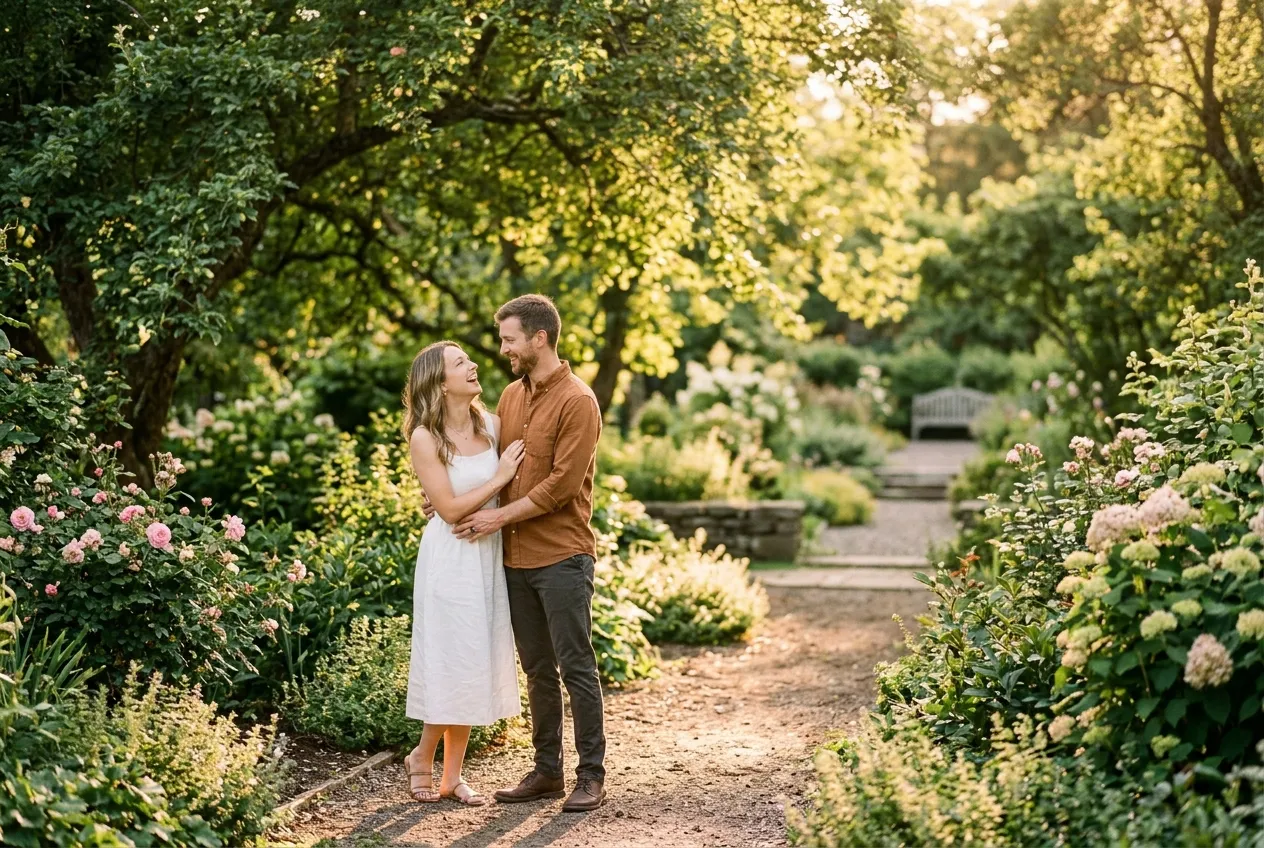
Save the Date
Sarah & John
Saturday, June 12, 2027
4:00 PM EDT
Austin, Texas
Formal invitation to follow
Save the Date
Sarah & John
Saturday, June 12, 2027
4:00 PM EDT
Austin, Texas
Formal invitation to follow
Save the Date
Sarah & John
Saturday, June 12, 2027
4:00 PM EDT
Austin, Texas
Formal invitation to follow
Sarah & John
Saturday, June 12, 2027
4:00 PM EDT
Austin, Texas
Formal invitation to follow
Save the Date
Sarah & John
Saturday, June 12, 2027
4:00 PM EDT
Austin, Texas
Formal invitation to follow
Send it 6 to 8 months before the wedding
That is the usual window for a local wedding. Weddings that need flights or hotels, or that fall on a holiday weekend, are better announced 8 to 12 months ahead.
You write the top line yourself. A few ideas:
Turn your wedding save-the-date into an RSVP website in one click. Your details carry over, guests reply online, and you see everyone in one dashboard.
Most couples send them 6 to 8 months ahead, and 8 to 12 months for destination or holiday-weekend weddings.
No. The date and the city or region are enough. You can add the venue on the invitation.
Yes. Your card has buttons for Google, Outlook and Apple Calendar, so the date lands in their phone.