Choose a design
Pick a look, add your names, date, location and an optional photo. The preview updates as you type.

© 2026 SnapRSVP
Pick a design, add your date and a photo, and share it in minutes. Guests add the date to their calendar with one tap.
Save the Date

Sarah & John
Saturday, June 12, 2027
4:00 PM
Austin, Texas
Formal invitation to follow

Sarah & John
Saturday, June 12, 2027
4:00 PM
Austin, Texas
Formal invitation to follow
Save the Date
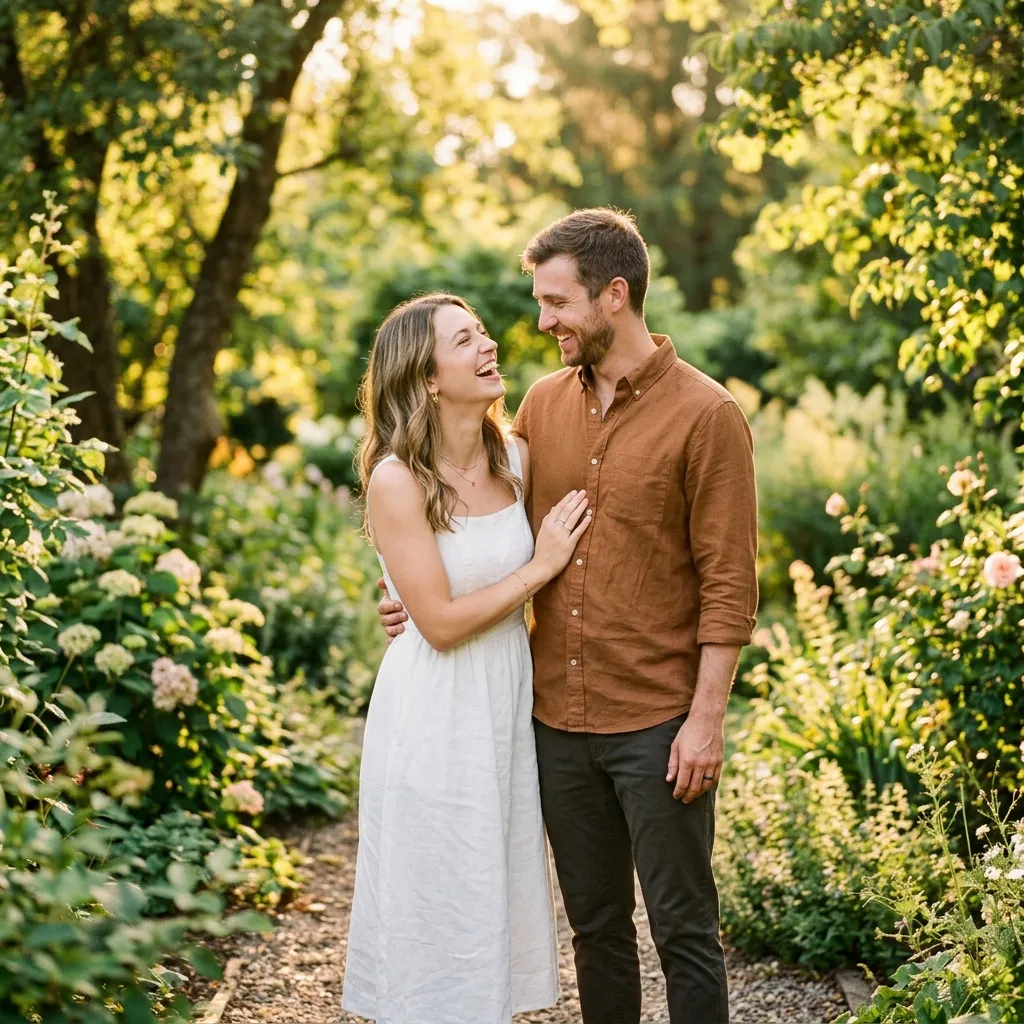
Sarah & John
Saturday, June 12, 2027
4:00 PM
Austin, Texas
Formal invitation to follow

Save the Date
Sarah & John
Saturday, June 12, 2027
4:00 PM
Austin, Texas
Formal invitation to follow
Save the Date
Sarah & John
Saturday, June 12, 2027
4:00 PM
Austin, Texas
Formal invitation to follow
Baby Shower

Baby Johnson
Saturday, June 12, 2027
4:00 PM
Austin, Texas
Join us to celebrate
Maya turns 30
4:00 PM
Brooklyn, New York
Cake, music and dancing
Class of 2027
Emma Carter
Saturday, June 12, 2027
4:00 PM
Boston, Massachusetts
Graduation celebration to follow
From blank page to a shareable card in about two minutes.
Pick a look, add your names, date, location and an optional photo. The preview updates as you type.
Send the link in a text, email or group chat. Nothing to install and no account for guests.
Download the QR code for a printed card, a fridge magnet or a poster.
Add to Google, Outlook or Apple Calendar in one tap, so nobody forgets.
Turn your save-the-date into an RSVP website in one click. Your names, date, time and location carry over, and guests reply online while you track everyone in one dashboard.
See RSVP website pricingTiming tips, wording ideas and designs for your kind of event.
Yes. Creating a save-the-date, sharing it by link or QR code, and the calendar buttons for your guests are all free. You need a free SnapRSVP account so we can save your card.
You get a link and a QR code. Paste the link into a text, email, group chat or social post, or print the QR code on a card. Guests open it in their browser and do not need an account.
Not at the moment. You share the link yourself, which means you decide exactly who gets it and how.
Until the end of your event day. After that the link stops working and your photo is deleted automatically, so nothing lingers online.
Yes. Every design works for every event, and you write the top line yourself: “Save the Date”, “Mark Your Calendar”, “You’re Invited”, or anything short that fits your event.
Turn your save-the-date into an RSVP website with one click. Your names, date, time and location are filled in for you, and guests can reply online.