When to send a destination wedding save-the-date
Send it 9 to 12 months ahead
Guests may need to book flights, request leave and sort out passports. Sending early also lets you mention that travel details are coming.

© 2026 SnapRSVP
Guests need the most notice when they have to fly. Share your destination wedding date early, with a link they can open from anywhere.
Pick one and add your details. Every design works for every event, and you can change it any time.
Save the Date
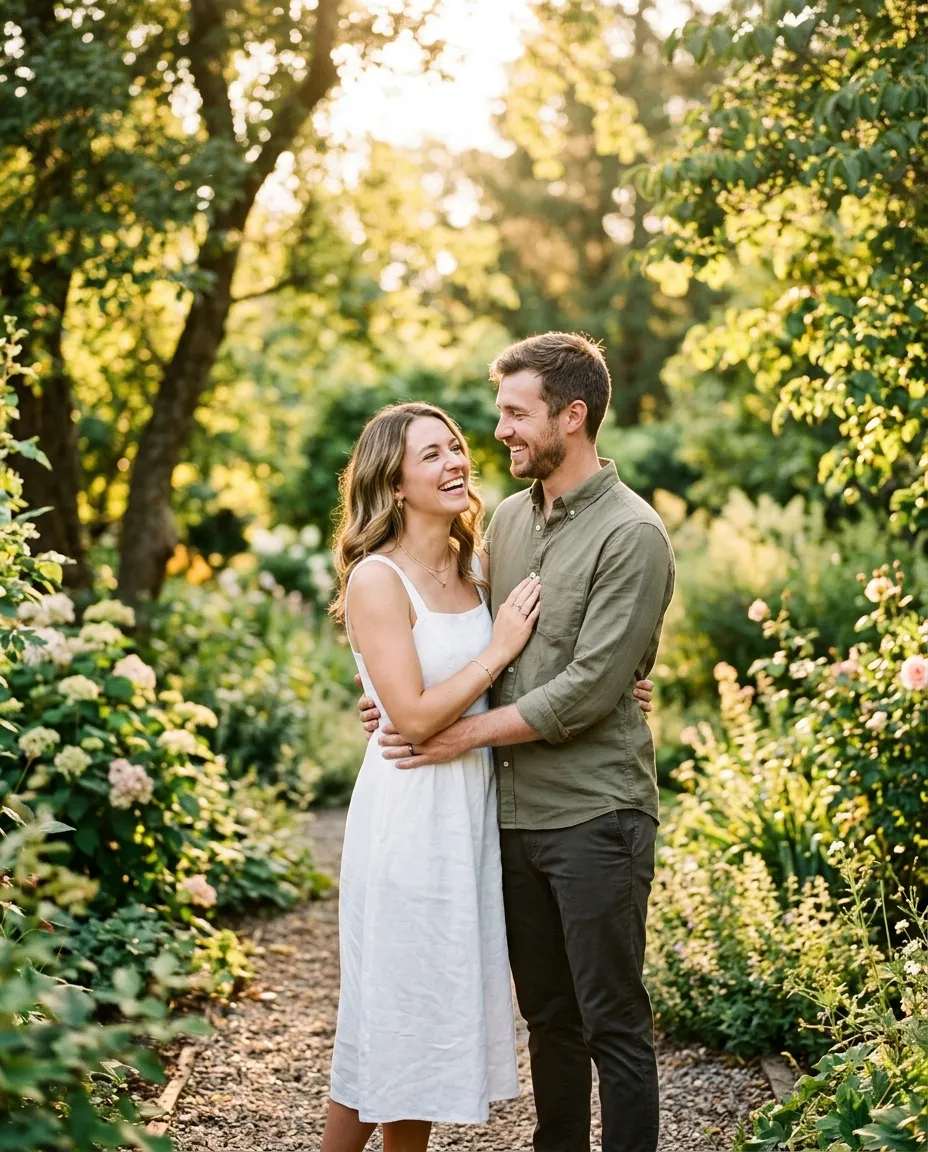
Maya & Chris
Saturday, October 9, 2027
5:00 PM EDT
Tulum, Mexico
Travel details to follow
Save the Date
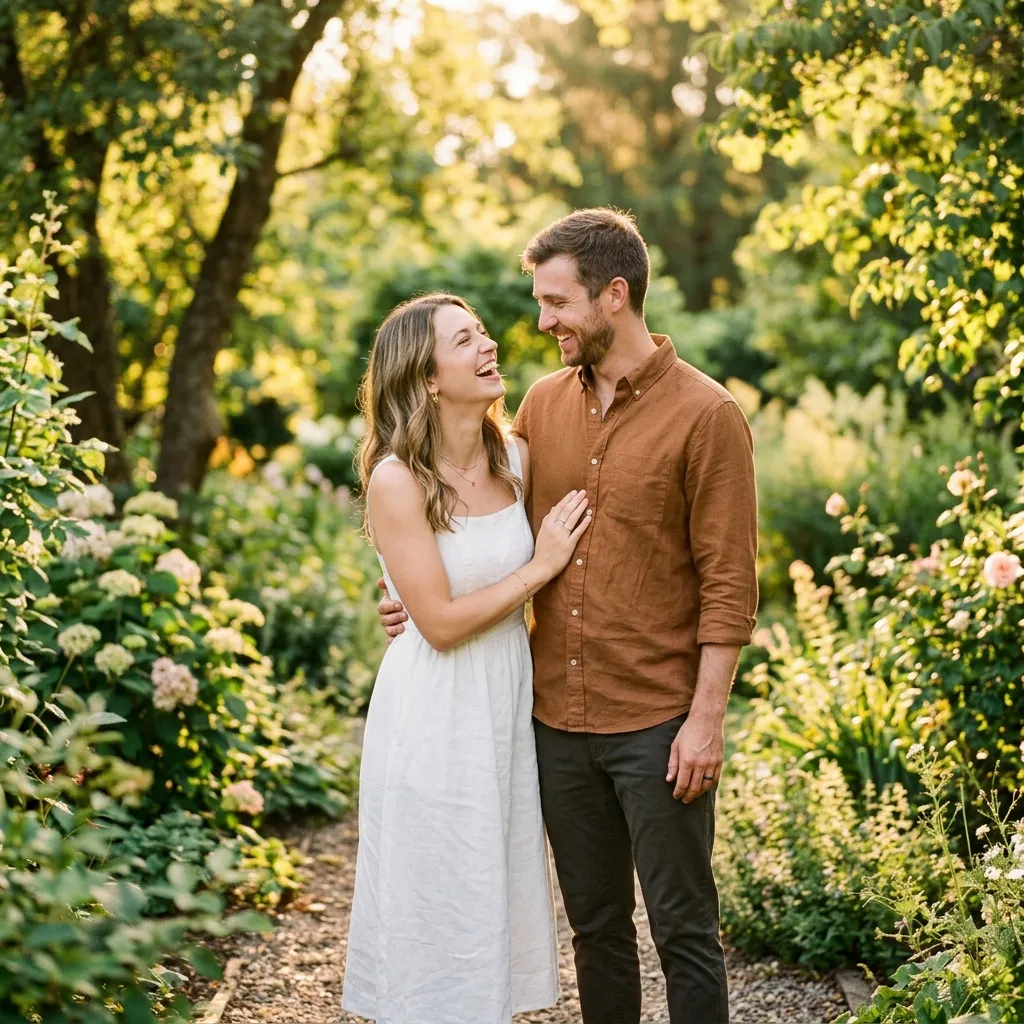
Maya & Chris
Saturday, October 9, 2027
5:00 PM EDT
Tulum, Mexico
Travel details to follow
Save the Date
Maya & Chris
Saturday, October 9, 2027
5:00 PM EDT
Tulum, Mexico
Travel details to follow
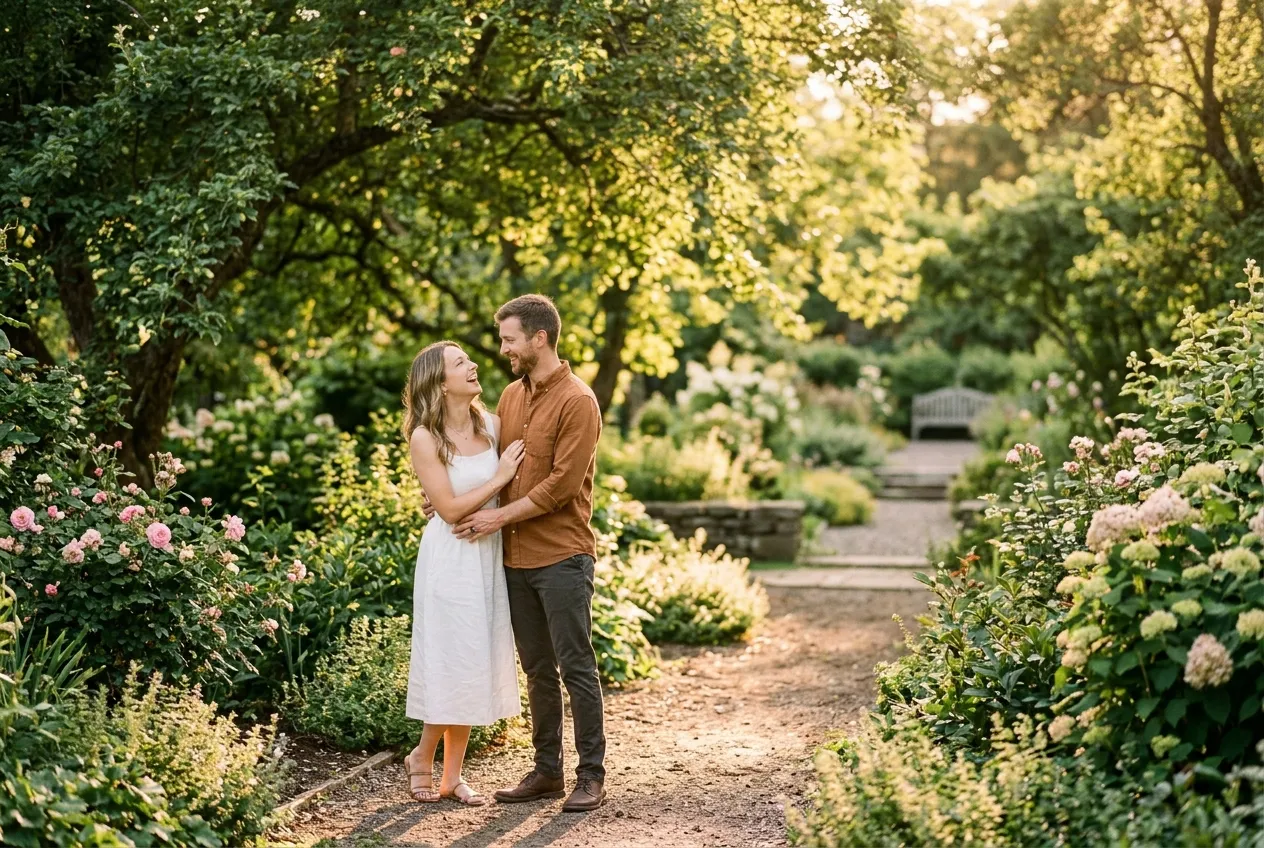
Save the Date
Maya & Chris
Saturday, October 9, 2027
5:00 PM EDT
Tulum, Mexico
Travel details to follow
Save the Date
Maya & Chris
Saturday, October 9, 2027
5:00 PM EDT
Tulum, Mexico
Travel details to follow
Save the Date
Maya & Chris
Saturday, October 9, 2027
5:00 PM EDT
Tulum, Mexico
Travel details to follow
Maya & Chris
Saturday, October 9, 2027
5:00 PM EDT
Tulum, Mexico
Travel details to follow
Save the Date
Maya & Chris
Saturday, October 9, 2027
5:00 PM EDT
Tulum, Mexico
Travel details to follow
Send it 9 to 12 months ahead
Guests may need to book flights, request leave and sort out passports. Sending early also lets you mention that travel details are coming.
You write the top line yourself. A few ideas:
Turn your destination wedding save-the-date into an RSVP website in one click. Your details carry over, guests reply online, and you see everyone in one dashboard.
Up to a year ahead is normal. The farther away the destination, the more notice guests appreciate.
Not on the save-the-date. A line that details will follow is enough; put them on your wedding website or invitation.
Yes. The card is a web link, so anyone with a phone or browser can open it, and the time shows with its timezone.