
Thanksgiving Dinner RSVP: How to Get a Headcount Before You Buy the Turkey
Plan Thanksgiving dinner around a real headcount. When to send invitations, which RSVP questions to ask, how much turkey per person, and how to coordinate sides and late replies.
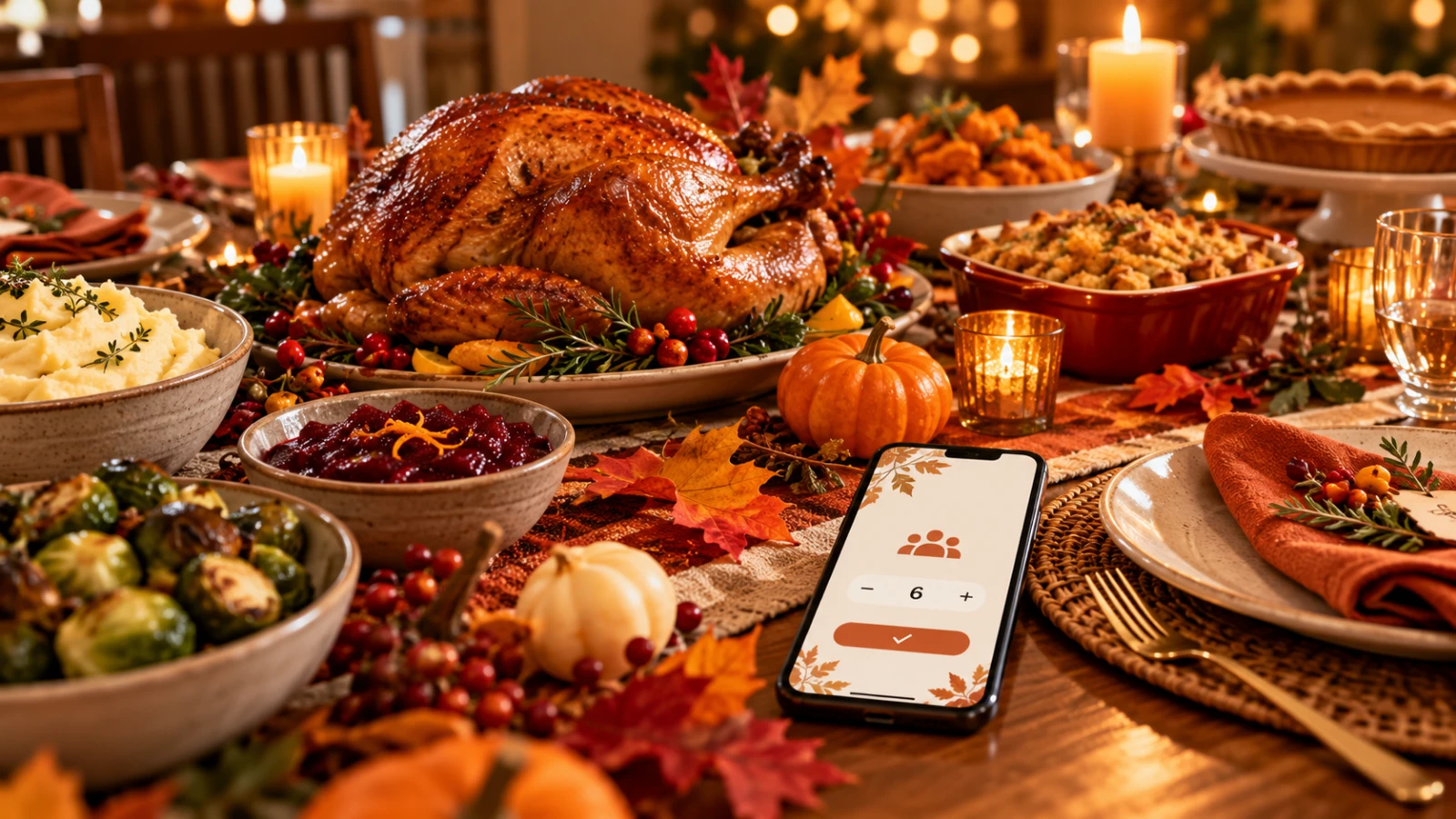
Thanksgiving falls on Thursday, November 26 this year, and every host hits the same wall around mid-November: you can't buy the turkey, pick the number of pies, or borrow chairs until you know who is actually coming. A Thanksgiving dinner RSVP turns that guesswork into a real headcount, complete with kids, plus-ones, dietary needs, and who is bringing what.
This guide walks through when to send your Thanksgiving invitation, which RSVP questions to ask, how to turn replies into a shopping list, and how to handle the relatives who never answer.
Why Thanksgiving needs a real RSVP
Most holiday gatherings can absorb a few surprise guests. Thanksgiving can't, because almost everything is sized to the headcount: the bird, the sides, the oven schedule, the table, and the place settings. Family group chats are great for excitement but terrible for counting. Replies get buried, "maybe" never turns into a yes or no, and nobody remembers whether Aunt Rana said two kids or three.
A single RSVP link gives every household one place to answer, and gives you one live list to plan from.
When to send your Thanksgiving invitation
4 to 6 weeks before (early to mid-October): send the invitation and RSVP link, especially to relatives who need to book travel.
2 weeks before: send a friendly reminder to anyone who hasn't replied.
About 1 week before: close RSVPs and lock the headcount, so you have time to shop and thaw a frozen turkey.
2 days before: send final details such as arrival time, parking, and what to bring.
You don't have to chase people by hand. SnapRSVP can send RSVP reminders automatically to guests who haven't responded yet.
The RSVP questions that matter for Thanksgiving dinner
Keep the form short. Each question should change something you buy, cook, or set up.
Attending: yes or no. Skip "maybe" if you can, or give it a firm deadline.
Number of adults and number of children. Kids eat roughly half to two-thirds of an adult portion, so counting them separately keeps your shopping accurate.
Dietary needs. Vegetarian, vegan, gluten-free, dairy-free, and allergies. If you're unsure how to word this, see our guide on how to ask for dietary restrictions politely.
Dish they're bringing. If dinner is partly potluck, let guests claim a side or dessert right on the RSVP so you don't end up with four green bean casseroles.
Arrival time or travel notes. Useful when some relatives are driving in that morning.
A short message. An optional note field catches things like "Grandpa needs a chair with arms."
Turn your RSVP headcount into a shopping list
Once replies are in, the math is quick. Common rules of thumb hosts use:
Whole turkey: about 1.25 to 1.5 lb of bone-in turkey per adult. For 12 adults, that is a 15 to 18 lb bird. For 20 or more guests, two smaller turkeys usually cook more evenly than one huge one.
Children: count each child as about 0.6 of an adult when sizing food.
Mashed potatoes: about 1 cup cooked per person.
Dinner rolls: about 2 per person.
Pie: roughly 1 pie for every 6 to 8 guests, plus one extra if you want leftovers.
Because your SnapRSVP headcount updates as replies come in, you can check the dashboard, do this math in a minute, and order the turkey with confidence.
Coordinate sides and desserts without a second spreadsheet
Thanksgiving is often a hybrid: the host handles the turkey and gravy while family brings sides and pies. Instead of running a separate sign-up sheet, add a "What are you bringing?" question to the RSVP. Our guide to a potluck party RSVP with dish signup shows how to set this up so every dish is claimed once and the gaps are obvious.
A simple split many families use:
Host: turkey, gravy, stuffing
Guests: potatoes, sweet potatoes, a green vegetable, cranberry sauce, rolls, salad
Dessert volunteers: pumpkin, apple, and pecan pie
Anyone short on time: drinks, ice, or disposable containers for leftovers
Plan seating and the kids' table from your replies
Once you know how many adults and children are coming, you know right away whether you need a kids' table, extra folding chairs, or a second room. Count place settings from confirmed yeses, then add one or two spares for the guest who brings a surprise partner. If you're hosting a larger crowd, the planning steps in how to plan a dinner party translate well to a holiday table.
Handling late replies and last-minute guests
Set a clear RSVP-by date on the invitation, ideally the Thursday before Thanksgiving.
Follow up once, warmly. A short "We're buying the turkey Friday, are you in?" works better than a formal reminder.
Treat no reply as a no for shopping, but keep a little extra food on hand for the inevitable late yes.
Ask about plus-ones directly so new partners and college roommates don't show up uncounted.
Thanksgiving invitation wording you can copy
Classic family dinner:
"Join us for Thanksgiving dinner on Thursday, November 26 at 3 PM at our place. Please RSVP by November 19 with how many adults and kids are coming and any dietary needs. Let us know if you'd like to bring a side!"
Relaxed potluck:
"Thanksgiving potluck at the Khans'! We've got the turkey covered. RSVP by November 19 and claim a side or dessert on the form so we don't end up with five pies. (Actually, five pies is fine.)"
Out-of-town family:
"We'd love to have everyone home for Thanksgiving on November 26. Please RSVP by November 12 so we can plan beds, meals, and airport pickups, and add your arrival time in the notes."
Hosting friends instead of family? Our Friendsgiving RSVP website guide covers the more casual version.
Set up your Thanksgiving RSVP in minutes
SnapRSVP lets you build a holiday RSVP page with a custom link and QR code, collect guest counts, ask custom questions about dietary needs and dishes, and send automatic reminders, all without guests needing an app or account. Start with the Thanksgiving RSVP website template, share it in the family group chat, and watch the headcount fill in before you shop.