
How to Send Digital Wedding Invitations with an RSVP Link
Send digital wedding invitations with a built-in RSVP link: email, text, WhatsApp, and QR options—plus a checklist so guests can reply in one tap.
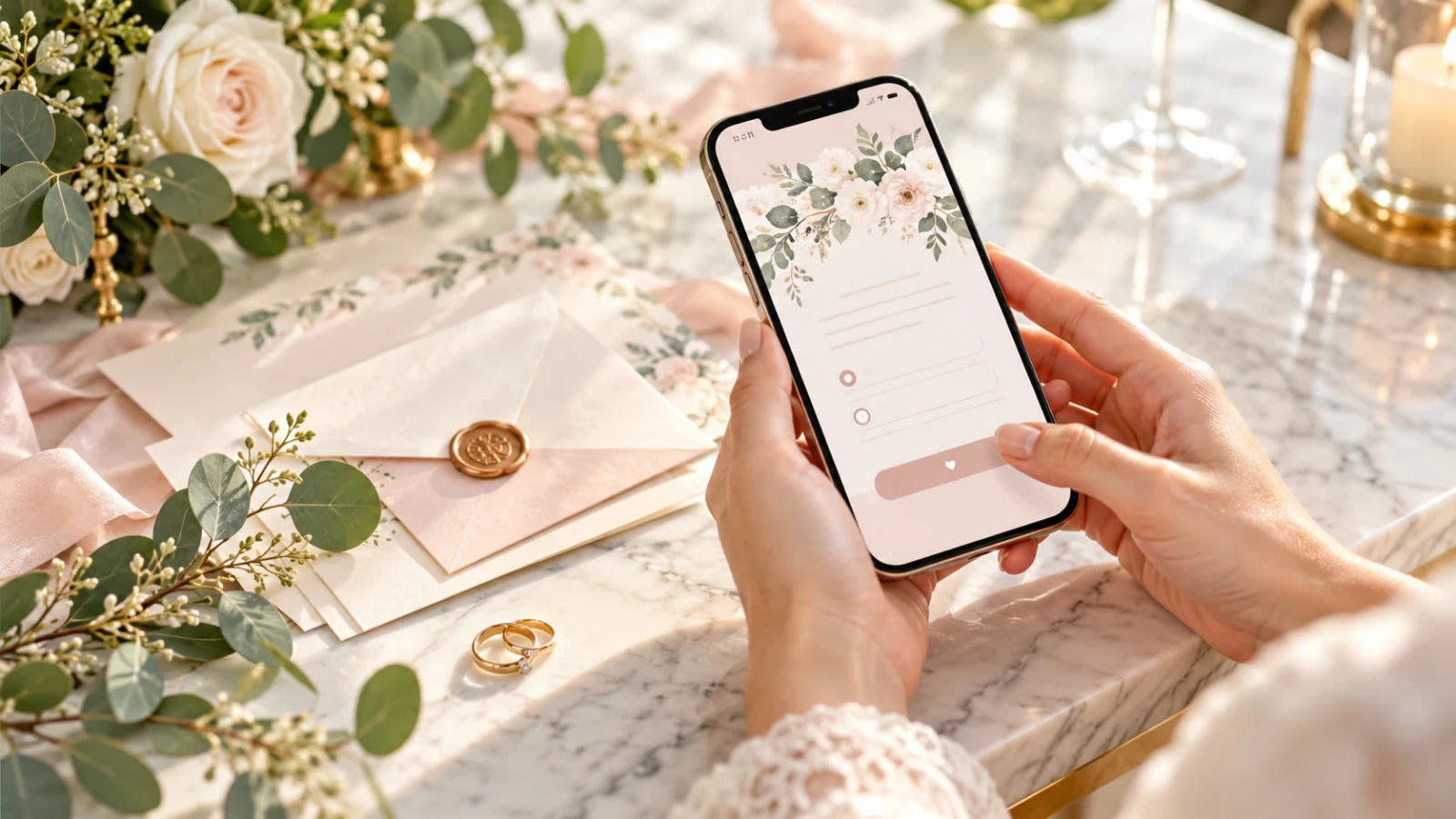
Sending digital wedding invitations with an RSVP link is the shortest path from “save the date energy” to a real headcount. Guests open one page, see the details, and reply without hunting for a stamp or a buried email thread. This walkthrough covers how to build the invite, choose share channels, and keep replies organized.
If you also want a fuller wedding site for travel and registry info, pair the RSVP with a simple wedding website—or keep everything on one SnapRSVP event page.
Why combine the invite and the RSVP
Separate “pretty invite” and “reply somewhere else” flows lose guests. A single digital invitation with RSVP should include:
Names of the couple and hosts
Ceremony and reception date, time, and venues
Dress code and any schedule notes guests need early
A visible reply-by date
An RSVP form on the same page (or one tap away)
That structure mirrors good paper suites while matching how people actually communicate now.
Step 1: Create the digital invitation page
Start from a wedding template on SnapRSVP’s wedding RSVP website flow.
Add your story, photos, and schedule in short sections.
Enable attendance, guest count, meal choices, and any custom questions.
Set the RSVP deadline based on your venue’s catering cutoff.
Preview on mobile—most guests will never open this on a laptop.
Browse wedding examples if you want layout inspiration before writing copy.
Step 2: Choose how you will send it
Pick channels based on your guest list, not trends.
Best for parents’ friends, coworkers, and anyone who treats email as official mail. Put the couple’s names and wedding date in the subject line. First paragraph: who, when, where. Second: “Please RSVP by [date] here: [link].” Attach nothing required—links beat PDFs that break on phones.
Text / iMessage / WhatsApp
Best for friends and relatives who already chat with you daily. Keep the message under five lines. Paste the full HTTPS link so it previews cleanly. Avoid link shorteners that look like spam.
Social DMs and Stories
Fine for casual guest lists or a public celebration. For formal weddings, treat social as a reminder channel after the personal send—not the only invite.
QR codes on paper
Perfect when elders want a card they can hold. Print a card with the essentials and a QR that opens the same RSVP link. Use a high-contrast code and test it from arm’s length. SnapRSVP’s QR code generator and our guide to QR codes on event invitations cover sizing and placement.
Step 3: Send in waves, not one giant blast
Wave 1: immediate family and wedding party (catch mistakes early)
Wave 2: full guest list
Wave 3: reminder to non-responders one week before the deadline
Personalize the first line when you can (“We would love to celebrate with you in Austin…”). Mass-paste is fine for the link; cold tone is optional.
Step 4: Track replies in one dashboard
As answers arrive, avoid building a second list in Notes or Sheets unless you enjoy duplicate work. Your RSVP dashboard should show Yes / No / Pending, meal totals, and plus-ones. For tool comparisons, see how to collect wedding RSVPs online and the tracker vs spreadsheet breakdown.
Message templates you can copy
Email subject: You’re invited — [Partner] & [Partner], [Date]
Email body: We are so excited to celebrate our wedding with you on [Day], [Date], at [Venue], [City]. Ceremony begins at [Time]. Please RSVP by [Deadline] at [link] so we can save your seat and meal.
Text / WhatsApp: You’re invited to our wedding on [Date] in [City]! Details + RSVP (by [Deadline]): [link] ♥
Reminder: Friendly nudge — we’d love your RSVP for [Date] by [Deadline]. Takes a minute: [link]
Etiquette notes for digital sends
Still invite people personally; a Story alone is not a formal invitation for most families
Name plus-ones clearly in the form limits
Do not require an account to reply
Offer a phone RSVP path for guests who will not use links
Update the page if venues or times change—do not rely on chat corrections alone
Wondering whether digital feels “less special” than paper? Guests care more about clarity and ease. Our digital vs paper invitations comparison covers when a hybrid suite makes sense.
Launch checklist
Mobile preview checked
Deadline visible on the page
Meal and plus-one fields match vendor needs
One canonical RSVP URL used in every channel
QR tested on two phones if printing cards
Reminder date on your calendar
When the page is ready, send Wave 1, fix anything unclear, then share with everyone else. Digital wedding invitations with an RSVP link should feel like one polished experience—not a scavenger hunt across apps.