
How to Collect Wedding RSVPs Online
Learn how to collect wedding RSVPs online with one shareable link or QR code. Track meal choices, plus-ones, and export your guest list without chasing texts.
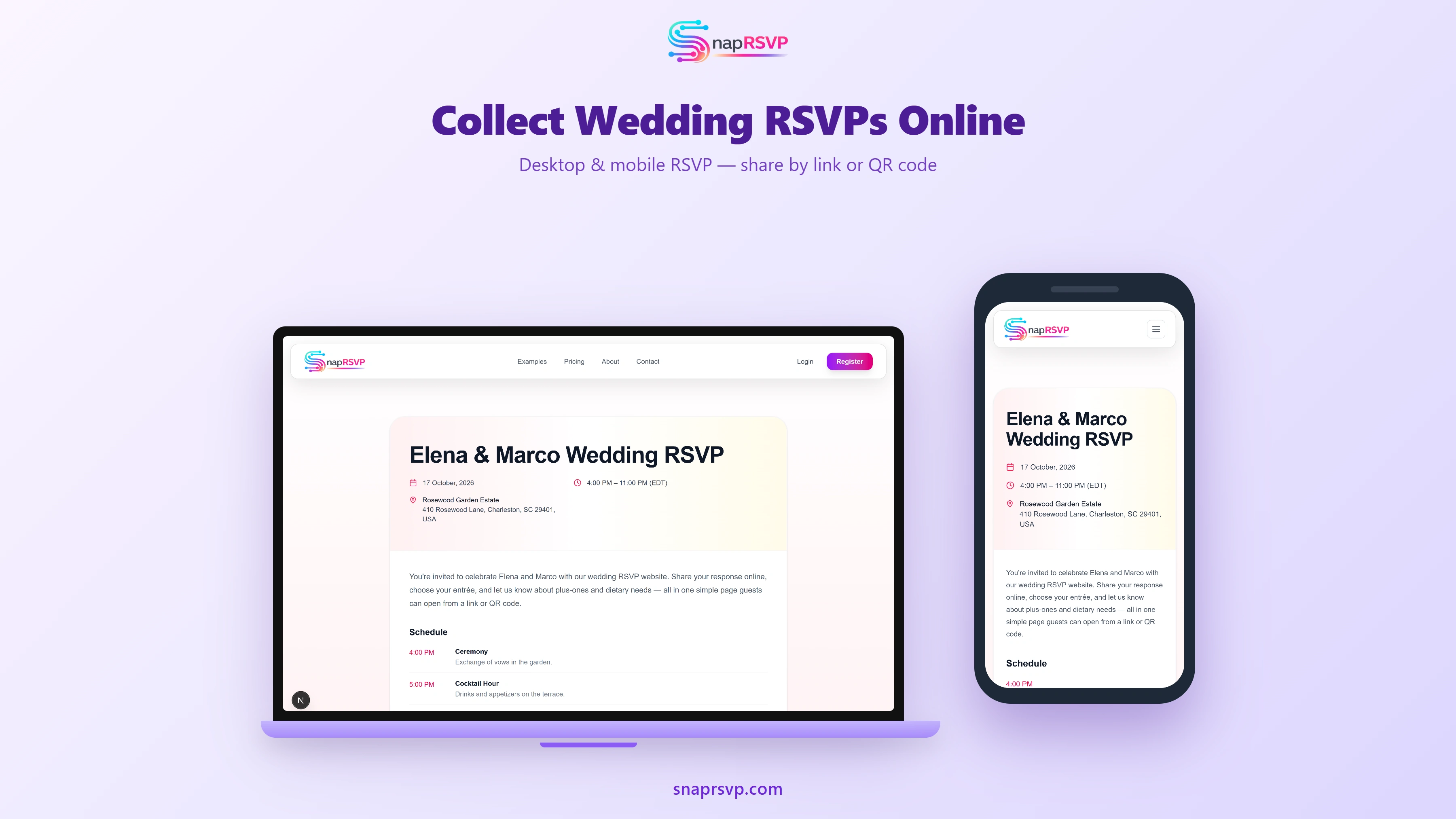
Learn how to collect wedding RSVPs online with one shareable link or QR code. Track meal choices, plus-ones, and export your guest list without chasing texts.
Start with one clear RSVP destination
The fastest way to collect wedding RSVPs online is to direct every guest to one link. When couples split responses across email, DMs, and paper cards, they spend extra time reconciling duplicate or conflicting entries.
Choose a single RSVP page and use it everywhere: invitation insert, save-the-date, text reminders, and wedding website navigation. Consistency improves completion rates and gives you a reliable dashboard from the first response onward.
Build a form that matches vendor decisions
Your RSVP form should collect attendance, meal choices if needed, plus-one details, and dietary restrictions. Every required field should map to an actual planning decision such as catering counts, seating assignments, or transportation logistics.
Avoid adding trendy questions that do not change execution. Long forms increase drop-off, especially on mobile. A concise form gets more completions and produces cleaner data when your planner needs to finalize details quickly.
Set deadlines around contract milestones
Work backward from venue and caterer final-count dates, then set your guest-facing RSVP deadline with enough buffer for follow-ups. Many couples choose a deadline about four weeks before the wedding to protect planning margin.
Schedule reminder waves in advance: one week before deadline and again a few days before close for non-responders. Prepared messaging keeps follow-up calm and prevents frantic outreach during an already busy planning window.
Compare online RSVP options based on workflow
Some couples want all-in-one wedding platforms, while others prefer focused RSVP tools. The right choice depends on whether your priority is registry integration, guest form speed, or clean export handoffs to vendors and coordinators.
For side-by-side guidance, review /blog/wedding-rsvp-website-vs-zola and /blog/digital-wedding-rsvp-vs-paper. These comparisons help couples choose a system that fits guest behavior and operational needs, not just design preferences.
Track progress with a weekly review routine
During RSVP season, review your dashboard weekly to monitor yes, no, and pending counts. This habit helps you catch stalled response segments early and prioritize personal follow-ups with family groups that need extra reminders.
As responses finalize, export a working guest list for seating and catering coordination. Centralized online data dramatically reduces spreadsheet cleanup and improves confidence when sharing final numbers with venue teams.
Launch a repeatable online RSVP process
Collecting wedding RSVPs online works best when the process is simple for guests and actionable for hosts. One link, clear deadlines, and focused questions create better response quality with less planning friction.
SnapRSVP gives couples a mobile-friendly RSVP page, straightforward reminder sharing, and clean exports for vendor handoff. If you want a streamlined setup from invite to final count, create your page with SnapRSVP at /create.