
How to Create a Wedding Website That Guests Will Actually Use
A wedding website can simplify your planning and improve the guest experience—but only if it's done right. Learn what pages, information, and features every wedding website should include.
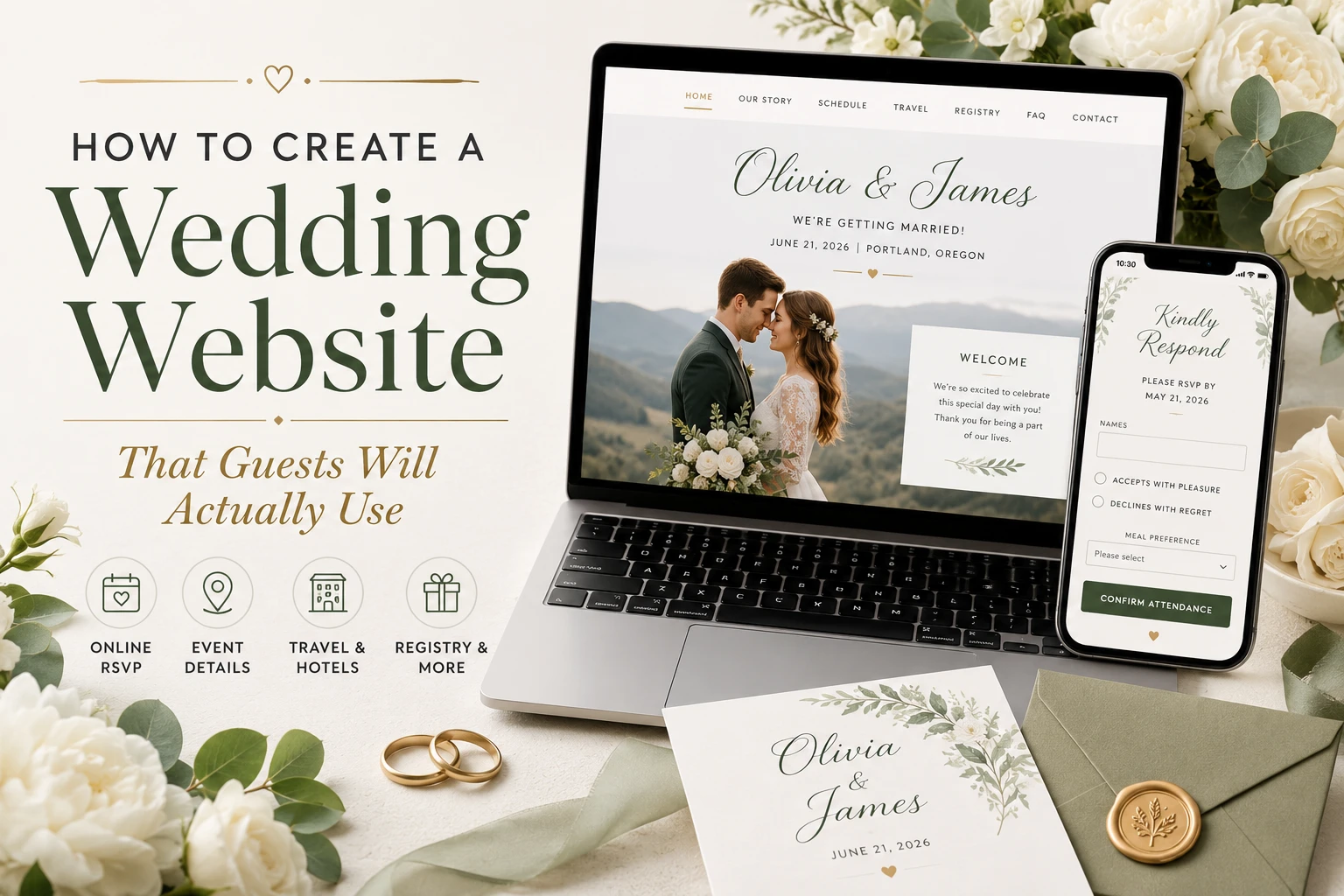
Planning a wedding involves countless details, and one of the easiest ways to keep everything organized is by creating a wedding website.
Instead of answering the same questions over and over, you can give your guests one place to find everything they need — from your love story and venue directions to RSVP forms and accommodation recommendations.
But not every wedding website is useful. Some are cluttered, outdated, or missing important information, leaving guests confused instead of informed.
In this guide, you'll learn exactly how to create a wedding website that your guests will actually use — and appreciate.
🔗 Get started: Create your wedding RSVP page · Browse examples
Why Every Modern Wedding Needs a Website
Wedding websites have become one of the most valuable planning tools for couples. Rather than sending multiple emails, text messages, or printed inserts, everything can be managed in one place.
A wedding website helps you:
Collect RSVPs online
Share ceremony and reception details
Keep guests informed about schedule changes
Recommend hotels and transportation
Answer frequently asked questions
Reduce phone calls and messages
Keep everyone updated before the big day
Whether you're hosting a small intimate ceremony or a large celebration with hundreds of guests, a wedding website makes communication much easier.
Start with Online RSVPs
The most important feature of your wedding website is the RSVP page. Guests should be able to respond in less than a minute.
A good RSVP form should allow guests to accept or decline the invitation, indicate the number of attendees, select meal preferences, mention dietary restrictions, and leave a message for the couple.
The simpler the process, the more likely guests are to respond on time.
👉 Create your RSVP page on SnapRSVP
Include the Essential Wedding Information
Don't assume guests will remember every detail from the invitation. Create a page that clearly displays:
Wedding date
Ceremony time
Reception time
Venue names
Complete addresses
Dress code
Parking information
Arrival recommendations
Guests often check this page several times before the wedding.
Tell Your Story
One of the most visited pages on wedding websites is the couple's story. You don't need to write a novel. Simply share how you met, your proposal story, favorite memories together, and a few engagement photos.
This personal touch helps guests feel more connected to your celebration.
Make Directions Easy
Out-of-town guests especially appreciate clear travel information. Include a Google Maps link, parking details, public transportation options, shuttle information, ride-sharing recommendations, and venue entrance instructions.
The easier it is to find your venue, the smoother your wedding day will be.
Recommend Hotels
If guests are traveling, they'll appreciate nearby accommodation suggestions. Include hotel names, booking links, distance from the venue, group discount information, and check-in recommendations. This saves guests from searching on their own.
Add Your Wedding Schedule
Many weddings include multiple events. A timeline helps guests know exactly where they should be throughout the celebration. For example:
Friday — Welcome dinner
Saturday — Ceremony → Cocktail hour → Reception → First dance
Sunday — Farewell brunch
Create an FAQ Page
A Frequently Asked Questions section can dramatically reduce repetitive messages. Common questions include:
What should I wear?
Can I bring a guest?
Are children invited?
Is parking available?
Is the ceremony indoors or outdoors?
Will transportation be provided?
What's the RSVP deadline?
Can I take photos?
Answering these questions in advance saves everyone time.
Share Your Gift Registry
Instead of sending registry links separately, include them on your wedding website. Guests can easily browse your registries without searching through old emails or invitation cards. Keep this page simple and include only official registry links.
Use Beautiful Photos
Photos make your wedding website feel personal. Include engagement pictures, couple portraits, venue photos, and save-the-date images. Avoid uploading dozens of large files that slow down the website — choose a handful of high-quality images that reflect your personality.
Make It Mobile-Friendly
Most guests will visit your wedding website on their phones. Your website should load quickly, display properly on all screen sizes, have readable text, use large buttons, and make RSVPs easy on mobile devices. If guests struggle to navigate the site, they're less likely to use it.
Keep Navigation Simple
Your menu should be straightforward. A simple navigation might include: Home, Our Story, RSVP, Schedule, Travel, Registry, FAQ, and Contact. Guests should find any information in just one or two clicks.
Send Updates Instantly
One of the biggest advantages of a wedding website is the ability to make changes anytime. Need to update the ceremony time, parking instructions, weather plans, or hotel recommendations? Simply edit your website once, and every guest sees the latest information — no need to resend invitations.
Add a Contact Page
Sometimes guests still have questions. Include a simple contact page where guests can send questions, request assistance, or report RSVP issues. You may also choose to list a wedding planner or trusted family member as the point of contact.
Personalize the Experience
Small personal touches make your wedding website memorable. Ideas include a welcome message, countdown timer, favorite songs playlist, proposal video, wedding hashtag, and a photo gallery after the wedding. These features aren't required, but they create a more engaging experience.
Mistakes to Avoid
Many wedding websites fail because they become too complicated. Avoid these common mistakes:
Missing RSVP button
Too much text
Outdated information
Broken links
Slow-loading images
Confusing navigation
No mobile optimization
Missing contact information
A clean, organized website is always better than an overly complicated one.
Why an RSVP Website Makes Wedding Planning Easier
An RSVP website combines everything your guests need into one convenient place. Instead of juggling spreadsheets, text messages, emails, and printed RSVP cards, you can track responses in real time, manage guest lists, share updates instantly, answer common questions, organize event information, and reduce planning stress.
For couples planning busy weddings, it's one of the easiest ways to stay organized.
👉 See how others have done it: Browse wedding RSVP examples
Frequently Asked Questions
When should I create my wedding website? Ideally, create it shortly after your engagement or at least six to eight months before your wedding so guests have plenty of time to RSVP and plan.
What pages should every wedding website include? At minimum, include Home, RSVP, Our Story, Schedule, Travel, Registry, FAQ, and Contact.
Should I include my registry on my wedding website? Yes. It provides guests with a convenient place to find your official registry links.
Can I update my wedding website after sending invitations? Absolutely. One of the biggest advantages of a wedding website is the ability to update details instantly without resending invitations.
Is a wedding website necessary for small weddings? Yes. Even intimate weddings benefit from having a central place for RSVPs, schedules, directions, and important updates.
Final Thoughts
Creating a wedding website isn't just about having another page online — it's about making life easier for both you and your guests.
Keep it simple, organized, and easy to navigate. Focus on the information guests actually need, provide a fast online RSVP experience, and update your website whenever plans change.
The result is a smoother planning process, fewer questions, better communication, and a more enjoyable experience for everyone attending your special day.
👉 Create your wedding website on SnapRSVP · Browse examples for inspiration