
Nonprofit Gala RSVP Website: Tables, Meals, and Donor Headcounts
Build a nonprofit gala RSVP website that tracks table hosts, meal choices, and guest counts—so development teams stop reconciling spreadsheets the week of the ball.
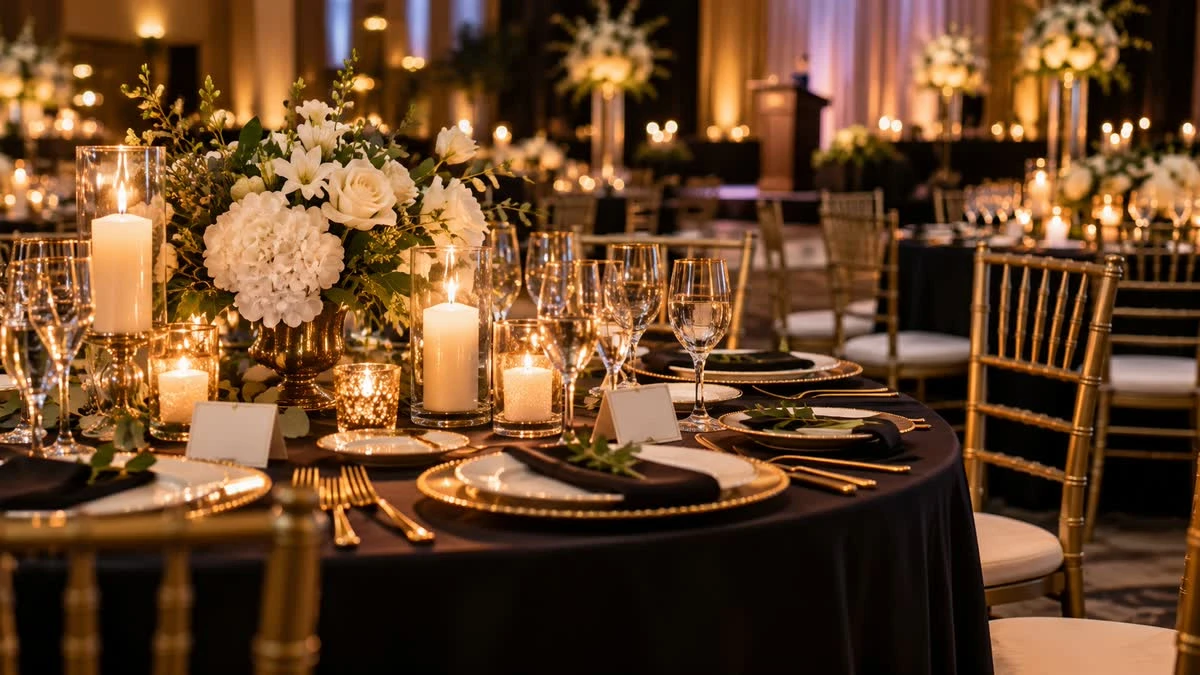
A nonprofit gala RSVP website gives development and events teams one place to collect table hosts, individual guests, meal choices, and accessibility notes—without ten conflicting spreadsheets. Donors reply on a polished page; you export clean counts for catering, seating, and paddle-raise night.
Start from SnapRSVP’s charity events RSVP website or fundraisers RSVP website pages, or go straight to create when the gala date and venue are locked.
How gala RSVPs differ from a casual fundraiser
Table-based invites: hosts often RSVP for a full table of 8–12
Meal + seating pressure: plated dinners need accurate counts weeks out
Mixed audiences: board, major donors, sponsors, staff, and press on one list
Sponsorship benefits: complimentary seats must be named, not anonymous “plus four”
Attendance tracking for simpler drives is covered in our fundraiser RSVP online guide—this post focuses on gala-night table and meal logistics.
What to put on the nonprofit gala RSVP page
Organization name, gala title, date, black-tie or dress code
Venue, arrival time, program start, and parking/valet notes
RSVP deadline aligned with caterer and seating chart lock
Yes/No, headcount, and named guest fields for table fills
Meal choices and dietary/allergy field for each Yes guest
Optional: table host name, sponsor level, or accessibility requests
Optional: silent-auction or paddle-raise tease in page copy—not a payment form inside RSVP unless you intend it
Keep payment for tickets on your existing ticketing or donation flow if that is already set; use the RSVP page for who is coming and what they eat. If both live on separate tools, still avoid duplicate conflicting lists.
Table hosts vs. individual guests
Invite table hosts first with a clear “fill your table by [date]” note
Collect each seat’s name—not just “8 seats Yes”
Cap max guests per host to the purchased table size
Log staff comps and press seats in the same dashboard
Named seats prevent empty place cards and surprise walk-ups that break fire-code counts.
Timeline for most nonprofit galas
10–12 weeks out: draft RSVP page; train board on the share link
8 weeks out: open RSVPs to sponsors and table hosts
4 weeks out: general donor invites; reminder to Pending hosts
2 weeks out: soft close for meals; start seating chart
1 week out: export final Yes list; lock dietary report for caterer
Sharing without version drift
One canonical RSVP URL in email, board Slack, and printed save-the-dates
QR codes on sponsor packets pointing to the same page
Reply-by date in the first line of every ask
Update venue or time on the live page before resharing
Common nonprofit gala RSVP mistakes
Accepting “table of 10” without guest names until the day before
Separate meal spreadsheet that donors never see
No deadline—or a deadline after the caterer’s guarantee
Mixing ticket purchase lists and RSVP lists with no reconciliation owner
Forgetting accessibility and dietary fields for older donors
Seating and export day
After the soft close, export Yes guests with meals and table-host tags. Build the seating chart from that file—not from memory. Keep comps and press in the same export so the ballroom count matches security and catering.
Quick checklist
Dress code, timing, and venue correct on mobile
Table caps and named-guest fields enabled
Meal + allergy fields for Yes replies
Deadline matches catering and seating lock
One share link; comps logged in the same list
A nonprofit gala RSVP website will not write your appeal speech—but it will hand you trustworthy table and meal counts so the ballroom is ready. Publish the page, brief your board, and stop chasing replies across inboxes.