
Kids Table RSVP for a Wedding: Ages, Meals, and Real Headcounts
Use a kids table RSVP to capture ages, kids’ meals, and which children are actually coming—so caterers and seating are not built on guesswork.
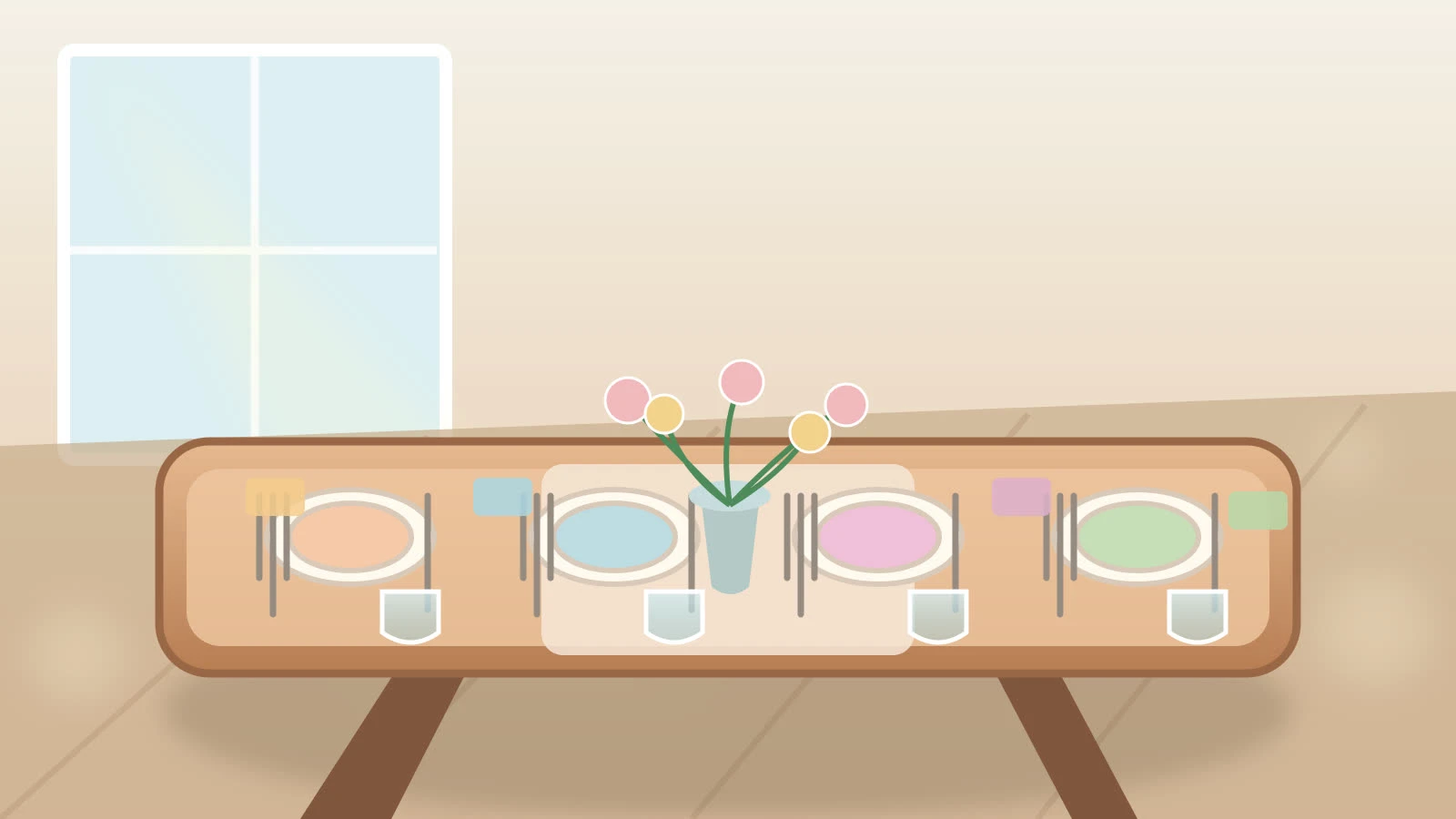
A kids table RSVP tells you which children are coming, how old they are, and whether they need a kids’ meal—before you rent chairs or promise the caterer a number. “The whole family” in a text thread is not a headcount.
Set this up on a wedding RSVP website or in create. Adult meal logic still follows wedding RSVP with meal choice; kids are an extra, explicit slice of that list.
Decide the policy before you open RSVPs
Kids welcome, kids at ceremony only, or adults-only reception
Age cutoff for a kids’ meal versus an adult plate
Whether babies count toward a chair, a high chair, or neither
Who may bring children: named families, or no surprise plus-kids
Write that policy in the page details so the form matches the invitation. A surprise “no kids” note after people have replied creates angry follow-ups.
Fields that make a kids table possible
Yes/No for the household
Number of adults and number of children as separate counts
Each child’s first name and age (or age band: 0–2, 3–5, 6–12)
Kids’ meal vs. adult meal for each child old enough to choose
High chair or booster only if the venue provides them
Allergy note—especially nut, dairy, and gluten
Allergies are not optional color. Use the same care as how to ask dietary restrictions on a wedding RSVP, including for kids who share a parent’s reply.
What to tell the caterer and the venue
Kids’ meal count by age band, not one lump “children”
Adult meals ordered by attending adults only
High chairs and a quieter table location if you are seating kids together
Whether kids eat at a sweetheart kids table, with parents, or split by age
A single kids table only works when you know the ages. Toddlers and 11-year-olds are not the same seating plan.
Plus-ones and unnamed children
If a guest may bring kids, name how many in the invite, then let the RSVP capture names
Do not leave an open “add child” button for adults-only invitations
One parent replying for the household is fine; require names so you are not seating “child 2”
Common mistakes
Counting every invited child as attending
One meal dropdown that hides kids’ chicken tenders inside “other”
Forgetting infants when you promised high chairs
Building the kids table from memory the week of the wedding
Asking kids’ favorite colors and song requests on the same form—keep it operational
Quick checklist
Kids policy is visible before the form
Adults and children are counted separately
Ages, meals, and allergies are tied to names
Caterer export can filter kids’ meals
Seating notes say with parents or at a kids table
Kids table RSVPs are how daytime and evening weddings stop over-ordering nuggets and under-ordering chairs. Name the children, lock the meals, and seat from the export—not from a group chat.