
How to Ask for Dietary Restrictions on a Wedding RSVP
Wording and form fields for allergies, vegetarian, kosher, and gluten-free guests — without overwhelming your RSVP form.
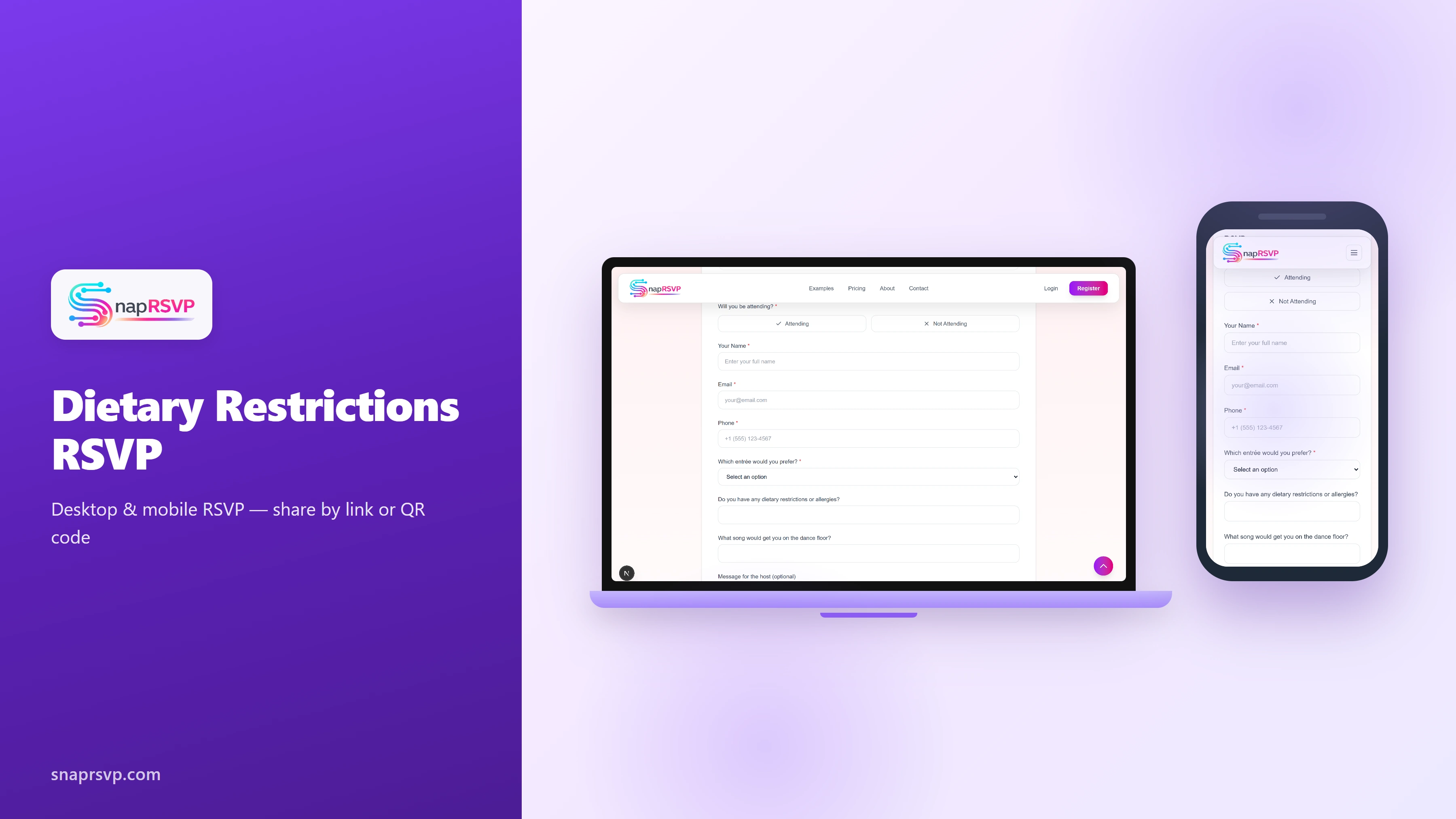
Wording and form fields for allergies, vegetarian, kosher, and gluten-free guests — without overwhelming your RSVP form.
Frame dietary questions with care and clarity
Dietary questions on a wedding RSVP form should feel considerate, not clinical. Guests are more likely to respond accurately when wording is polite, specific, and clearly tied to catering planning rather than general preference polling.
Open with a simple prompt such as "Please share allergies or dietary needs we should provide to our caterer." This explains intent and sets expectations that the information will be used to support a comfortable guest experience.
Choose form structure based on your meal format
For plated dinners, combine entree selection with one free-text dietary field. This hybrid approach gives caterers clean counts while still capturing edge cases like severe allergies, religious restrictions, or ingredient-specific concerns.
For buffet or family-style service, a single dietary field often performs better than long checkbox lists. Guests can describe needs in their own words, and your planner can consolidate responses into a practical brief for the kitchen team.
Avoid wording that creates false promises
Do not ask for extensive dietary detail unless your vendors can reasonably accommodate it. Overpromising can disappoint guests and complicate service. Use language that signals intent to coordinate with caterers while acknowledging venue limitations where relevant.
Keep preference and requirement separate. "Dietary requirement" and "allergy" should drive planning, while optional likes and dislikes are lower priority. This distinction protects both guest safety and menu operations in the final weeks.
Coordinate dietary data with RSVP and export workflows
Your dietary field is only useful if data flows cleanly into vendor handoff documents. Standardize labels early so your planner, caterer, and venue team are all interpreting responses consistently when final counts are submitted.
If you are refining your full RSVP setup, /blog/wedding-rsvp-website-with-meal-choice and /blog/export-wedding-guest-list-for-caterer provide practical examples of how meal and restriction fields translate into execution-ready exports.
Use reminders and confirmations to improve accuracy
Guests sometimes update dietary needs after submitting an RSVP, so include a clear contact path for corrections. A quick reminder near your deadline can prompt updates before catering numbers are locked and menus are finalized.
Before final submission to vendors, review responses for ambiguous entries and clarify politely. Small clarifications now can prevent major confusion on event day, especially when plated service and allergy protocols are involved.
Finalize a guest-friendly dietary RSVP flow
Well-written dietary questions make weddings more inclusive and easier to execute. The goal is a form that guests can complete quickly while still giving your catering team the detail needed to serve everyone confidently.
SnapRSVP helps couples add clean dietary prompts to their wedding RSVP page, collect responses in one place, and export details for vendor coordination. If you want a clearer setup, build your form with SnapRSVP at /create.