
 Team Building RSVP Website
Create a Team Building RSVP Website
Build a team building event RSVP, share it by link or QR code, and collect dietary notes and guest counts — all in one place. Pay once, no subscription.
Stop chasing team building RSVPs
Hosts across the United States increasingly collect team building event RSVP responses online instead of paper reply cards. A dedicated page gives guests one place to respond and keeps your guest list current automatically.
- Chasing replies across texts, emails, and scattered messages
- Manually updating spreadsheets every time someone responds
- Losing track of headcounts and guest details
SnapRSVP is a focused team building event RSVP tool — not a full event planning suite. You get a clean page, online responses, and exports without ads on your guests' RSVP screen or recurring subscription fees.
See pricingEverything you need for team building RSVPs
From invitations to the final headcount for your venue or caterer.
Share by link or QR code
Print a QR code on invitations or share your team building RSVP link by text and email. Guests respond in seconds.
Custom RSVP questions
Collect dietary notes and guest counts with custom form fields tailored to your team building.
Guest list management
Track who is attending and who cannot make it — all from one dashboard built for team building hosts.
Event schedule
Share your timeline and key details so guests know when and where to arrive.
PDF & CSV export
Download your guest list anytime for your venue, caterer, or planning team.
Password protection
Keep your team building page private so only invited guests can view and RSVP.
How it works
Three steps from setup to a complete guest list.
Add your team building details
Enter your event details, venue, and RSVP settings. Most hosts are ready to share in under 10 minutes.
Share with your guests
Send your snaprsvp.com link or print the QR code on invitations. No app download required.
Track every response
See who is attending and export your guest list anytime.
See live examples
Preview sample RSVP pages built for this type of event.

Team Building
Build It Together: Team Challenge Day
10 September, 2027
Great teams build things together. Join us for an afternoon of hands-on challenges on the Skyline Terrace, where mixed t…
View example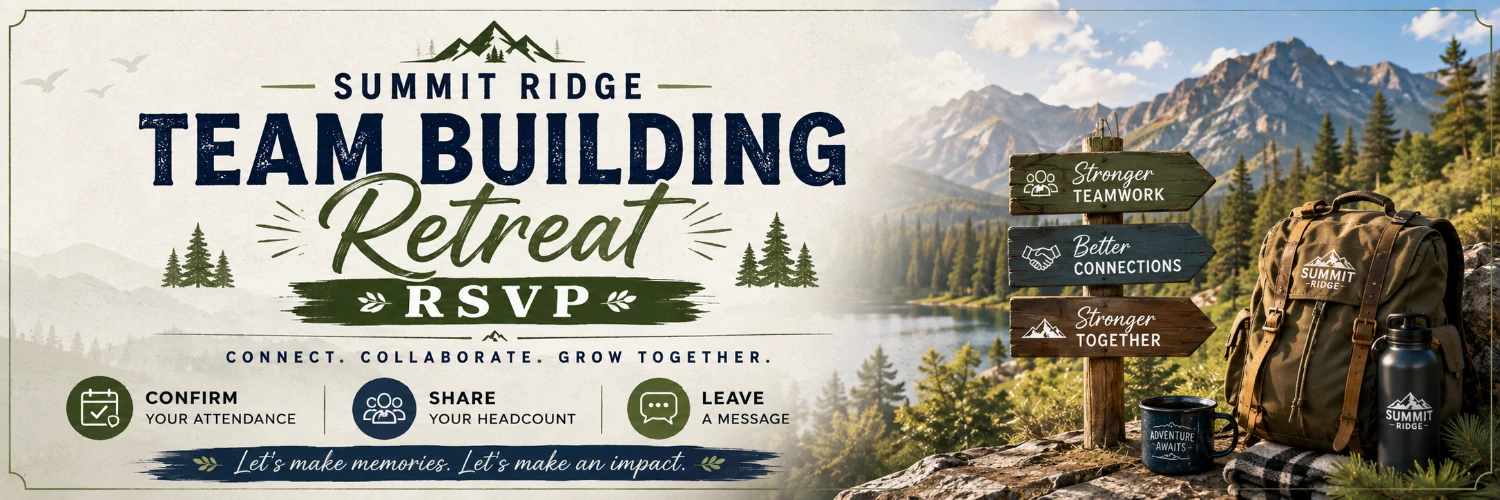
Team Building
Summit Ridge Team Building Retreat RSVP
19 October, 2027
Our team is heading to the mountains! RSVP for this team building event to confirm attendance, dietary needs, and activi…
View example
Team Building
Summit Peak Team Building Retreat
24 November, 2027
Our team is heading to the mountains for the Summit Peak Team Building Retreat — a full day of collaboration, challenges…
View exampleNot sure where to start? Tell our assistant about your event.
Common questions
Can I use SnapRSVP for a team-building day?
Yes. Set up a quick event page for your team outing, collect confirmations, and know exactly how many people to plan for.
Can I use SnapRSVP for corporate events?
Yes. SnapRSVP works well for corporate events including team dinners, galas, product launches, conferences, networking events, and award ceremonies.
Can I export attendee data for a corporate event?
Yes. Export your attendee list as CSV or PDF to share with your event team, venue, or catering company.
How do I share my RSVP page with guests?
Once you set your custom slug, your event is available at snaprsvp.com/e/your-slug — share that link via text, email, social media, or any messaging app. You also get a QR code you can print on physical invitations.
Can I use a QR code on printed invitations?
Yes. SnapRSVP generates a QR code for every event page. Guests simply scan it with their phone camera and are taken straight to your RSVP page.
Ready to create your team building RSVP website?
Set up your page, share it with guests, and collect every response in one organized place.