
Zola Wedding Website RSVP: Find a Couple & How Guests Respond
Invited to a Zola wedding? Learn how Zola Find a Couple works, how guests RSVP on a Zola wedding website, and what to do if your name is not found on zola.com.
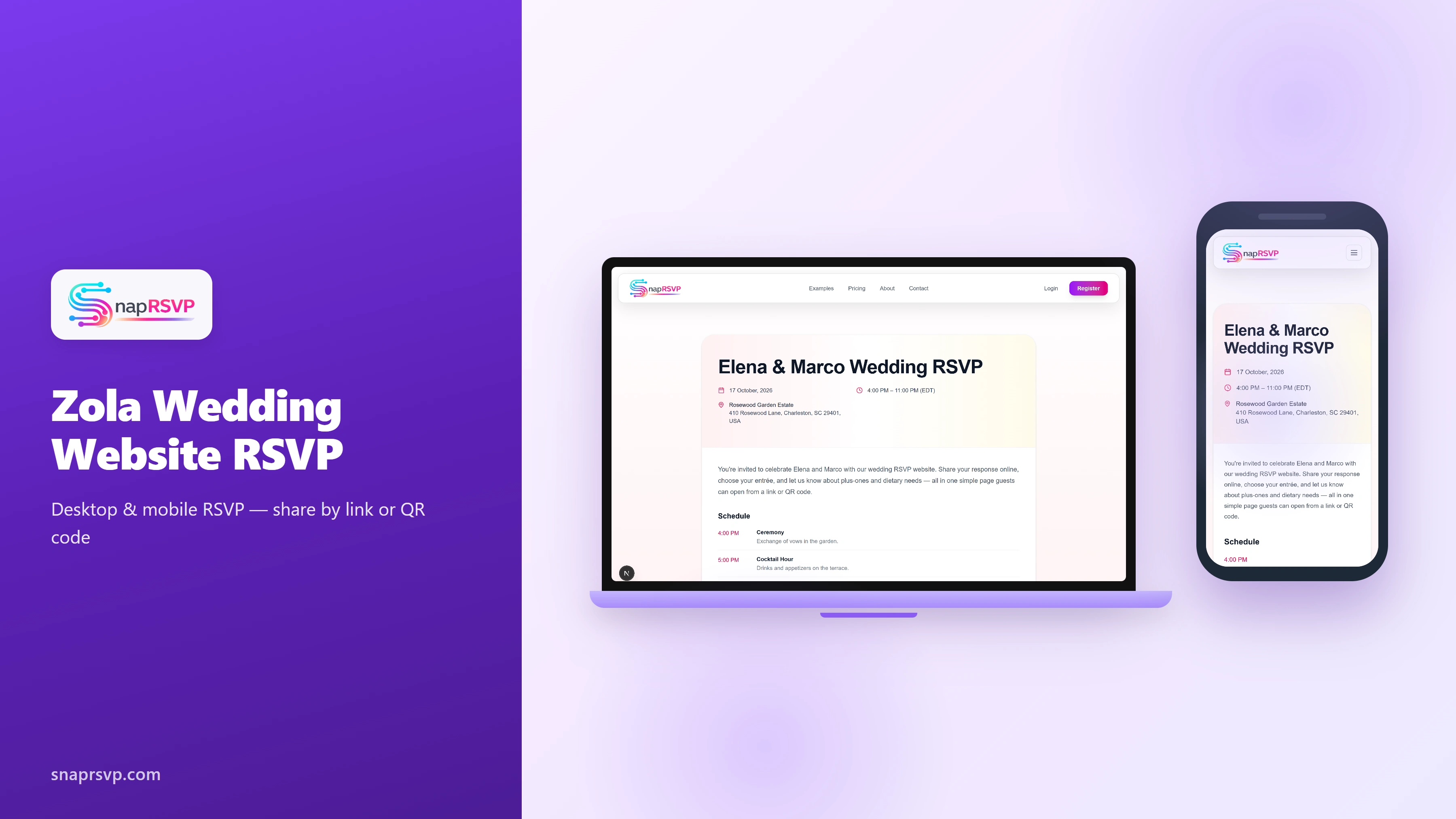
Invited to a Zola wedding? Learn how Zola Find a Couple works, how guests RSVP on a Zola wedding website, and what to do if your name is not found on zola.com.
What is a Zola wedding website?
A Zola wedding website is a free hub couples use for schedules, travel info, registry links, and online RSVPs. Many US couples share a zola.com link on save-the-dates, shower invites, and wedding invitations instead of mailing reply cards only.
If you received a paper invite with a URL like zola.com/wedding/couple-name, that is the couple's Zola website — not a separate app to download.
How to use Zola Find a Couple
Guests searching zola find a couple should go to zola.com and click Find a Couple in the header. Enter the first and last name of either partner exactly as you know it, then pick the right couple from the results.
Some couples hide their site from public search for privacy. If you do not see them, use the direct link printed on the invitation — often zola.com/wedding/names or a custom domain they chose.
When a couple has both a Zola registry and Zola wedding website, Find a Couple usually opens the wedding website, which also links to their registry.
How guests RSVP on a Zola wedding website
Open the couple's Zola wedding website and click RSVP in the top navigation. Enter your first and last name the same way it appears on your invitation — the Zola wedding website RSVP form matches names against the couple's guest list.
Select Will Attend or Will Not Attend for each person in your party, answer meal preference or other questions if shown, then submit. Multi-event weddings may ask you to RSVP separately for the ceremony, reception, or brunch.
Some invites list the full path guests type in browsers, such as www zola com wedding rsvp — that is the same RSVP page inside the couple's Zola website.
Can't find your name on the Zola RSVP page?
This is the most common Zola RSVP problem. The guest list is private to the couple — if your name is misspelled, uses a nickname, or was not marked Definitely Invited to an event, the form will not find you.
Contact the couple directly and ask them to check their Zola guest list spelling and event invitations. After several failed attempts, Zola may temporarily lock the RSVP page for 15–20 minutes.
Hosts should confirm the RSVP page is visible under Manage Website and that online RSVP is enabled for each event in the guest list tool.
For couples: setting up Zola guest list and RSVP
Add every guest with first and last names — including children and plus-ones — then mark who is Definitely Invited to each event. Toggle Let guests RSVP on website for events where you want online responses.
Meal preferences, song requests, and travel questions are optional fields you add per event. Zola tracks RSVPs in the guest list manager so you are not re-typing paper cards into a spreadsheet.
When a dedicated RSVP page is simpler
Zola works well when you want registry, website, and RSVP in one platform. Some hosts prefer a standalone wedding RSVP website when guests only need a fast mobile form without browsing registry pages.
Couples comparing options can read our Wedding RSVP Website vs Zola guide. SnapRSVP offers a focused RSVP page with share-by-link or QR code when you want guests to reply in one tap.
See our full comparison: SnapRSVP vs Zola for wedding RSVPs
Browse all wedding RSVP alternatives →