
Wedding Seating Chart from RSVPs: Turn Replies into Table Assignments
Build a wedding seating chart from RSVP data: export Yes guests, group households, handle plus-ones, and lock tables after your reply deadline—without rebuilding a spreadsheet from scratch.
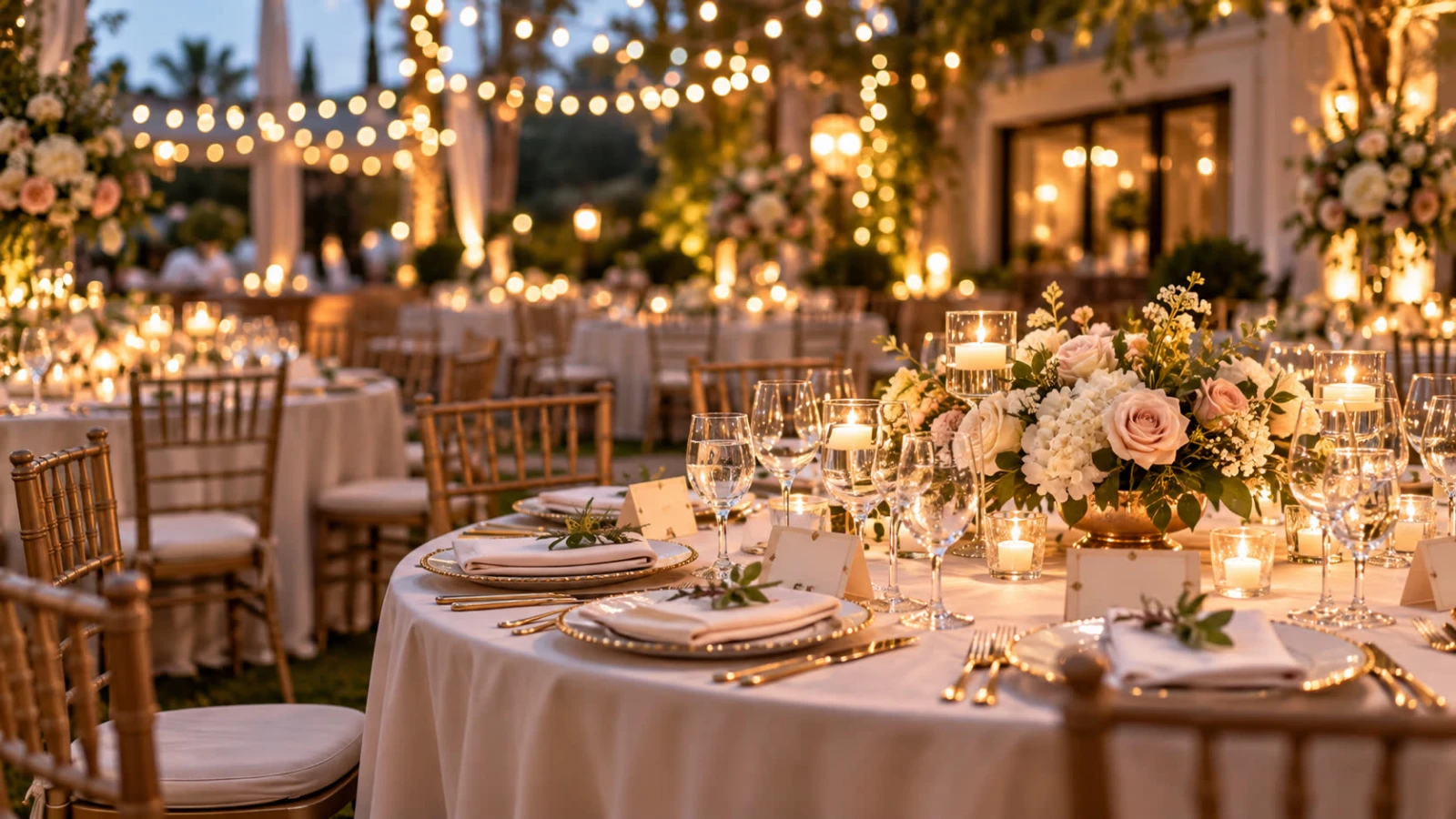
A wedding seating chart from RSVPs only works when your reply data is clean: named Yes guests, household groupings, plus-ones with real names, and meal tags that match the caterer’s sheet. Couples who start seating from a messy group chat rebuild the chart three times; couples who export from one RSVP list usually do it once.
Collect replies on a dedicated wedding RSVP website, then export when the soft deadline hits. If you are still choosing form fields, read what to ask on a wedding RSVP form before you open the link to guests.
RSVP fields that make seating easier later
Full legal / preferred names for every guest (including kids)
Household or party name so couples and families stay together
Named plus-ones—never “+1 TBD” on the final chart
Meal choice per guest for place cards and kitchen tickets
Accessibility notes (aisle seat, high chair, wheelchair space)
Side of family / friend group tags (optional custom field) for draft sorting
Skip collecting seating preferences from every guest (“sit me with…”) on the primary form—it slows replies and creates politics. Hosts assign tables; guests confirm attendance.
Workflow: from replies to tables
Soft-close RSVPs after your deadline; chase only true Pending households.
Export Yes (+ maybe, if you seat maybes) with names, meals, and notes.
Normalize names (nicknames, duplicates, kids listed under parents).
Group households into seating units before placing them on tables.
Draft tables by affinity (family, college friends, work)—then balance counts.
Lock the chart 3–7 days out; only move for verified last-minute changes.
For handing numbers to the kitchen (not the chart itself), pair this with exporting your wedding guest list for the caterer.
Plus-ones and kids on the chart
Require plus-one names on the RSVP before you print place cards
Decide kids’ tables vs. family tables early; high-chair counts come from the export
If a plus-one is declined by policy, say so on the invite page—not at the door
Timing relative to your RSVP deadline
Deadline − 1 week: reminder to Pending only
Deadline day: soft close; start first seating draft from Yes list
Deadline + 3–5 days: second draft after late replies
Week of wedding: final lock; print cards; share PDF with planner/DJ
Tracking replies without a fragile spreadsheet is covered in the best way to track wedding guest responses.
Tools: RSVP export vs. seating software
Your RSVP website is the source of truth for who is coming. Seating apps or a simple spreadsheet are where you assign tables. Do not maintain two guest lists—export once, then update only when someone changes Yes/No in the RSVP dashboard (or you log a phone reply there).
Ready to collect cleaner data? Publish your wedding RSVP page first, then export Yes guests into your seating draft.
Common seating-from-RSVP mistakes
Starting the chart while half the list is still Pending
Place cards for “Guest of Alex” with no real name
Meal tags that do not match the caterer’s entrée codes
Editing a side spreadsheet while the RSVP page still has the live truth
No accessibility notes, then scrambling for aisle space the day before
Place cards, escort cards, and meal dots
Escort cards (table number by the entrance) and place cards (seat at the table) both depend on the same Yes export. Print only after plus-one names are real. Color-dot or icon systems for meals should use the exact entrée labels from the RSVP—renaming “Chicken” to “Herb roasted airline breast” on cards without updating the kitchen sheet causes ticket errors.
Share a PDF of the final chart with your planner, venue captain, and photographer. When a guest changes from Yes to No after lock, edit the RSVP dashboard first, then the chart—never the reverse—so catering exports stay aligned.
Quick checklist
Yes list exported with names, households, meals, notes
Plus-ones named or removed
Kids and high chairs counted
Table capacities match venue floor plan
Chart locked after soft close; owner named for last-minute edits
Build the seating chart from RSVP data—not from memory—and reception night becomes a welcome line, not a puzzle of empty chairs and mystery plus-ones.