
Sports Team Banquet RSVP: Players, Families, and Award-Night Counts
Set up a sports team banquet RSVP that tracks players, family headcounts, and meal choices—so boosters stop guessing attendance the week of awards night.
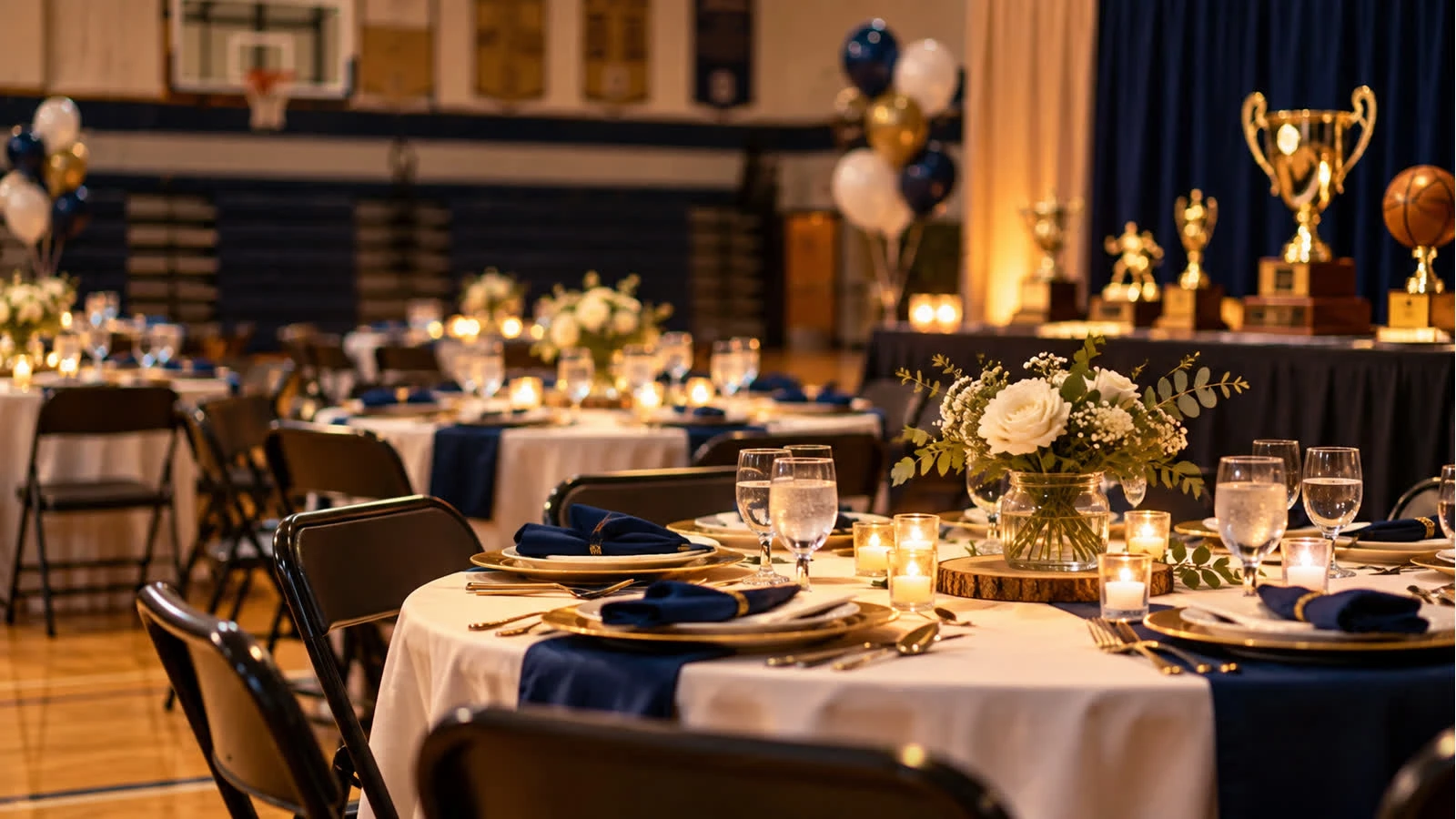
A sports team banquet RSVP turns “the whole roster is invited” into a real number: which players are coming, how many parents or siblings, and what the kitchen should plate. Award nights fail when the booster club is still counting raised hands in a group chat.
Build it on a sports events RSVP website, with room for a short program the way an awards ceremony RSVP would. Open create once the date, venue, and ticket or meal price—if any—are confirmed.
Who is actually invited
Players only, or players plus a set number of guests
Coaches, managers, and athletic staff
Seniors’ families vs. the full roster
Youth teams: one RSVP per household, not one per group-chat parent
Write the guest limit on the page (“player plus two”) so the form is not an open door.
Fields that lock the banquet count
Yes/No for the player or household
Player name and team or roster group if you have more than one squad
Number of additional guests, capped at your policy
Meal choice for each person if the venue requires it
Dietary notes
Optional: attending the awards portion only vs. the full dinner, if those are ticketed differently
Do not ask for stats, jersey numbers, or speech drafts on the RSVP. Those belong in a coach’s note, not the headcount form.
Money, if this banquet is paid
Say the price per player and per extra guest in the details
Link out to the school or club payment page; do not collect card numbers on the RSVP
Track “replied yes” separately from “paid” so you are not seating unpaid guesses
Deadline should match the caterer’s guarantee, not the last practice
Share it where families already are
One link in the team app, email, and parent chat—same URL
A QR code on the locker-room flyer for families who miss email
Coaches reshare the link; they should not collect parallel paper slips
Remind only Pending households a few days before the caterer cutoff
Day-of uses for the export
Meal counts to the venue
A check-in list by player name
Reserved seats for award winners if you know them early—without publishing the winners on the public RSVP page
A leftover count for no-shows so boosters see the gap next season
Common mistakes
Assuming every player on the roster is a Yes
Letting both parents submit, doubling the household
No cap on siblings when the room holds 80
Hiding a cash price until after people arrive
Mixing banquet RSVPs with game-day snack signups
Quick checklist
Guest cap is visible
One reply per player or household
Meals and diets export cleanly
Payment, if any, is off-page and tracked apart from attendance
The same link is in every parent channel
Sports team banquet RSVPs give boosters a headcount they can hand a caterer. Name the player, cap the family, close the form on time, and build the awards night from the list—not from whoever walks in.