
Mobile-Friendly Wedding RSVP for Guests (No App Required)
Most wedding guests RSVP on their phone. Here's how to choose a form that loads fast and finishes in under a minute.
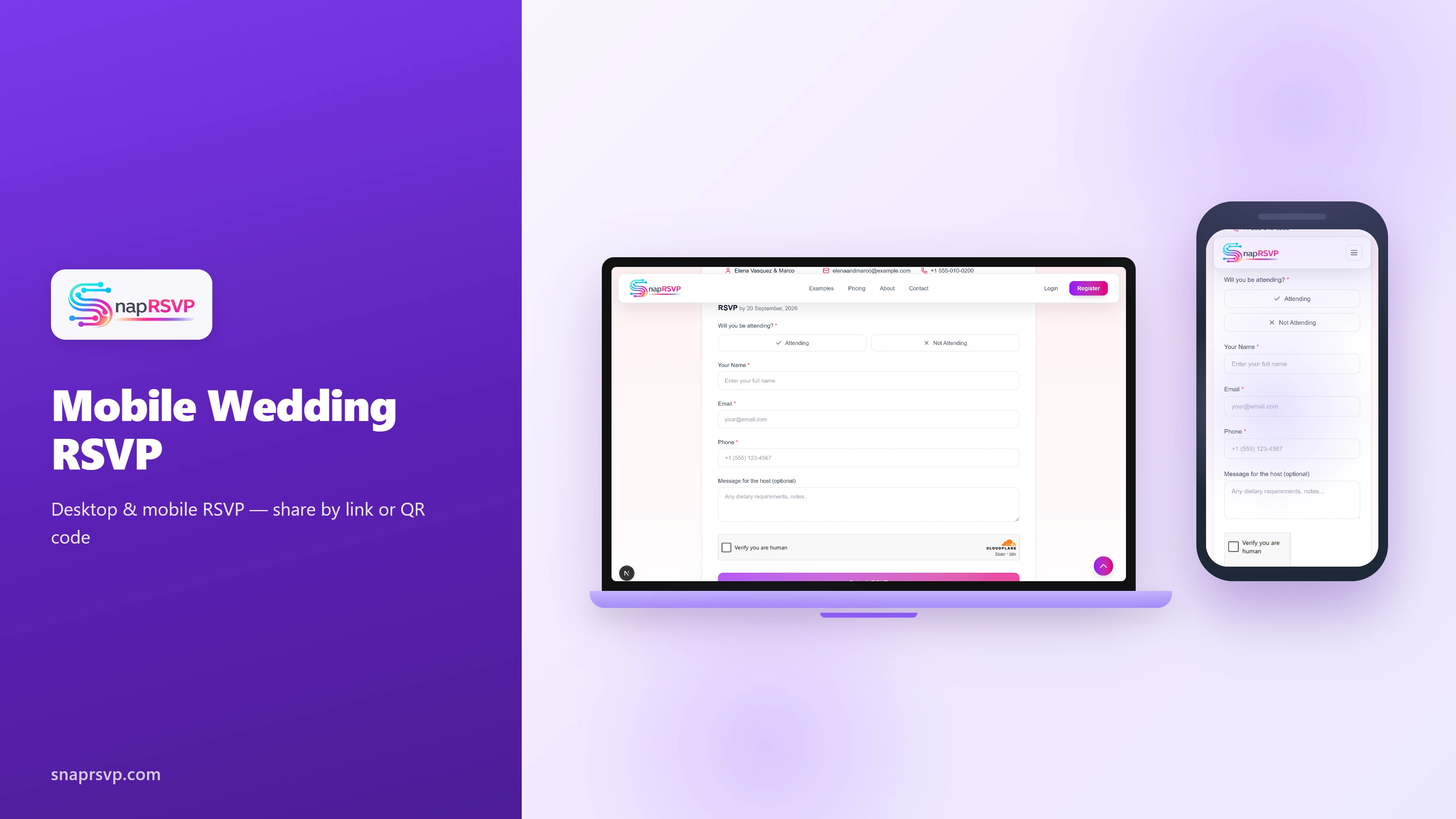
Most wedding guests RSVP on their phone. Here's how to choose a form that loads fast and finishes in under a minute.
Design for thumbs, not desktops
Large buttons, short fields, and no login wall. If guests need to create an account, completion rates drop.
Test your RSVP link on an older iPhone with spotty cell service — that's your aunt's reality.
Hosts planning mobile-friendly wedding rsvp for guests (no app required) get cleaner results when one person owns RSVP follow-ups and reviews pending responses weekly. That small habit prevents duplicate messages and keeps vendor numbers stable.
Share where guests already are
Text and iMessage beat email for younger guests. Include the full URL under any QR code on paper inserts.
WhatsApp groups work for destination weddings with international guests.
Hosts planning mobile-friendly wedding rsvp for guests (no app required) get cleaner results when one person owns RSVP follow-ups and reviews pending responses weekly. That small habit prevents duplicate messages and keeps vendor numbers stable.
Share one link across every channel
Point paper invitations, texts, emails, and your wedding website to the same RSVP URL. When guests see one consistent destination, response rates improve and your dashboard stays accurate without manual merging.
If you use QR codes on inserts, print the full link beneath the code for guests who prefer typing. The extra line costs little in print and reduces drop-off from scanning issues.
Before you send the mobile-friendly wedding rsvp for guests (no app required) link widely, ask one guest from each age group to complete a test RSVP. Their feedback on confusing labels or missing context is cheaper than fixing problems after half your list has already replied.
Keep mobile guests in mind
Most wedding guests RSVP from a phone between errands, work, and travel planning. Large tap targets, short required fields, and no account signup keep completion high across age groups.
Preview the page on mobile before sending invitations. A form that feels fast and obvious in that view usually outperforms a design that only looks polished on desktop.
Before you send the mobile-friendly wedding rsvp for guests (no app required) link widely, ask one guest from each age group to complete a test RSVP. Their feedback on confusing labels or missing context is cheaper than fixing problems after half your list has already replied.
Run a calm follow-up rhythm
Schedule two reminder waves: about seven days before your deadline, then a short final nudge for pending guests two or three days before close. Warm, brief messages beat daily pings.
Ask parents or wedding party members to personally reach out to their relatives after the general reminder. Targeted outreach often unlocks responses that mass messages miss.
Before you send the mobile-friendly wedding rsvp for guests (no app required) link widely, ask one guest from each age group to complete a test RSVP. Their feedback on confusing labels or missing context is cheaper than fixing problems after half your list has already replied.
Put your RSVP page live with SnapRSVP
When your questions and deadline are set, publish one mobile-friendly page guests can open from any phone. A focused RSVP flow keeps responses organized while you handle the rest of event planning.
SnapRSVP lets you share a link or QR code, collect answers in one place, and export vendor-ready lists without app downloads for guests. See a live example at /example/wedding-rsvp-website, or create your RSVP page when you are ready.