
Kids Birthday Party RSVP Online: A Parent-Friendly Setup Guide
Create a kids birthday party RSVP online that is easy for parents to answer and captures attendance, child names, allergies, pickup details, and practical party needs.
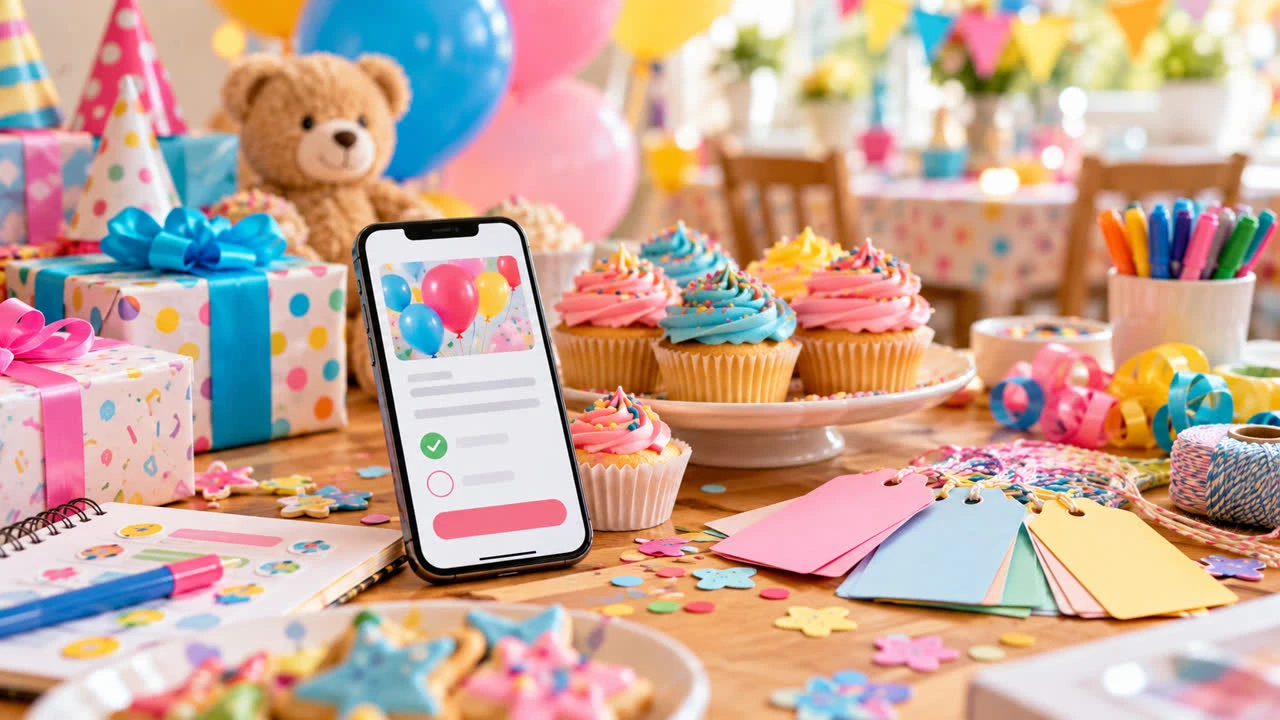
A kids birthday party RSVP online should make life easier for parents, not add another complicated form to their week. At the same time, the host needs more than a yes or no: the child’s name, an adult contact, allergies, supervision details, and sometimes a pickup plan can affect safety and preparation.
The best approach is short, clear, and specific. Tell families what the party includes, define who is invited, ask only questions that change your plan, and make it easy to update an answer when a child gets sick or a schedule changes.
State the invitation clearly
Start with the basics: birthday child, date, start and end time, address, activity, and RSVP deadline. Say whether parents or guardians stay, whether siblings are invited, and whether the party is drop-off. A family should not need to send three messages to figure out whether an adult is expected to remain.
Explain any practical limits. For a trampoline park, swimming party, craft studio, or escape-style activity, state age requirements, clothing needs, waiver details, and whether the venue has a capacity limit. If the party is at home, mention pets, stairs, outdoor space, or other information that helps a parent decide.
For a clean starting structure, browse SnapRSVP event page examples. Use the format as a guide, then keep the page focused on your party rather than adding generic questions.
Ask for the child’s name and an adult contact
Collect the invited child’s full name or the name they use at school, plus the parent or guardian’s name and preferred contact method. If more than one child is invited from a household, let the adult confirm each child separately. This avoids a response that says only “the Johnsons” when you need an activity count.
Ask for a day-of phone number only when someone on the host team will monitor it. Tell parents who will see the number and what it is for. Do not publish a guest list or include children’s personal details in an open group chat.
Build the RSVP page with SnapRSVP’s online RSVP creator, then complete it from a parent’s phone. Check that the form is readable with one hand, that required fields are limited, and that the confirmation tells the parent what happens next.
Handle supervision and drop-off directly
Use a required choice when the logistics depend on it: parent or guardian staying, drop-off, or not sure yet. If the party is drop-off, provide the drop-off and pickup window and explain who will supervise. If parents stay, say whether siblings can attend and whether adults should expect seating or refreshments.
For pickup, ask for the names of approved adults only if your safety process requires them. Give parents a way to update the list and a phone number for urgent changes. Avoid collecting government identification or other sensitive information unless the venue has a clear, legitimate requirement.
Ask allergy and access questions respectfully
Include a clearly labeled question for food allergies, medical needs, and dietary restrictions. A short answer is usually more useful than a long checklist for a small party. Explain that the host will use the response to plan snacks and activities, and invite parents to contact you privately with details that should not be written in a general RSVP.
Ask about accessibility or sensory accommodations in an optional field. A child may need a quieter space, a break from a loud activity, or a step-free route. Review each response before the party and confirm with the venue or other adults who need to know. Do not promise a specific accommodation until you have verified it.
Keep food and gift questions simple
Tell parents whether food is a full meal, snacks, or cake only. If you offer a few meal choices, use a short multiple-choice list and a separate allergy field. For a party at a venue, state whether food is included and whether outside treats are allowed.
If you prefer no gifts, say so kindly. If gifts are welcome, do not require a registry unless that is genuinely useful for this age group. A question such as “Would you like a reminder about the party theme?” may be less valuable than an easy place to share an important allergy or access note.
Set the deadline around the activity booking
Use the venue’s reservation and headcount deadline as the anchor. A party at home may need only a week’s notice, while a paid activity may need a confirmed number earlier. Send invitations far enough ahead for families to check sports, school, and sibling schedules, then set a date that leaves you time to order food and supplies.
Send one reminder to families who have not responded a few days before the deadline. Keep it friendly and include the link. Do not repeatedly message families who already replied. After the deadline, contact the remaining parents directly and explain that you need a firm answer to reserve the activity or prepare safely.
Prepare the host list
Before party day, review attendance, child names, adult contacts, drop-off status, approved pickup information, allergies, activity choices, and payment or waiver status if relevant. Make a concise host-only list. Volunteers need the details required for supervision; they do not need every piece of information in the original RSVP.
Send a final logistics message with the arrival window, parking or entrance instructions, clothing and footwear, pickup procedure, and a contact number. If weather or venue rules change, update the affected families and keep the RSVP record current.
Make parents glad they responded
A confirmation message should say thank you and repeat the details parents are most likely to forget. Keep the tone welcoming and the form short. The goal is a safe, enjoyable party—not a perfect database.
For more practical ideas about organizing responses, visit the SnapRSVP blog. A parent-friendly kids birthday party RSVP captures the information that protects the child and helps the host prepare, while leaving everyone else free to enjoy the celebration.