
How to Print Place Cards from RSVP Responses: A Practical Workflow
Learn how to turn clean RSVP responses into accurate printable place cards, from standardizing names to checking changes before the event.
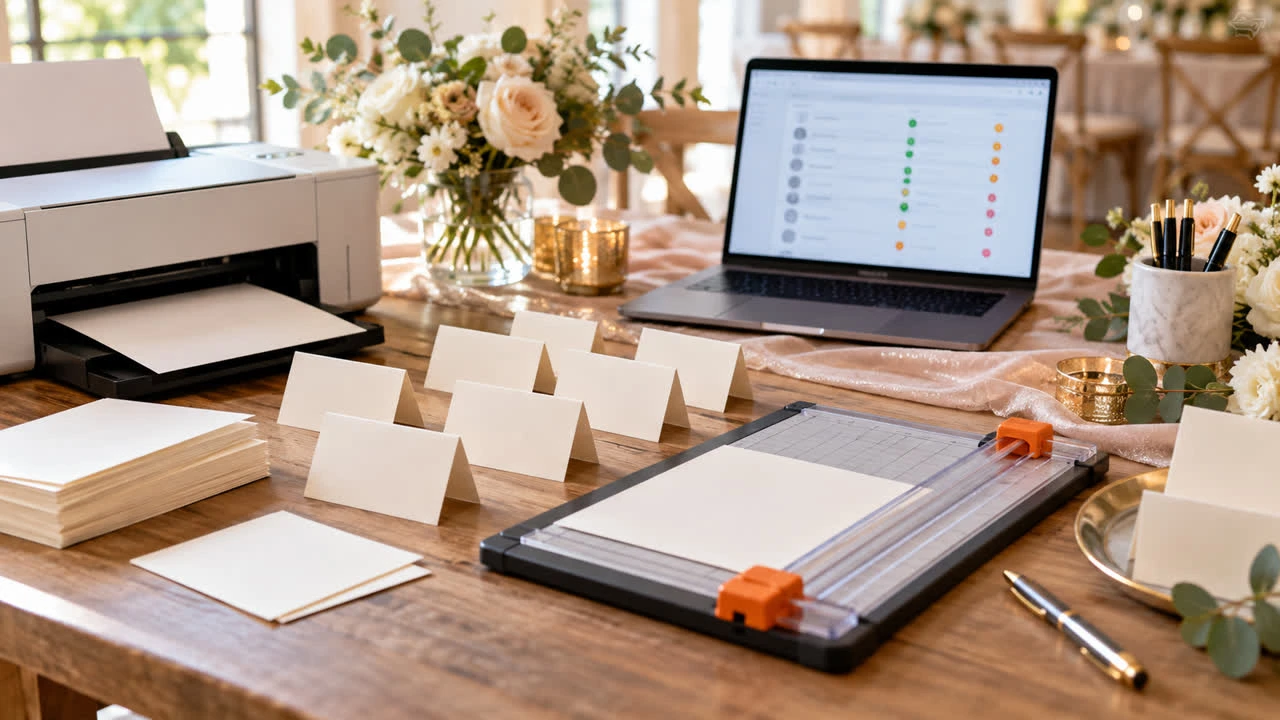
Printing place cards from RSVP responses sounds simple until names arrive with inconsistent spelling, household responses hide individual attendees, and a late change leaves one card missing. A reliable workflow starts before the printer is turned on. Clean the guest data, decide what each card should show, assign the final placement, then print a proof.
This guide explains how to print place cards from RSVP responses without treating the RSVP as a finished design file. An RSVP captures attendance; the place-card process turns that information into a physical item guests will rely on.
Confirm what the place card needs to say
For most events, the front of a place card needs the guest’s preferred name in a readable size. Some hosts add a table identifier, meal marker or role, but every extra element increases the chance of exposing information a guest does not need. Decide whether the card is for assigned seating, a meal service, a reserved seat or simply a welcome label.
Use the name the guest wants to see, not an automatic legal-name assumption. If the RSVP asks for a formal name but the card needs a familiar name, add a separate “name for display” field or confirm the difference privately. Never guess a spelling from an email address.
Start with confirmed attendees only
Filter the response list to people who are confirmed as attending. Exclude declines, undecided responses and duplicate test entries. If a household RSVP contains two adults and one child, check that each attendee appears as an individual row before you begin the card layout.
Keep a small reconciliation list for questions: a name that appears twice, a plus-one listed only as “guest,” or a response that says attending but has no display name. Resolve those issues before printing. A missing card is easier to fix at the spreadsheet stage than at the venue.
Standardize without erasing personal preferences
Trim accidental spaces at the beginning or end of names.
Check capitalization, apostrophes, hyphens and diacritics carefully.
Keep preferred nicknames when the guest supplied one.
Separate couples or families when each person needs an individual card.
Use a consistent format for titles only if the host has chosen that format.
Mark unresolved names for human review rather than silently correcting them.
Do not standardize by forcing every name into the same cultural or grammatical pattern. The goal is consistency in layout, not uniformity in identity. When in doubt, ask the guest or the person managing the guest list.
Make a print-ready working list
Create a working copy with only the columns needed for production: display name, table or placement reference if applicable, optional meal marker and a proof status. Keep contact details and private RSVP notes out of the print file. Name the file with a date or version so the team knows which list was used.
If your RSVP platform provides a download or organizer list, review the export rather than copying names one by one. A SnapRSVP event page example can help you plan the response fields so the display name is captured cleanly from the start. Build the event page with the SnapRSVP event page creator when you want a dedicated response flow.
Choose a card layout and run a physical proof
Match the template to the actual card stock and printer. Check the paper size, fold direction, margins and whether the design expects one card per sheet or several. Print one page first and fold or cut it exactly as guests will see it. A screen preview cannot reveal a printer margin that clips a surname.
Use a readable type size and strong contrast. Decorative scripts may look attractive but can slow down check-in or create confusion at a dimly lit dinner. If cards carry a table reference, make it visually distinct from the name. Keep the design restrained enough that a reprint is easy when one response changes.
Proof against the final RSVP list
Have two people compare the proof to the latest confirmed list. One person reads the list aloud while the other checks spelling, count and placement. Then reverse the roles. Pay special attention to similar names, plus-ones, children, diacritics and last-minute substitutions.
Freeze the data only after the venue or host confirms the final change cutoff. If a guest responds late, print a single matching card rather than rebuilding the entire sheet. Bring a few blank cards and a marker as an emergency backup, but do not rely on handwritten replacements for a large list.
Keep the RSVP source and print output separate
The RSVP record should remain the source for attendance changes; the place-card file is a production snapshot. Do not edit the main guest record just to make a card fit a design. Record any display-name decision in the appropriate private planning field and keep old print versions clearly marked as superseded.
Before choosing an RSVP tool for an event, compare the SnapRSVP pricing with the cost of managing responses through email and manual lists. The product choice matters less than having clean, current attendee data at the moment you begin printing.
Place-card printing checklist
Define the card’s purpose and the exact information it will show.
Filter to confirmed individual attendees and resolve duplicates.
Confirm display names instead of guessing from formal records.
Create a private, minimal print list with a clear version date.
Print and physically inspect a proof on the real stock.
Run a two-person spelling and count check before mass printing.
Prepare a small late-change plan and keep the final list private.
Accurate place cards are the result of a careful handoff between RSVP data and print production. When you treat the response list as data to verify—not a design file to blindly copy—you reduce errors and give every guest a card that feels intentional.