
How to Collect T-Shirt Sizes on an RSVP (Without Slowing Replies)
Collect T-shirt sizes on your RSVP only when swag is real—use a clear size chart, one size per guest, and an export your printer can order from.
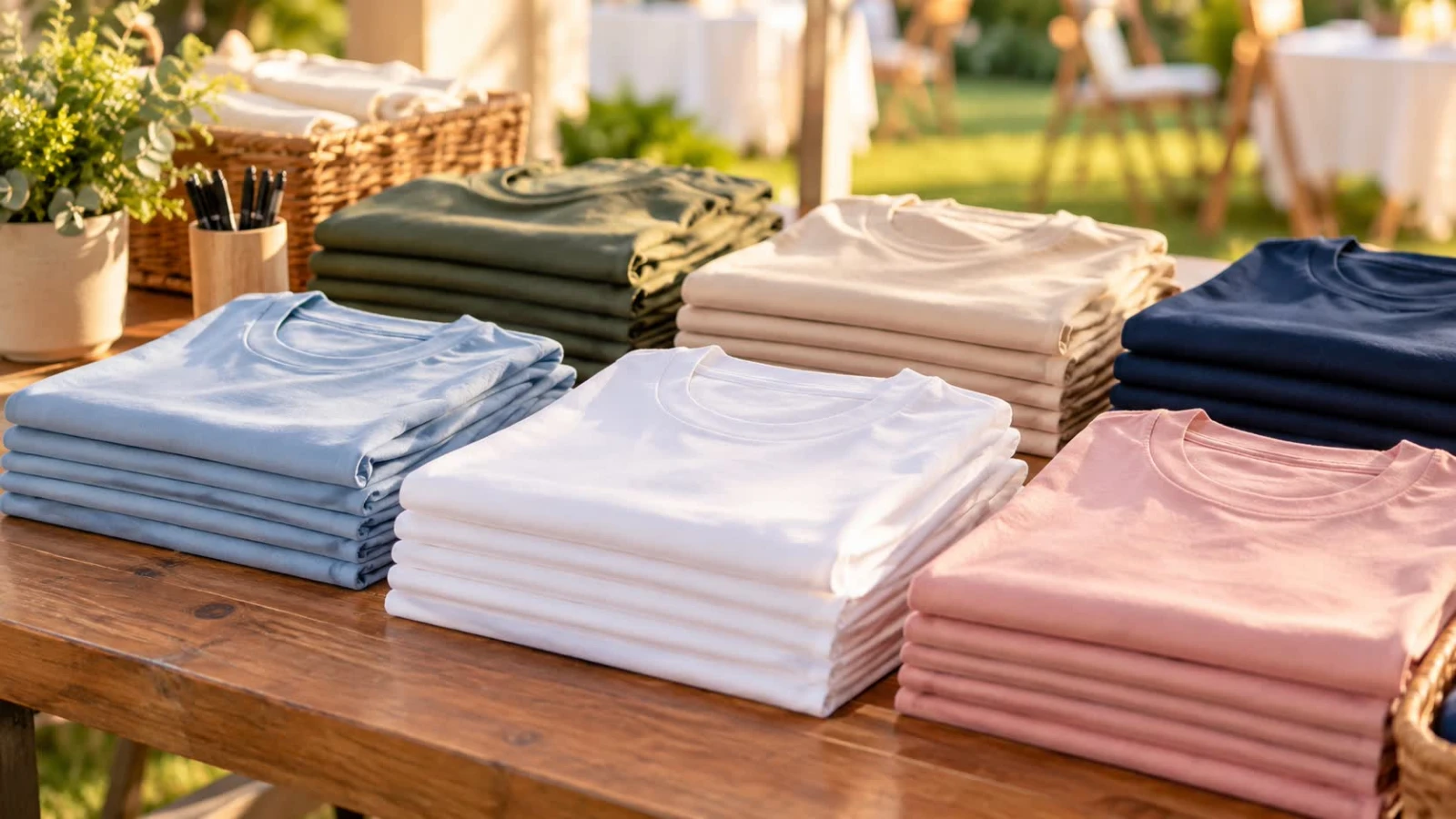
How to collect T-shirt sizes on an RSVP is simple when the shirts are real: ask once, per person, with a size list the printer understands. If nobody is ordering apparel, leave the field off.
Add the question on forms for reunions, corporate outings, or a bachelor or bachelorette RSVP, keep exports tidy like how to export RSVP to Excel, and start from create after you know the order deadline.
When a size field is worth it
You are printing event shirts, jerseys, or run-day tees
Every Yes guest (or every player) gets one
The vendor needs counts by size two weeks out
You will not chase sizes in a separate spreadsheet later
Skip it for plated dinners, virtual events, or parties where swag is “maybe.” Optional fields that never get used still add friction.
Ask it the useful way
Put Yes/No and meals first; sizes after they commit
One size per attending guest—not one vague “family size”
Use a fixed list: XS–3XL (or your brand’s chart), not free text
Link or show a simple size chart if the cut runs small
Mark required only for Yes guests who receive a shirt
For youth events, add adult vs. youth sizing. For mixed groups, collect the wearer’s name next to the size so pickup is not a guessing game.
Events that use this a lot
Class or family reunions—see the share pattern on a class reunion RSVP
Company picnics and team days
Bachelor/bachelorette weekends with matching shirts
Charity walks or sports banquet giveaways
Ordering from the export
Filter to Yes, then pivot counts by size
Add a small buffer only if your vendor recommends it—do not invent twenty Large “just in case”
Close size edits when you place the order; reopen only for true adds
Bring a pickup list: name + size, not the full RSVP dump
Common mistakes
Free-text sizes (“medium-ish”) that printers reject
One size field for a household of five
Asking sizes from No replies
Changing the shirt design after you already collected sizes for a different cut
Quick checklist
Shirts are actually being ordered
Fixed size list + chart
One size per shirt recipient
Required only for Yes + swag
Export pivots cleanly before the print deadline
T-shirt sizes on an RSVP save a week of “what size are you?” messages when the field is short, standardized, and closed when you hit order. If there is no shirt, there is no size question.