
How to Collect an Emergency Contact on an RSVP Without Overcollecting Data
Learn when and how to collect an emergency contact on an RSVP, what to ask, how to explain the purpose and how to protect information guests share.
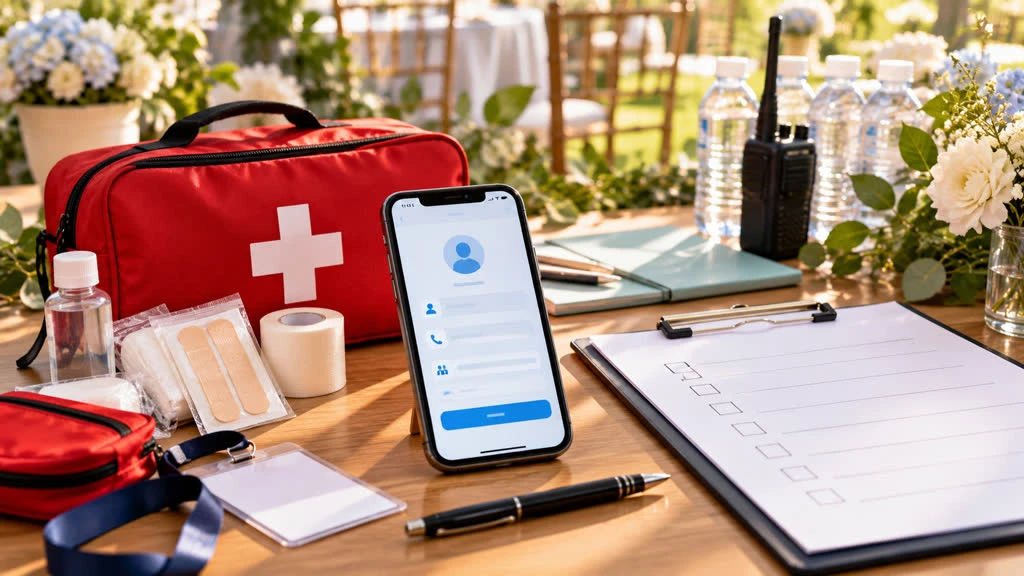
An emergency contact can be useful for a youth activity, overnight gathering, long excursion or event held far from a guest’s normal support network. It can also be an unnecessary request on a short dinner invitation. The question is not whether every RSVP should collect one; it is whether the event has a clear, legitimate reason to need it.
If the risk or duty of care justifies the field, how to collect an emergency contact on an RSVP comes down to scope and clarity. Tell guests why you are asking, collect the minimum details, protect the responses and explain who can use them.
Decide whether the field belongs on the RSVP
Start with the event plan, not a template. Consider duration, venue, age of guests, travel, physical activity, alcohol service, remoteness and whether trained staff are present. A day conference in a staffed hotel may have a different need from a school trip or overnight retreat. If your venue or organization already has an approved registration or safeguarding process, use that process rather than creating a parallel database.
Do not ask for an emergency contact merely because it feels professional. Every extra field creates a privacy obligation and can make a casual guest hesitate. A useful rule is: if the organizer could not say exactly when the information might be used, do not collect it.
Explain the purpose in plain language
Place a short explanation directly above the question. For example: “For this overnight event, please provide someone we can contact if we cannot reach you during an urgent situation. We will use this information only for event-related emergencies and limit access to the event team.” Adapt the wording to the actual plan; do not promise a level of privacy your process cannot deliver.
Say whether the field is required, optional or required only for certain attendees. A guest should not have to guess whether a missing contact will prevent them from submitting an RSVP. If the event is for minors, explain the guardian or approved-adult requirement and follow the organization’s policies rather than improvising consent language.
Collect the smallest useful set of details
Contact name: the person’s full name or the name the guest uses to identify them.
Relationship: a simple label such as parent, partner, sibling or friend.
Preferred phone number: one number that is likely to be answered during the event.
Optional alternate method: only if the event plan genuinely needs email or a second number.
Confirmation: a checkbox that the guest has permission to provide the contact details where required.
Avoid collecting the emergency contact’s address, date of birth, employer or unrelated personal information. Do not ask guests to put medical diagnoses, medication lists or detailed health history in a general RSVP note. If medical or safeguarding information is necessary, use the appropriate secure form and trained process.
Use conditional logic and separate audiences
Show the emergency-contact section only to guests for whom it applies. A family RSVP may need a contact for a minor but not for every adult. A multi-day event may need it for overnight attendees, while a single-day visitor does not. Conditional questions reduce unnecessary disclosure and make the page less intimidating.
Keep the contact record tied to the attending guest. If one person submits for a household, make it clear whether the contact applies to everyone or whether each attendee needs a separate entry. Ambiguous household responses can be dangerous when the organizer is trying to identify the right person quickly.
Plan access, retention and changes
Decide who can see emergency-contact information before you publish the RSVP. The event lead may need access; every volunteer may not. Use a private organizer view, avoid placing these details in a public guest list, and do not paste them into a group chat for convenience. If you print a list, keep it secured and destroy it according to your organization’s policy after the event.
Tell guests how to update a changed phone number. A confirmation or edit path is better than asking them to submit a second response and hoping the organizer spots the duplicate. After the event, delete the information when the operational need ends unless a documented retention rule says otherwise.
Test the emergency workflow, not just the form
Have the event team test a valid contact number, a missing number, an international number if relevant and a guest who does not need the field. Confirm that the submitted value is readable and that the person with access knows where to find it. A field that technically saves but cannot be retrieved under pressure has not solved the problem.
For a purpose-built RSVP page, review the SnapRSVP event page examples for clear information structure. Create a minimal form with the SnapRSVP event page creator, then review SnapRSVP pricing and your organization’s privacy requirements before collecting sensitive contact details.
Emergency-contact RSVP checklist
Document why the event needs an emergency contact.
Explain the purpose, access and retention in plain language.
Ask for name, relationship and one useful phone number.
Use conditional questions for minors, overnight guests or higher-risk activities.
Keep the data out of public lists and casual messages.
Test retrieval and delete the information when the need ends.
Responsible RSVP design is not about gathering every detail “just in case.” It is about collecting a small amount of information for a defined reason and treating it with care. When guests understand the purpose, they are more likely to provide accurate information—and more likely to trust the event organizer.