
Farewell Brunch RSVP Website: How to Plan the Guest Count and Details
Create a farewell brunch RSVP website that handles the guest count, menu needs, timing, venue details, and last-minute updates for a thoughtful send-off.
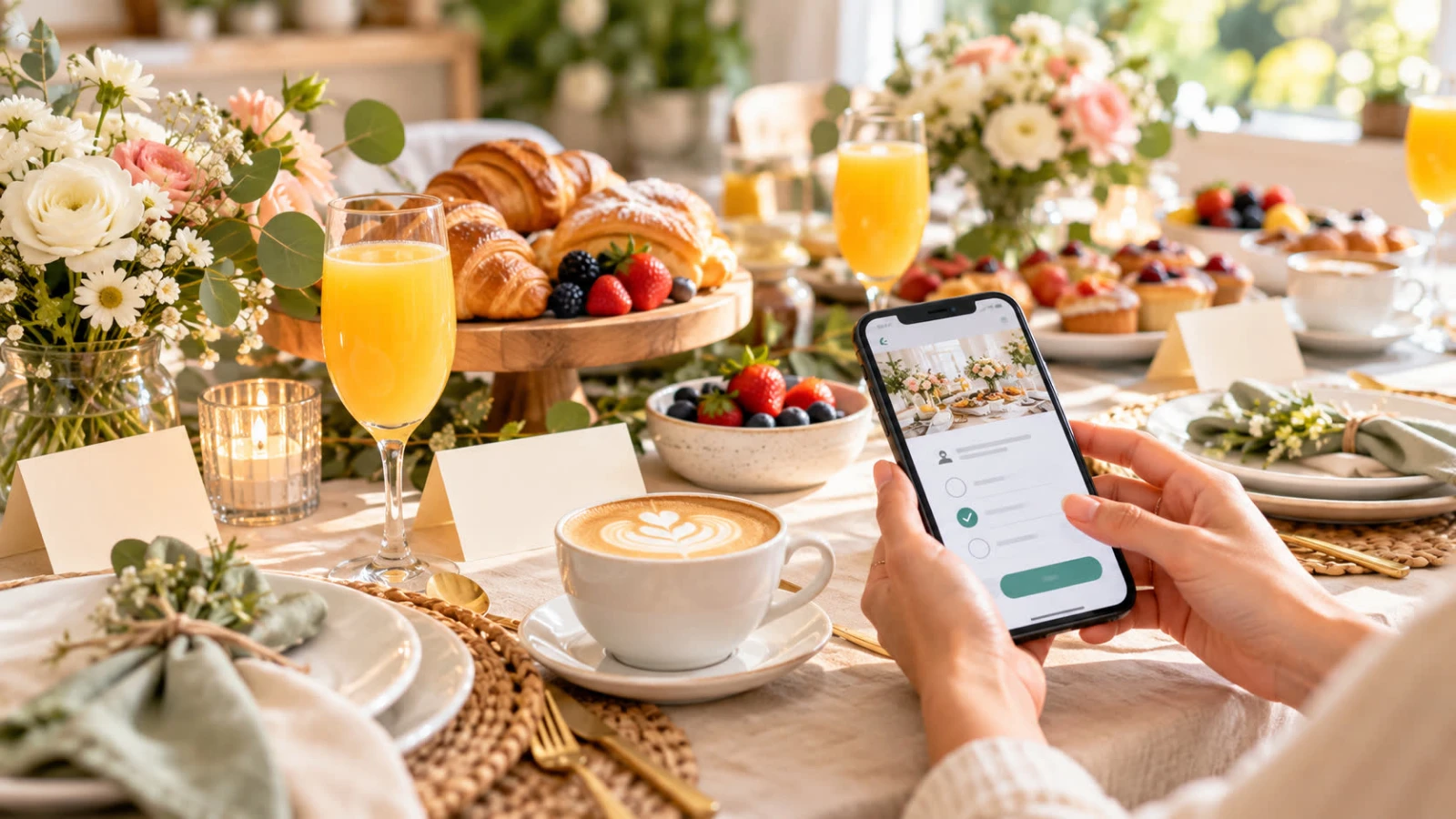
A farewell brunch sounds casual, but it still benefits from a clear guest count. Restaurants need a reservation number, a home host needs enough food and seating, and the person being celebrated deserves to know who will be there. A farewell brunch RSVP website brings the details and responses into one place without making a relaxed send-off feel like a formal conference.
Use this guide to choose the right questions, set a practical deadline, and keep guests informed when the venue or timing changes.
Choose the brunch format first
Before creating the RSVP page, decide whether the event is a restaurant reservation, catered brunch, potluck, or open-house gathering. The format determines how precise the headcount must be and which questions belong on the form.
A restaurant may need the exact number of adults and children. A catered brunch may need meal preferences and allergy notes. A home-hosted open house may need an arrival window rather than one exact seating time. Write those decisions down before building the RSVP.
A brunch party RSVP website gives you a natural place to show the menu style, start and end time, location, and response form together.
Put the farewell details where guests can find them
Lead with the person being celebrated and the reason for the gathering. Then show the date, arrival time, brunch service time, venue address, parking information, and host contact. If the guest of honor is moving, changing jobs, retiring, or leaving a community, include the detail that helps guests understand the occasion.
Keep the tone warm, but do not let a long tribute hide the practical information. Use headings for “When,” “Where,” “Food,” and “RSVP” so guests can scan the page on a phone.
Ask only what the menu and venue need
Most farewell brunch forms need a name and attendance decision. Consider adding:
Guest count: Use this when invitations include partners or children.
Arrival window: Helpful for open-house brunches where guests will come and go.
Meal selection: Add choices only when the venue needs selections in advance.
Dietary restrictions: Provide a clear field for allergies and food preferences.
Message for the guest of honor: Make this optional and separate from logistics.
Contribution: If guests are bringing food, ask what they plan to bring to prevent duplicates.
Do not ask every guest to choose a dish if you are ordering a fixed menu. Extra questions can make a simple response feel like an assignment and can create information you do not have time to manage.
Decide whether children and plus-ones are included
Brunch invitations can be ambiguous because the event is informal. State whether the invitation includes a partner, children, or the whole household. If space is limited, say so graciously and offer a host contact for questions.
For family events, ask for the number attending and the names of additional guests. For a workplace send-off, a named guest list may be easier to manage. The right approach is the one that matches the venue and the invitation—not a default setting hidden in the form.
Set a deadline before the reservation cutoff
Give the restaurant, caterer, or home host enough time to act on the count. A weekday brunch may have a tighter restaurant deadline than a Saturday gathering, while a themed menu may need early ordering. Set the RSVP date before the final supplier deadline, then reserve a short buffer for follow-up.
Put the date on the event page and in the invitation message. After the deadline, keep a contact option available for changes instead of allowing an open-ended stream of edits to go unnoticed.
Share one link in the channels guests use
Send the same RSVP link by email, text, workplace chat, or a printed note. Do not create separate forms for colleagues and family unless the lists genuinely need different questions. One destination keeps the headcount together and makes event updates easier.
Test the page on a phone and ask a guest who was not involved in setup to complete a sample response. Confirm the form is readable, the address is easy to copy, and the submit confirmation is obvious.
Keep a light-touch follow-up rhythm
Review responses once or twice a week. For a small brunch, a personal reminder is usually better than an automated campaign. Send the link again, mention the deadline, and make it clear that a decline is a perfectly useful answer.
When someone changes from yes to no, update the total immediately. When someone asks to add a guest, confirm capacity before promising a place. The final number should reflect the plan you can actually deliver, not an optimistic list of possibilities.
Plan the day from the response list
Use the final count to confirm the restaurant reservation, order pastries and drinks, prepare name cards, assign seats, and estimate gifts or memory-book materials. If guests are contributing food or stories, make one short list for the host so the responses do not disappear into separate messages.
Keep the page available after the deadline for directions and updates. If the venue moves or the parking instructions change, edit the same page and send guests back to it. The SnapRSVP tools can help keep those event details adjacent to the guest list.
Farewell brunch RSVP checklist
Choose the brunch format and confirm the venue’s headcount rules.
Write the date, time, address, arrival instructions, and host contact.
Define plus-one and child policies.
Add only useful questions for count, menu, allergies, and contributions.
Set a deadline before the restaurant or caterer cutoff.
Share one mobile-friendly link and test the response flow.
Review the list and follow up with missing households.
Confirm final food, seating, and accessibility details.
Before selecting a tool, compare the plan details on the SnapRSVP pricing page and use the SnapRSVP FAQ for common setup questions. A farewell brunch RSVP website should feel as easygoing as the event itself while giving the host the certainty needed to make the send-off welcoming.