
Christmas Party RSVP Online: A Simple Planning Guide
Plan a Christmas party RSVP online with a clear deadline, guest-specific questions, reminders, and a clean headcount for food, drinks, and activities.
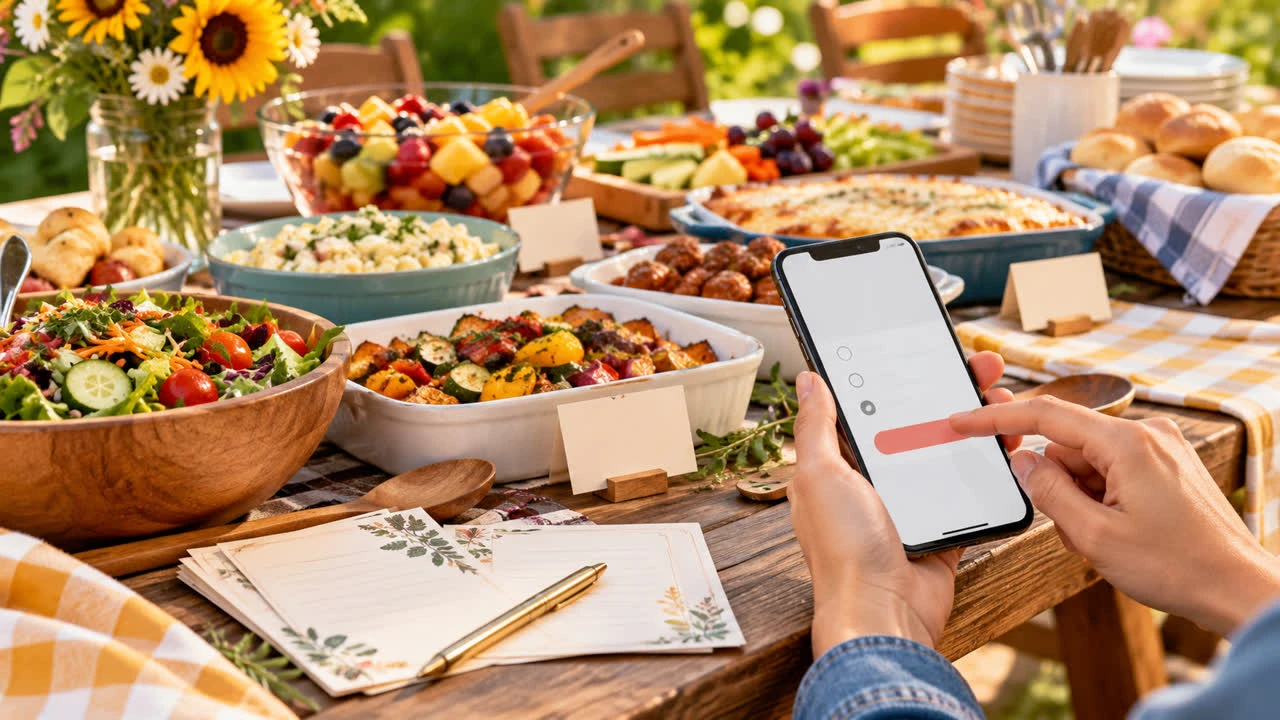
A Christmas party RSVP online can do more than collect a yes or no. It can tell you how many people are coming, whether they need a meal alternative, who is bringing a plus-one, and which guests still need a reminder. That information is especially useful during the holidays, when calendars fill quickly and a casual group chat can turn into a maze of partial answers.
The goal is not to make a festive gathering feel corporate. It is to give guests one easy place to respond and give the host a reliable count before ordering food, preparing gifts, or planning a seating layout. The process below works for a family open house, neighborhood cookie party, friends’ dinner, or workplace celebration.
Start with the decisions guests actually need to make
Before creating the RSVP page, write down the decisions that affect your plan. Most Christmas parties need only a few: attending or not attending, number of people in the party, dietary needs, and perhaps a choice between a few meal options. Add a question about children only if the answer changes food, supervision, or activities.
Keep optional questions separate from required ones. A guest should not have to invent an answer to a question that does not apply. If you are organizing a gift exchange, ask whether the guest is participating and share the spending limit in the question description. If there is a charity collection, explain what is useful without making a donation feel like a condition of attendance.
For a polished starting point, review SnapRSVP event page examples, then remove anything your gathering does not need. A short form usually gets better completion than a long questionnaire.
Set the timeline backward from your final count
For a December party, send the invitation about four to six weeks ahead when possible. That gives people time to check travel and school schedules without asking them to commit during the summer. A smaller, informal gathering may need less notice; a party that requires travel, catering, or a gift exchange may need more.
Choose the RSVP deadline based on your last practical vendor decision, not on the date that looks nice on the calendar. If the caterer needs a count 10 days before the party, set the guest deadline several days earlier. That buffer gives you time to follow up with non-responders and resolve changes without rushing. Put the month, day, and time zone in the form so “Friday” cannot be misunderstood.
Once the date is set, build the page with SnapRSVP’s online RSVP creator. Test it on a phone before sending it. A guest should be able to open the link, understand the event, answer the required questions, and see a confirmation without zooming or hunting for a button.
Make the guest policy unmistakable
Holiday invitations often create confusion about plus-ones and children. Address the policy directly on the RSVP page. You might say, “Your invitation includes one guest,” “This invitation is for named guests only,” or “Children are welcome; please include them in your party count.” The right policy is your choice; the important part is that guests do not have to guess.
If each invited person has a reserved place, ask guests to confirm the names of everyone attending. This makes name tags, place settings, and dietary notes easier to reconcile. Do not offer an open-ended plus-one field to every person if your budget cannot support it. A clearly stated limit is kinder than an awkward correction later.
Ask food and access questions in useful formats
Use a small list of meal choices when the caterer needs totals: for example, chicken, vegetarian, or children’s meal. Add a short-answer field for allergies and medically important restrictions. Do not use one blank box for every food question; it makes it harder to tell a preference from an allergy and harder to count the results.
Ask about accessibility needs in a neutral, optional field. A guest may need step-free access, a closer parking space, or a quiet place to take a break. Share the relevant information privately with the people helping you plan rather than repeating it in a group message.
Use reminders without making the holidays feel like homework
Two targeted reminders are generally enough: one about a week before the deadline and one on the deadline day. Send them only to people who have not responded. A reminder can explain the reason for the date: “We are finalizing food and would appreciate your response by December 8.” That is clearer and warmer than “ASAP.”
After the deadline, contact the small number of remaining guests personally. Do not silently treat a missing answer as a yes, especially when food, seating, or paid activities are involved. If someone says they are unsure, give them a real cutoff and explain that you must plan from confirmed responses.
Turn responses into a party plan
Review the response list in four passes. First, confirm the total number attending. Second, compare names against your invitation list so no one is counted twice. Third, total meal selections and dietary notes. Fourth, check special activities, children, plus-ones, and arrival details. Keep a separate note for changes after the deadline so your original count remains easy to audit.
Send confirmed guests a practical update a few days before the party with the address, start time, parking information, dress expectations, and anything they need to bring. Keep it to logistics; the RSVP page already did the collecting.
Keep the experience festive and simple
An online form should support hospitality, not replace it. Use a welcoming event description, a clear deadline, and a confirmation message that thanks guests for replying. If you need inspiration for a concise event page, browse the SnapRSVP blog for more RSVP planning guidance.
When every answer lives in one place, you can spend less time decoding texts and more time preparing the parts guests will remember: good food, a comfortable room, and a genuinely warm welcome.