
Brunch Wedding RSVP Website: Daytime Guest Counts Without Chaos
Build a brunch wedding RSVP website that locks daytime headcounts, meal choices, and plus-ones—so you stop reconciling group texts before the mimosa toast.
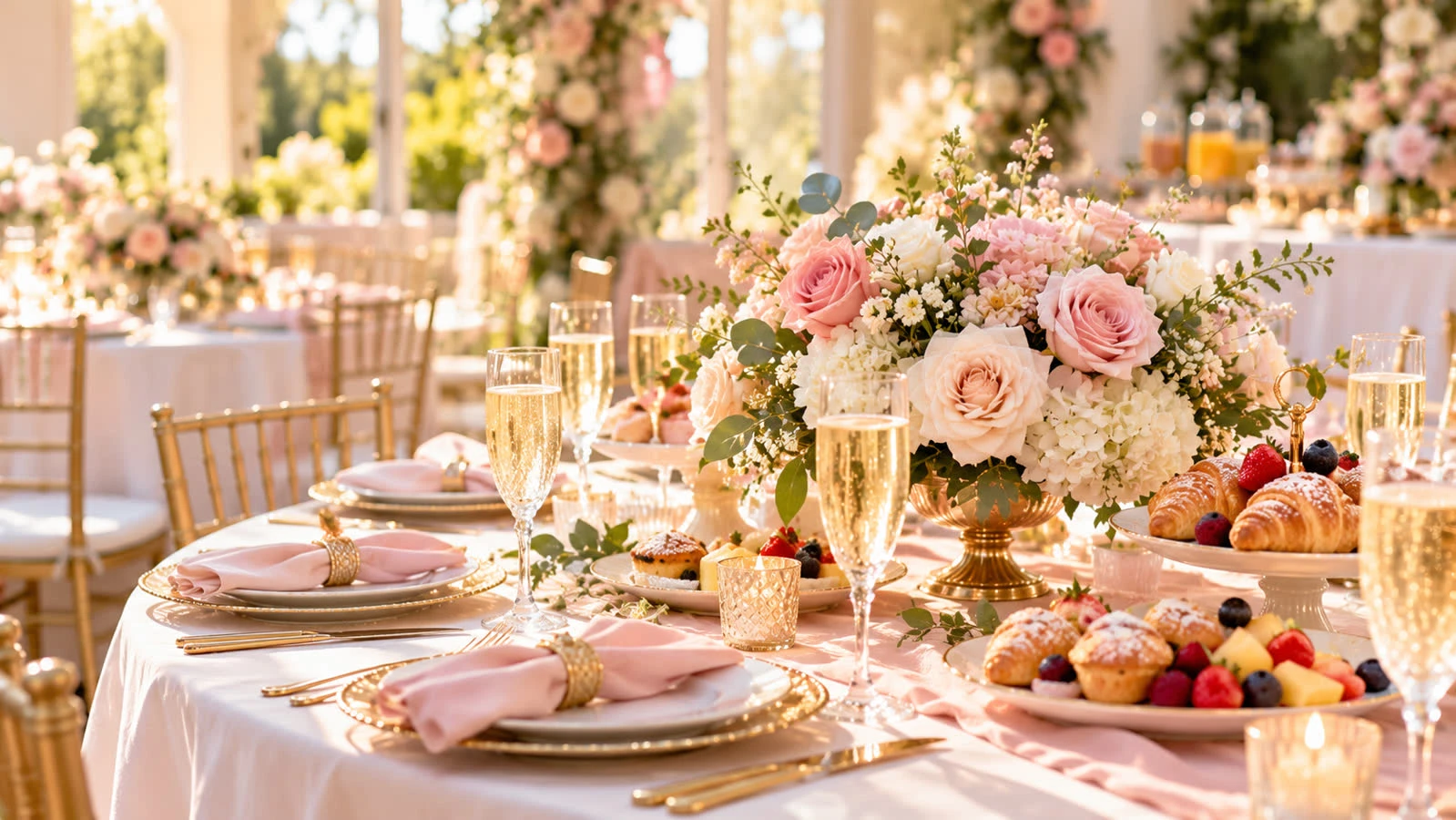
A brunch wedding RSVP website gives daytime couples one place to collect who is coming, who needs a meal choice, and who is bringing a plus-one—without juggling screenshots from five group chats. Guests reply on phones between coffee runs; you get a clean headcount for catering, seating, and the mimosa bar.
Start from SnapRSVP’s wedding RSVP website flow, or open create when the date, venue, and brunch window are already set.
Why brunch weddings need a tighter RSVP
Daytime celebrations look casual, but logistics are stricter than a late reception:
Shorter guest window: people arrive for a set brunch block, not a five-hour open house
Food-first planning: pastry, plated brunch, or buffet counts drive cost more than a DJ hour
Kids and elders together: mixed generations reply better to a clear form than a vague text
Travel timing: out-of-town guests need start time, parking, and hotel notes on one page
If you are comparing formats, our guide to a wedding RSVP website with meal choice pairs well with brunch menus (eggs, vegetarian plate, kids plate).
What to put on the brunch wedding RSVP page
Couple names, date, and exact brunch start/end window
Ceremony time if it is separate from the meal
Venue address, parking, and dress code (garden chic, cocktail, etc.)
RSVP deadline tied to caterer or bakery guarantees
Meal or station choices for Yes replies, plus a short allergy field
Plus-one rules in plain language (named guests only vs. household caps)
Optional: song request, ride-share note, or hotel block link in a details section—not a second form
Keep the form short. Guests should finish in under a minute on mobile.
Guest list decisions before you share the link
Ceremony-only vs. brunch-only vs. full daytime celebration
Whether kids are welcome (high chairs and kids meals change counts)
Coworkers and neighbors who expect a daytime invite
How you will log phone RSVPs from relatives into the same dashboard
Named invites and max-guest limits stop “we thought brunch was open invite” the week of the wedding.
Timeline that works for most brunch weddings
8–10 weeks out: draft the page; test every field on a phone
6–8 weeks out: send digital invites + RSVP link (or QR on printed cards)
3 weeks out: reminder only to Pending households
2 weeks out: soft close for food and cake counts
1 week out: export Yes list; finalize seating and vendor numbers
For a general playbook that applies beyond weddings, see how to create an online RSVP for any party.
Sharing without confusion
One canonical URL in email, text, and Instagram DMs
QR code on save-the-dates or invitations for paper-first guests
Reply-by date in the first line of every message
A short note that “Yes” includes meal selection so brunch catering stays accurate
Common brunch wedding RSVP mistakes
Listing only “brunch” with no start time—guests arrive an hour late
Collecting dietary needs in a separate spreadsheet nobody opens
Open plus-ones when the private dining room seats 40
Deadline after the caterer’s cutoff
Updating the venue only in a family chat instead of on the RSVP page
Ceremony vs. brunch counts
Some couples invite a smaller circle to the ceremony and a larger group to brunch—or the reverse for a quick courthouse moment and a big daytime party. Collect attendance per event on the same RSVP page rather than sending two forms. Export filters (ceremony Yes vs. brunch Yes) keep florist and caterer counts honest.
Outdoor or garden brunches also need weather backup notes on the page. Guests who see the plan once reply faster and ask fewer day-of questions.
Quick checklist
Brunch window and ceremony timing are correct on mobile
Guest-count limits match venue and budget
Meal + allergy fields appear for Yes replies
Deadline aligns with caterer/bakery
One share link for every channel
Phone RSVPs get logged into the same list
A brunch wedding RSVP website will not pick your playlist—but it will hand you a trustworthy daytime headcount so you can focus on vows, coffee, and guests. Publish the page, share the link, and stop chasing replies in scattered threads.