
Black-Tie Gala RSVP Website: Capture Attendance Without Losing the Details
Create a black-tie gala RSVP website that handles formal attire, table planning, guest names, dietary needs and event access with a polished guest experience.
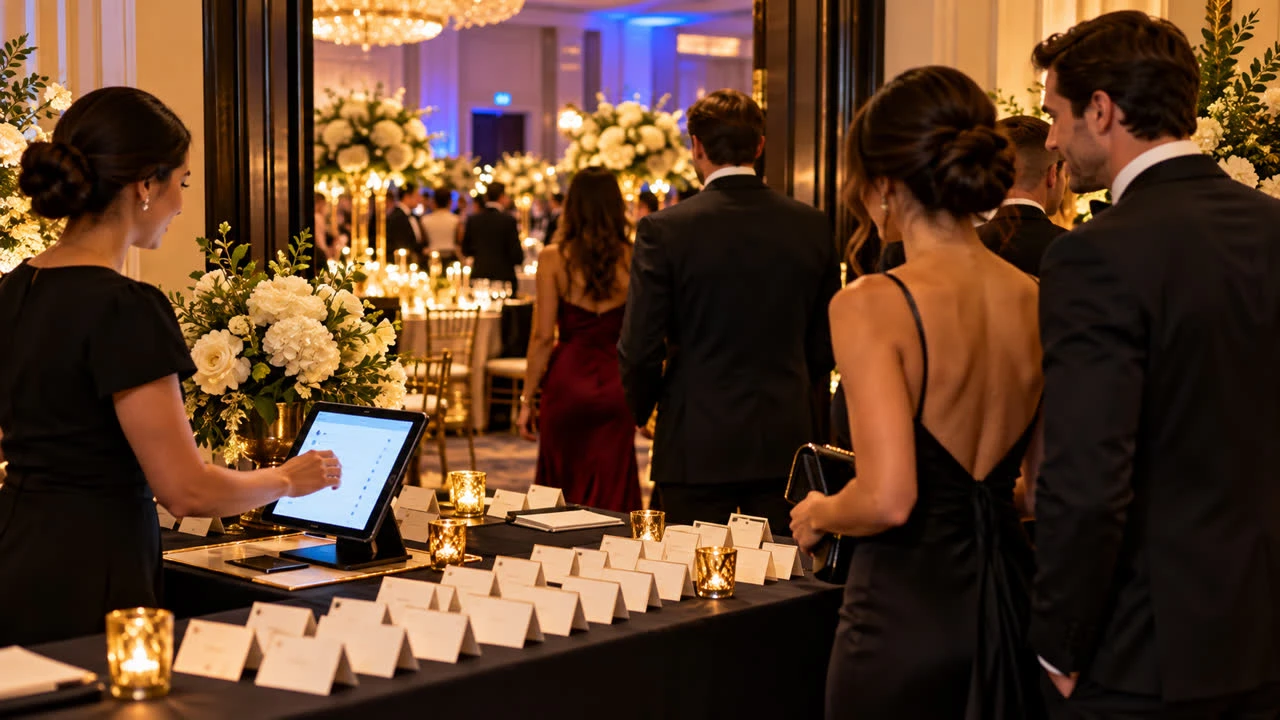
A black-tie gala has more operational dependencies than a casual party. The organizer may need a final seated count, named guests for security, meal selections, sponsor acknowledgments, auction access or a carefully timed arrival. A black-tie gala RSVP website can collect those details in a polished flow without making the guest feel as if they are completing an internal spreadsheet.
Start with the guest experience and work backward from the gala plan. Every question should support seating, catering, access, program participation or a clearly explained host need. Formal does not have to mean complicated.
Show the formal details before the form
Place the gala name, date, venue, arrival time, program start and expected end time at the top. State the dress code precisely: black tie, black-tie optional, creative black tie and formal are not interchangeable to every guest. If the venue has a coat check, security screening or a separate registration entrance, include that information before the response.
Tell guests what an RSVP confirms. It might reserve a seat, confirm a purchased ticket, request a place at a hosted table or indicate interest while the committee finalizes allocation. A “yes” should not be allowed to mean several different things in the organizer’s list.
Capture names and invitations accurately
A gala check-in list needs people’s names, not only the name of the person who paid or received the invitation. Ask whether the respondent is attending and, when a guest is included, collect the guest’s name by the deadline that the venue or security team requires.
If invitations are assigned to a company, sponsor or table host, explain who may respond on behalf of the group. A coordinator may submit a group list, while individual guests may still need to confirm meal or accessibility details. Do not mix both workflows without labeling them; otherwise the same person can appear as both an individual and a group member.
Use conditional questions for a shorter flow
Attendance: attending, unable to attend or awaiting confirmation if that status is genuinely useful.
Guest name: shown only when the invitation includes an additional guest.
Meal selection: presented only to attendees when the caterer needs a choice.
Dietary or allergy note: a focused field for needs the venue can act on.
Table or affiliation: included only when it supports seating, recognition or access.
Accessibility: a private space for venue accommodations.
Do not ask every guest to enter a full biography, job title and social profile. If the program needs a sponsor acknowledgment or donor name, explain how that information will be used and offer a preferred display name. Keep fundraising or payment transactions in the approved system rather than collecting card details in a general RSVP.
Make seating rules clear
Before publishing, decide whether guests may request a table, identify dietary companions or ask to sit with a particular group. Tell them whether a request is guaranteed or simply considered by the seating team. A simple “Please list up to two people you hope to sit near; the committee will do its best” is more honest than a promise the room cannot support.
For sponsor tables, define the difference between a reserved table and an individual seat. If the table host will submit names later, say when those names are due and how guests should avoid duplicate responses. The page should help the organizer close gaps, not create another reconciliation project.
Plan check-in and access separately from etiquette
Formal events often have a reception desk, printed place cards, badges or a guest list shared with venue security. Ask only for the information the check-in team is authorized to use. Keep private notes such as accessibility needs out of a public seating chart. If the venue requires ID or a guest list cutoff, explain that requirement before guests commit.
Dress code guidance should be helpful rather than snobbish. A short example of what “black tie” means for the event is enough. If cultural attire or uniforms are welcome, say so. The goal is to help guests arrive comfortable and appropriately dressed, not to make them anxious about a hidden standard.
Set deadlines around vendors
Use the earliest real deadline: guest names for security, meal selections for the caterer or table assignments for printed materials. If different details have different cutoffs, label them. A confirmed guest should not have to repeat the entire RSVP simply because a menu deadline is approaching.
Send a reminder to non-responders and a logistics message to confirmed guests. After the response deadline, route changes through one event contact and record them in the organizer view. Do not keep several competing versions of the list in email, chat and spreadsheets.
Compare RSVP tools before you build
For structure and presentation ideas, review the SnapRSVP event page examples. Then use the SnapRSVP event page creator to build a page with the questions your gala actually needs, and check SnapRSVP pricing before committing to a workflow.
Test the form with an individual ticket, a sponsor-table response, a decline and a guest who needs a meal accommodation. Check that the confirmation is formal but clear, and that the organizer can export or review the names needed for seating and entry.
Black-tie gala RSVP checklist
Define what a yes confirms: seat, ticket, table request or interest.
Show dress, arrival, venue and access details before the form.
Collect named guest and meal details only when they are actionable.
Explain seating requests and sponsor-table workflows.
Set deadlines based on security, catering and printed-material cutoffs.
Test individual, group, decline and accommodation responses.
A strong black-tie gala RSVP website feels refined because it removes uncertainty. Guests know what they are accepting, and the host receives a clean list that can support a formal event from invitation through check-in.