
Baby Shower RSVP Online: A Simple Setup Guide for Hosts
Learn how to set up a baby shower RSVP online, ask the right guest questions, share the link, and keep an accurate count without chasing replies.
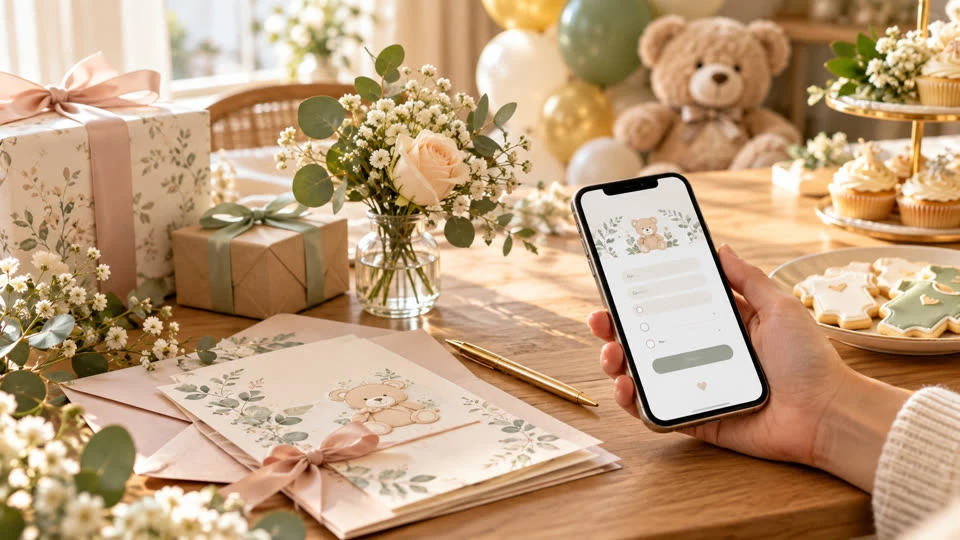
Planning a baby shower is joyful, but the guest list can become surprisingly difficult to manage. Paper reply cards get misplaced, text-message answers live in different conversations, and a verbal “I think I can come” is hard to count. A baby shower RSVP online gives everyone one clear place to respond and gives the host a live view of attendance.
The best setup is not necessarily the one with the most features. It is the one that makes the next action obvious for guests, asks only useful questions, and keeps the final headcount easy to trust. Use this guide to build a practical RSVP flow from invitation to final count.
Why use an online RSVP for a baby shower?
A dedicated online RSVP removes several small sources of friction. Guests can reply from a phone, hosts do not need to decipher handwriting, and updates are stored in one list instead of scattered across email, group chats, and spreadsheets. It also makes it easier to see who has said yes, who has declined, and who has not answered yet.
A purpose-built baby shower RSVP website can also hold the practical details guests need before they reply. Put the date, time, address, host names, parking notes, registry link, and contact information on the same page as the form. That way, the RSVP link becomes the event’s reliable information hub rather than just a yes-or-no button.
Step 1: Decide what the RSVP must collect
Start with the decisions the host, venue, or caterer actually needs to make. Most showers need a guest name and attendance response. Depending on the event, add the following:
Number attending: Useful when guests may bring a partner or child, but set a clear limit if the invitation is addressed to one person.
Dietary needs: Ask for allergies, vegetarian or other meal preferences in a short optional field.
Contact details: Collect an email or phone number only when you genuinely need it for updates.
Gift or registry notes: Link to the registry on the event page instead of forcing guests to search for it.
Activity details: If guests need to contribute a recipe, bring a book, or join a diaper raffle, ask that separately and explain why.
Avoid turning the form into a survey. Every extra question increases the chance that a guest abandons the response. If the answer will not change your planning, leave it out.
Step 2: Write clear attendance choices
Use plain labels such as “Yes, I’ll be there” and “No, I can’t make it.” If you need a headcount for children, ask a separate question rather than hiding the detail inside a long paragraph. Guests should be able to understand the complete form at a glance.
Include the RSVP deadline near the response button and on the invitation itself. Give yourself a buffer before ordering food, finalizing favors, or preparing games. A deadline that is too close to the shower leaves no time to follow up with missing replies.
Step 3: Build the page guests will actually use
Keep the page welcoming but functional. Lead with the celebration details, then place the RSVP form where a guest can find it without scrolling through a long story. Check the page on a phone before sharing it. Buttons should be easy to tap, text should be readable, and the address should be easy to copy into a maps app.
If you are printing invitations, use the QR code generator to give paper-invitation guests a fast route to the form. Also print a short, human-readable URL. A QR code is convenient, but a backup link helps guests who are viewing a photo of the invitation or using a device that cannot scan easily.
Step 4: Share the link in more than one place
Send the RSVP link with the invitation, then repeat it in a personal text or email when appropriate. The message can be brief: explain what the link is for, state the deadline, and mention that guests can use it to view the shower details. Do not make guests hunt through an old group thread to find the correct URL.
For a large or multi-household guest list, keep the same link everywhere. Using several forms creates duplicate replies and makes it harder to know which version contains the latest information. A single destination is simpler for both the host and the guests.
Step 5: Monitor responses without over-messaging
Review the response list on a schedule, such as twice a week. Look for missing households, unexpected guest counts, and dietary notes that need clarification. Mark questions for follow-up rather than sending a reminder every time you open the dashboard.
After the deadline, send one friendly personal reminder to people who have not replied. Include the link again and make it easy to answer even if the guest is declining. A “no” is useful information; an unanswered message is not.
Step 6: Turn the final list into a plan
Once responses settle, compare the attending count with the venue capacity, food order, seating, games, and favors. Export or copy the final list if another person needs to help with setup. Keep the original responses available in case a guest changes their answer or sends an important dietary update.
Review the plan’s cost before choosing a tool. The SnapRSVP pricing page helps you understand the available approach without committing to a recurring service. For common setup questions, the SnapRSVP FAQ is a useful reference to share with the person managing the page.
Baby shower RSVP checklist
Confirm the date, venue, host contact, and RSVP deadline.
Choose the few questions needed for food and attendance planning.
Create and test the mobile RSVP page.
Share one link through invitations, text, and email.
Review responses regularly and follow up once after the deadline.
Use the final count for catering, seating, activities, and favors.
An online RSVP works best when it feels like a helpful part of the invitation, not an extra task. Keep the questions focused, make the link easy to open, and give guests one dependable place to respond. You will spend less time reconciling replies and more time preparing for the celebration.