
Adult Birthday Party Online RSVP: What to Include and When to Send It
Create an adult birthday party online RSVP that handles attendance, meal choices, venue details, plus-ones, and reminders without making a casual celebration feel formal.
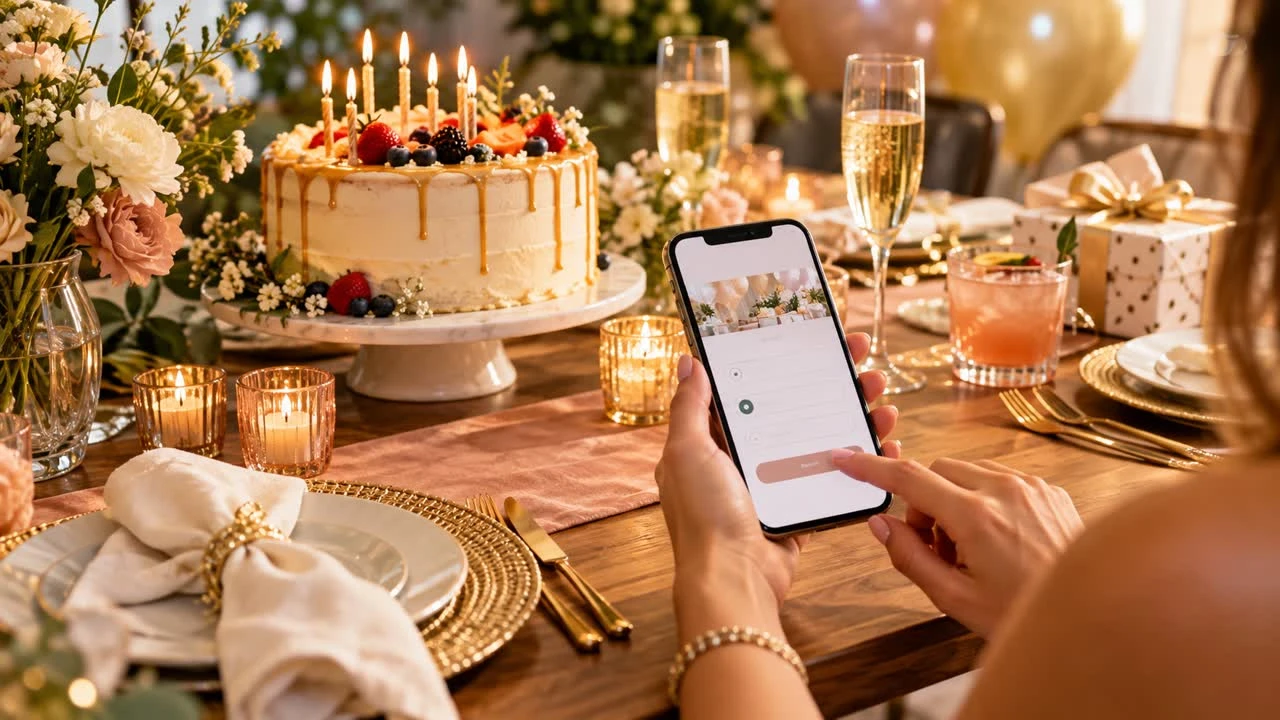
An adult birthday party may be a dinner, rooftop gathering, weekend outing, backyard barbecue, or small cocktail event. Whatever the format, an adult birthday party online RSVP helps you plan around a real headcount while keeping the invitation easy for guests to use.
The best page feels like a friendly invitation, not an application. Put the important logistics first, ask only questions that affect the celebration, and give guests a clear way to say yes or no. You can create an online RSVP page with SnapRSVP and share one link by text, email, or social message.
Choose the right RSVP level
Not every birthday needs the same amount of structure. A drop-in afternoon party may need only attendance and an optional guest count. A seated dinner may need meal selections, allergies, and a firm deadline. A weekend activity may need transportation, ticket, or timing choices.
Before building the form, write down what you must know to host comfortably. If a question will not change your shopping, seating, booking, or communication plan, leave it out.
Include these essential details
Celebration: Say whose birthday it is and what kind of gathering guests should expect.
Date and time: Include a start time and an end time or arrival window.
Location: Provide the address, entry instructions, parking, and public transport notes.
Dress or activity guidance: Mention outdoor conditions, footwear, or anything guests need to bring.
Response deadline: Make the date visible near the RSVP action.
Contact: Give guests a way to ask a private question or report a change.
Adults appreciate context. “Dinner on the patio; bring a light layer” is more useful than a vague “come celebrate.”
Ask the questions your party requires
Start with “Will you attend?” and a guest count if plus-ones are allowed. If the invitation is for named guests only, say so. Add a dietary or allergy field when food is served, and ask about meal choices only when you have selected a menu that requires them.
For an activity, ask whether the guest needs a ticket, equipment, or transportation. For a restaurant reservation, confirm the number of seats rather than collecting an unnecessary profile of each attendee.
Keep optional details optional
Song requests, favorite drinks, birthday messages, and gift preferences can be fun, but they should not block submission. Place them after attendance and logistics. If the birthday person prefers no gifts, say that clearly in the details rather than asking each guest to choose a gift category.
When to send the invitation
For a local dinner or home party, send the invitation two to four weeks ahead. For a milestone birthday, destination weekend, or event with paid tickets, send it earlier so guests can plan and you can set a firm commitment date.
Choose a deadline that gives you time to order food, confirm reservations, and prepare the space. A deadline five to seven days before a casual party is often enough; a catered event may need more time. Tell guests why the date matters if the count is tied to a booking.
Make the page easy to scan on a phone
Most guests will open the invitation from a text message. Keep the first screen focused on the celebration, date, and response button. Use short paragraphs and bullets for parking, dress, and timing. Do not bury the address in a long story.
Test the page as a guest: Can you understand the plan in ten seconds? Can you submit a response with one hand? Is the deadline obvious? Browse SnapRSVP event page examples for layout ideas before you share the final link.
Send reminders without making it awkward
One reminder to nonresponders a few days before the deadline is usually enough. Include the event date, the deadline, and the RSVP link. Make declining comfortable so guests do not avoid answering because they feel guilty.
After the deadline, contact only people whose answer matters. If you need a firm restaurant count, say: “We’re confirming the reservation today. If you can make it, please reply by 5 p.m.; if not, no worries.” Do not repeatedly message guests who already said no.
Handle changes gracefully
Birthday plans can change because of weather, venue availability, or an unexpected work commitment. Keep the event page as the current source for address and timing, then send a short alert when something important changes. Ask guests to update their response if the change affects attendance or meal needs.
Keep a small buffer for food and seating when possible, but do not promise unlimited walk-ins if the venue has a hard capacity. The RSVP list should support a welcoming event, not become a reason to shame someone who is late.
Adult birthday RSVP checklist
Choose whether the party is drop-in, timed, seated, or ticketed.
Set a realistic guest limit and response deadline.
State who is invited and whether plus-ones are included.
Collect only the meal, activity, and accessibility details you need.
Put address, parking, timing, and dress guidance on the page.
Test the form on a phone before sharing it.
Send one targeted reminder and update guests promptly if plans change.
For more practical ideas about online responses and event details, visit the SnapRSVP blog. A simple, well-timed RSVP lets you focus on celebrating instead of counting replies.
Keep the tone personal by naming the reason for the gathering and what you are excited to share. Guests should finish the page knowing exactly where to go, what time to arrive, and how to let you know if their plans change.